Table of contents
Table of contents
- Atera vs. InvGate: An overview
- Atera vs. Invgate: A final summary
Generate summary with AI

Atera and InvGate are both known IT management platforms, but are ultimately built for different needs.
Atera is an all-in-one Agentic AI platform covering RMM, remote access, patch management, ticketing, and PSA in one platform. In contrast, InvGate focuses on ITSM and ITAM, with two separate products and pricing plans.
If you’re deciding between the two, this comparison covers everything that matters: features, AI, pricing, usability, support, and user feedback.
Atera vs. InvGate: An overview
Before the full review, here’s a quick comparison of Atera vs. InvGate:
| Atera Features | InvGate Features | |||
| – Autonomous IT tool (with built-in RMM, remote access, network discovery, and documentation) – Robin by Atera (resolving up to 92% of technical issues) – AI Copilot (for assisting technicians in reducing manual tasks) – Ticketing system – Scripting engine powered by AI Copilot – Asset management to track the lifecycle of IT assets – Patch management to keep Windows, macOS, Linux, and third-party apps up-to-date – PSA for MSPs to track contracts, billing, SLAs, and more | – ITSM and ITAM platform (with service desk, incident, problem, and change management) – Asset management to track hardware, software licenses, and configurations – AI assistant for assisting end-users – Ticketing system (for managing, tracking, and resolving service requests) – Scripting and workflow builder – Patch management not natively included – requires third-party integration | |||
| Customer support | Customer support | |||
| – 24/7 email and live chat support for all customers – An extensive knowledge base, IT community, and tutorials | – 24/7 email and live chat support for critical incidents – Knowledge base, user community, and training resources available | |||
| Integrations | Integrations | |||
| – Integrations with 25+ cybersecurity, automation, backup, remote access, and network monitoring software – Integrations with 50+ more third-party tools for Robin – Access to 5,000+ apps through Zapier | – Native integration between the two Invgate products: Service and Asset Management – Third-party integrations with hardware, collaboration, email, automation, device management software, and more | |||
| Pricing | Pricing | |||
| – Transparent pay-per-technician pricing, starting from $129/technician/month – 30-day free trial available | – Per-agent pricing for service management, starting from $500/year, per agent – Per-device pricing for asset management,starting from $5/device, per year – 30-day free trial available | |||
#1: Features and capabilities
The main difference between Atera and Invgate is the product scope.
Atera is an all-in-one, Agentic AI platform that covers:
- Atera’s RMM – for remotely monitoring and managing devices, servers, and networks
- Robin by Atera – an AI agent that autonomously resolves technical issues
- AI Copilot – an AI assistant that helps technicians reduce manual work
- Remote access – to remotely access and control devices for troubleshooting
- Atera’s patch management – to keep your Windows, Mac, and Linux devices up-to-date
- PSA – for MSPs to manage contracts, billing, SLAs, and client relationships
- Atera’s ticketing – for logging, summarizing, and resolving IT issues in one place
- Asset management – to track the full lifecycle of hardware and software assets
- Network discovery – to automatically detect and map all devices on your network
- Scripting – to automate repetitive tasks with an AI-powered scripting engine
For IT teams that want a single tool to handle their entire IT environment, Atera’s all-in-one approach is a clear advantage.
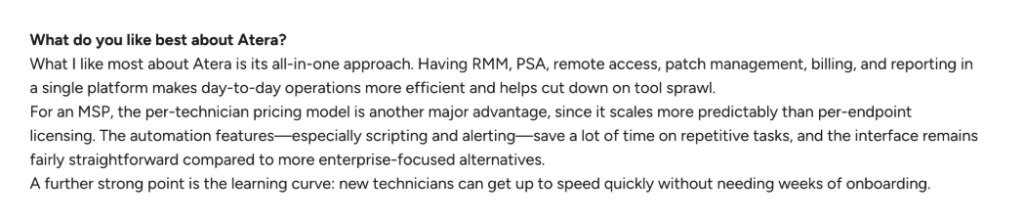
One of our users, Riccardo T., appreciated the all-in-one aspect and said, “Having RMM, PSA, remote access, patch management, billing, and reporting in a single platform makes day-to-day operations more efficient and helps cut down on tool sprawl.”
In contrast, InvGate has two different products for IT management:
- Service Management – an ITSM platform for ticketing, incident, problem, and change management, built around structured ITIL-aligned workflows
- Asset Management – a separate ITAM product for tracking hardware, software licenses, and device configurations across your environment
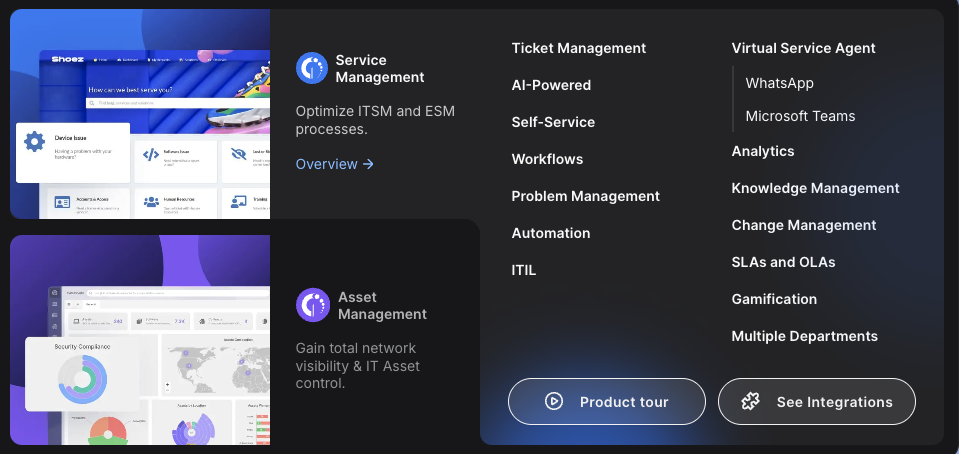
Where InvGate stands out is its depth as an ITSM platform. That said, InvGate’s few notable gaps are the lack of patch management and PSA, which makes it a less complete option for most IT teams.
Plus, of the two, only Atera incorporates Agentic AI, which we’ll discuss next.
#2: Agentic AI development
Agentic AI is enabling organizations to achieve autonomous endpoint management, so comparing Atera and Invgate here is important.
Of the two platforms, only Atera has currently implemented Agentic AI.
Invgate’s AI relies on generative AI and virtual service agents, which differ from Agentic AI.
Invgate’s virtual service agent helps to:
- Offer AI-driven support to end-users (via Teams, WhatsApp, customer portal, and more)
- Get solution recommendations for technicians
- Create ticket summaries with the key details
- Generate knowledge base articles from the ticket resolution
- Provide a summary of relevant KB articles to users
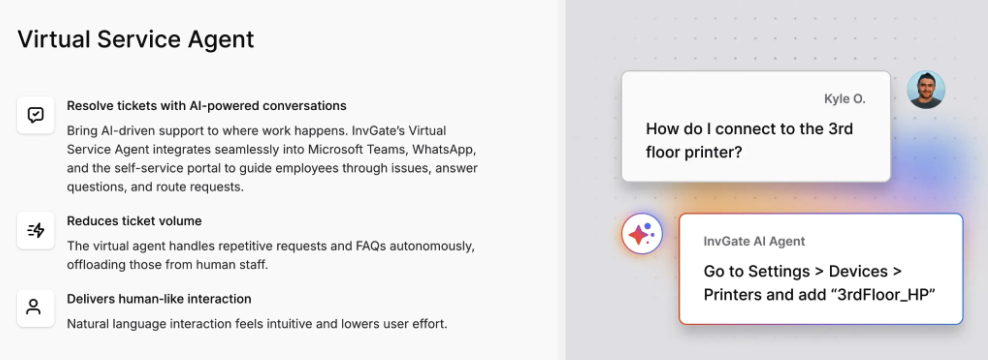
While this is extremely helpful, Invgate’s agents aren’t capable of resolving issues on their own – they can just assist.
The main difference to Atera’s Robin? With Robin having access to your helpdesk and RMM, it can actually go in and resolve issues on devices on its own, all without technician involvement. Basically, it goes beyond just assisting the user.
This is the 3-step process of how Robin works:
1. It receives requests: Robin interacts with users via Slack, email, Teams, Customer Portal, and third-party ITSM tools. It replies to end-users and asks follow-up questions to collect the full context needed for resolution.
2. It takes approved actions: Based on the type of issue, Robin takes approved action to resolve it – whether that’s resetting passwords, starting MFA enrollment flow, checking sync status, solving a printer issue, and more.
3. It closes the loop: Once the issue is resolved, Robin closes the ticket in your existing ITSM. During this process, Robin detects patterns from the issues it resolves and refines its troubleshooting capabilities.
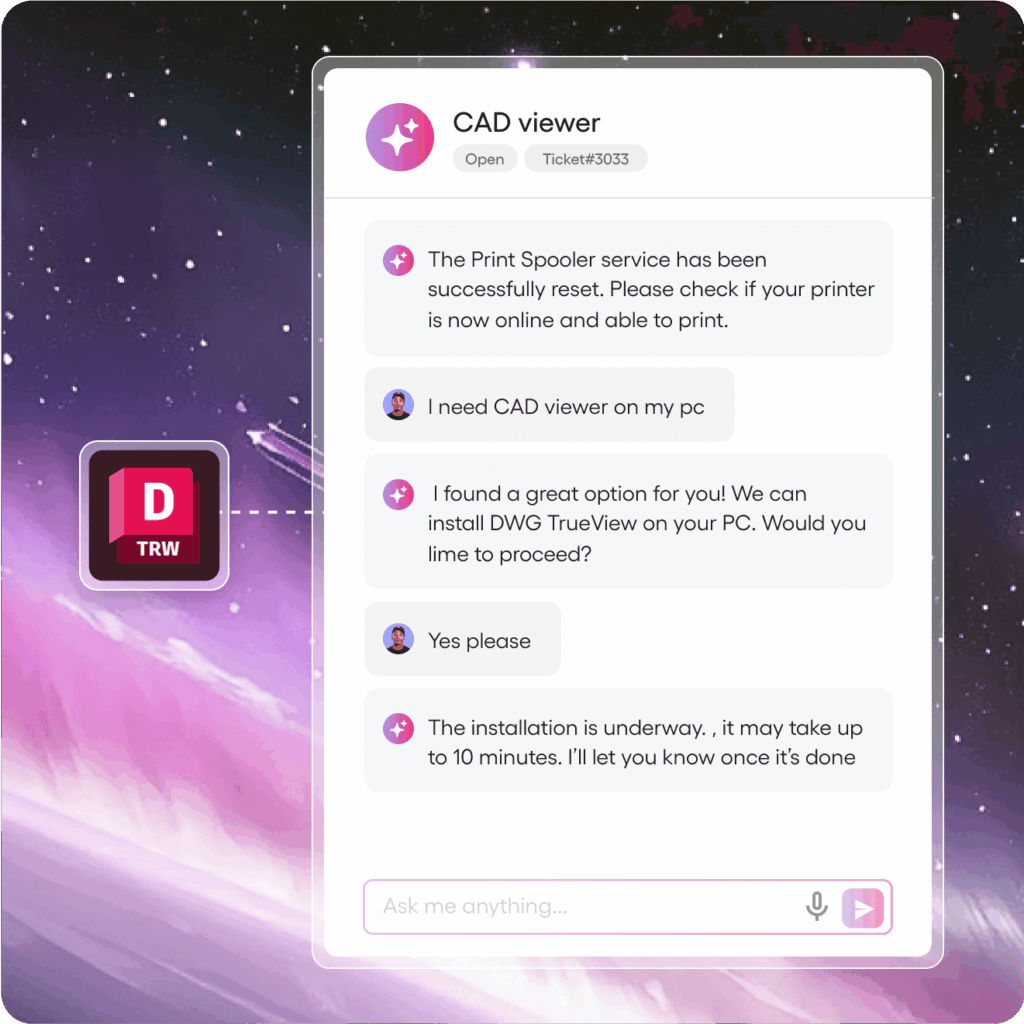
For more complex issues that require a human eye, Robin is capable of escalating those with a full context.
Atera guarantees that Robin independently resolves 50% of an enterprise’s Tier 1 and complex Tier 2 tickets within the first 90 days – or it will waive all fees. And over time, Robin can resolve up to 92% of technical issues.
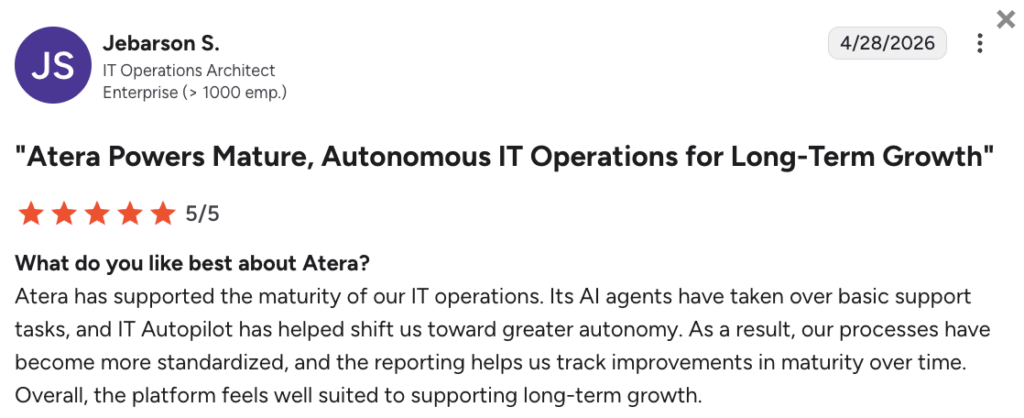
Jebarson S. shared his experience with Robin and said, “Atera’s AI agents have taken over basic support tasks and have helped shift us toward greater autonomy.”
#3: Pricing and value for money
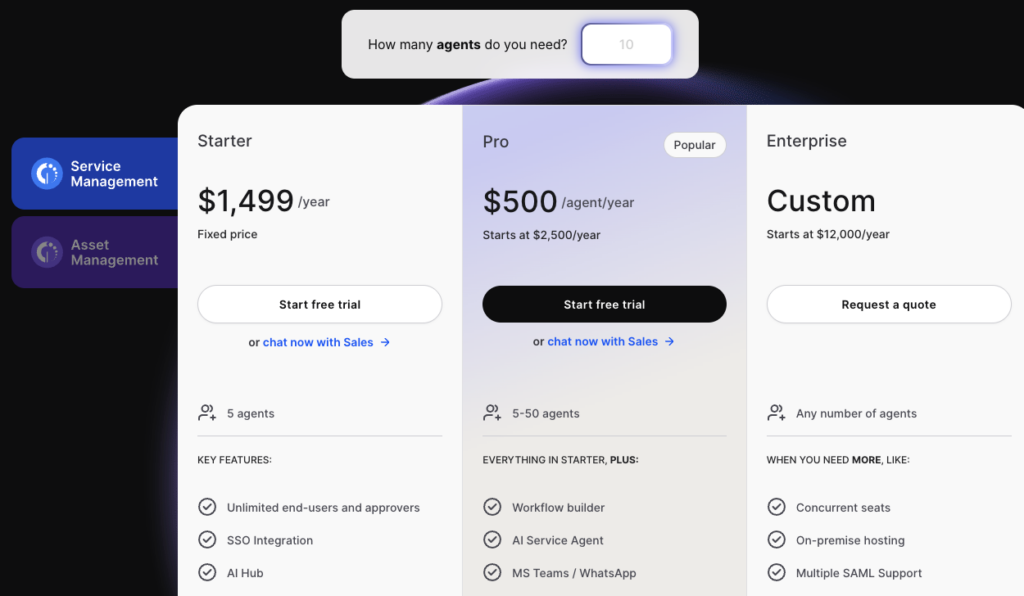
For Invgate, two pricing structures are available: Service Management and Asset Management.
For the Service Management, the pricing is based on the number of agents you have. The plans start at $1,499/year for 5 agents, or $500/year per agent on the Pro plan.
For the Asset Management, the pricing plans are similar (the Starter plan starting from $1499/year), but the main difference is that the pricing is based on the number of devices you manage.
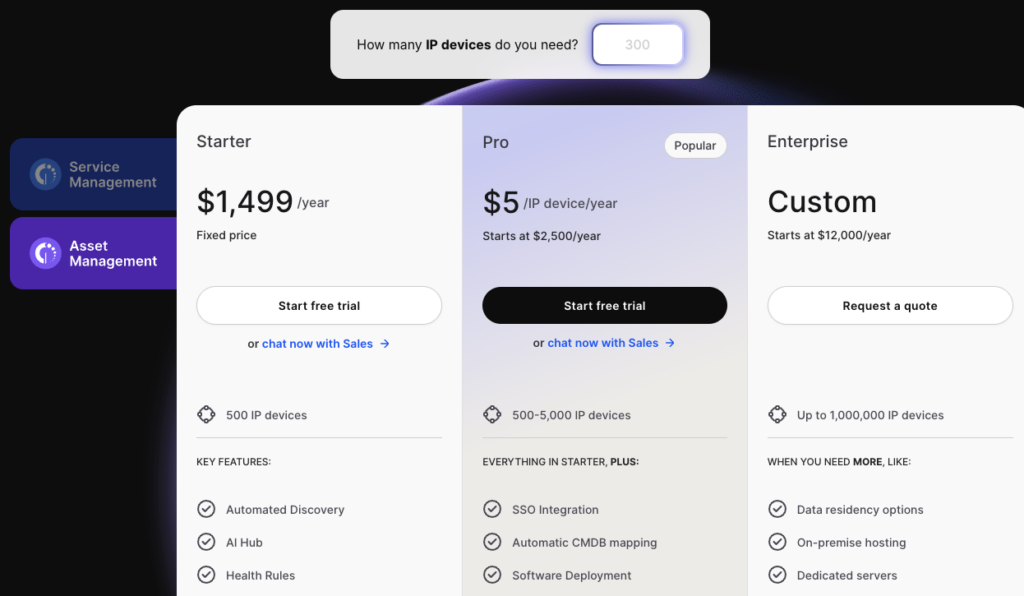
The obvious downside of Invgate’s pricing plan is that if you need both service and asset management, you’ll need to pay for both subscriptions. Plus, if you have a larger IT environment, the price can increase quickly due to the per-device pricing.
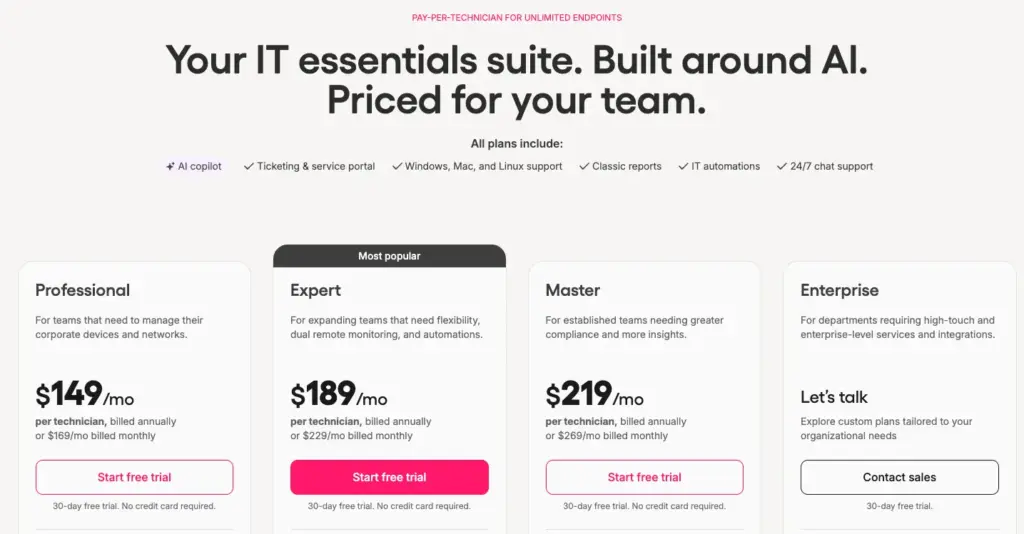
In contrast, Atera follows a simple pay-per-technician pricing model, which allows you to add and manage unlimited endpoints.
Unlike most RMM pricing plans, Atera’s plans are fully transparent, starting at $149/month for IT departments and $129/month for MSPs.
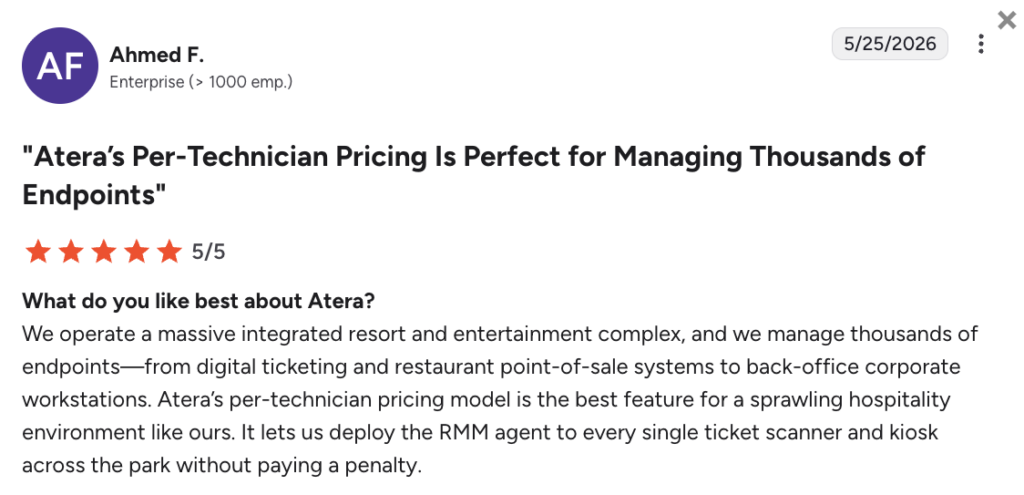
One G2 user explained the benefit of Atera’s pricing and said:
- “Atera’s per-technician pricing model is the best feature for a sprawling hospitality environment like ours. It lets us deploy the RMM agent to every single ticket scanner and kiosk across the park without paying a penalty.”
#4: User interface and usability
To get a fair picture of usability and interfaces, it helps to start with how real users rate each platform.
Across G2’s ease of use categories (which arguably indicate real-world usability), this is how real users have rated the two platforms:
| G2’s Ease of Use Category | 1. Atera | 2. InvGate |
| 1. Ease of Use | 9.2 stars (1,000+ reviews) | 9.1 stars (17 reviews) |
| 2. Ease of Setup | 9.2 stars (880+ reviews) | 9.0 stars (15 reviews) |
| 3. Ease of Admin | 9.0 stars (590+ reviews) | 9.4 stars (13 reviews) |
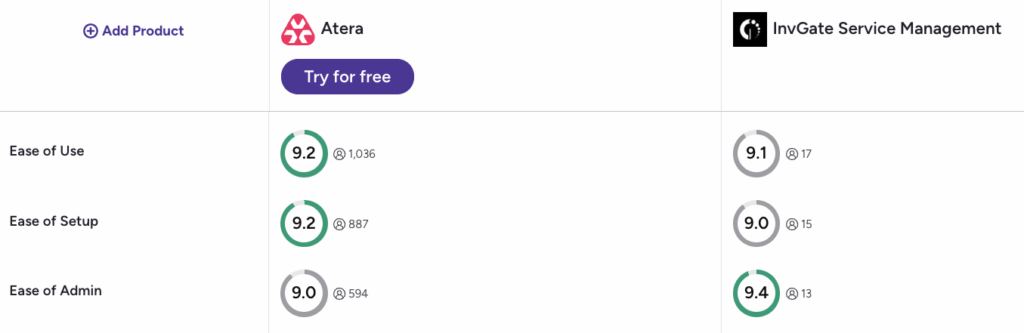
Atera has, on average, received higher (and more) ratings across the ease of use categories, which is thanks to its intuitive dashboards.
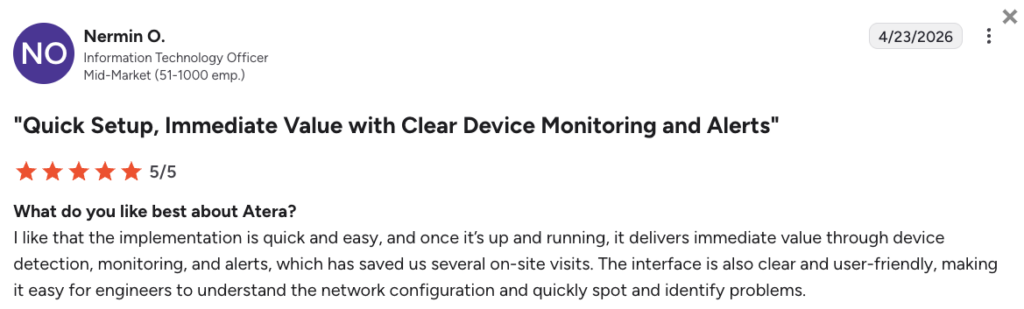
Nermin O. commented on Atera’s interface and said, “The interface is also clear and user-friendly, making it easy for engineers to understand the network configuration and quickly spot and identify problems.”
Invgate’s user interface is said to be user-friendly, but some users do say the setup process is steep.
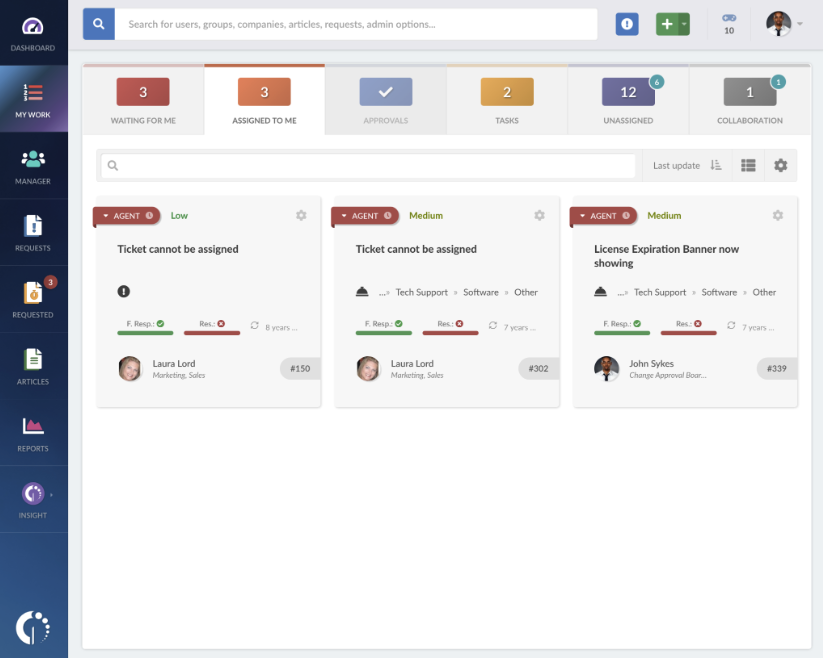
For example, one G2 user said, “Despite the number of functions implemented in Invgate Service Desk, some of them can be rather difficult to set up, which could create a problem in terms of training existing employees.”
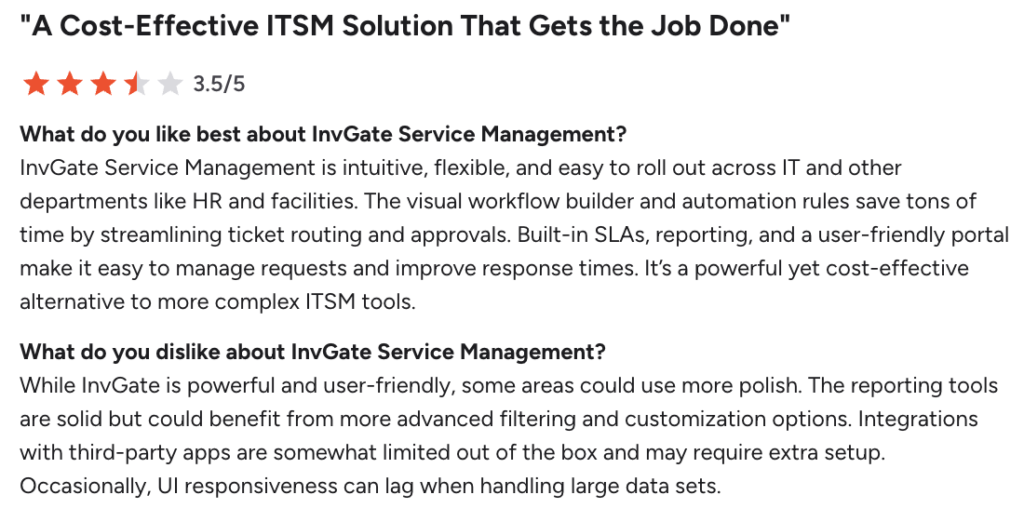
#5: Customer support and community
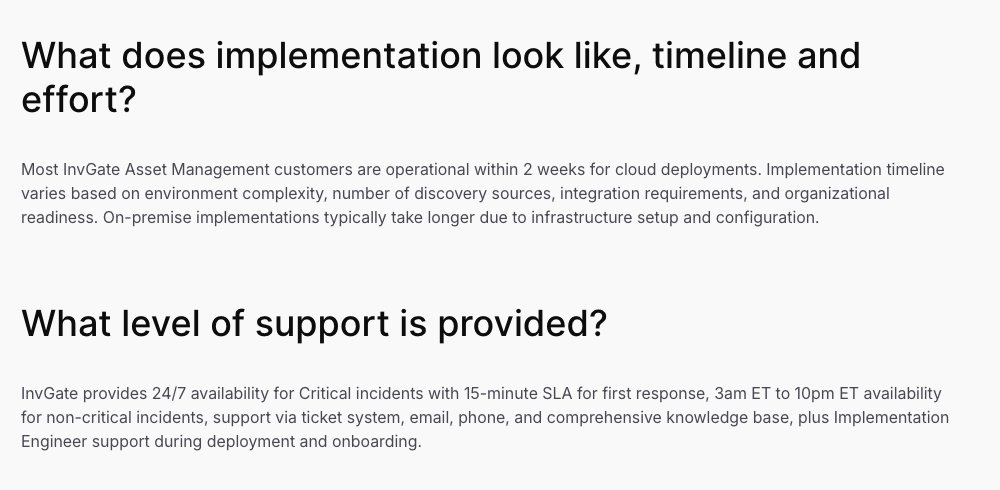
For technical support, Invgate promises 24/7 availability with a 15-minute SLA for critical incidents.
For non-critical ones, more limited 3 am ET to 10 pm ET support is available via ticket, email, phone, and the knowledge base.
In contrast, how’s the support for Atera?
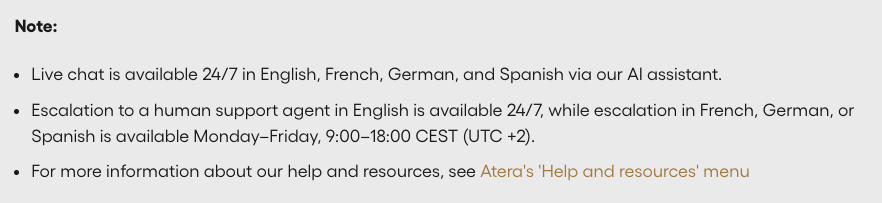
At Atera, we swear by 24/7 technical support for both critical and non-critical incidents. This means that no matter the time zone (or the severity of the issue), you’ll always have access to help.
Richard H. described his experience with Atera’s support and said, “Their support has been great – they have always been able to solve my issue in under 10 minutes.”
#6: User feedback and reviews
On G2, Atera has received 1150+ reviews with an average rating of 4.6 out of 5.0 stars, while InvGate’s average rating is 4.6 with 31 ratings in total across its two products.
Lots of Atera’s reviews revolve around its all-in-one approach, per-technician pricing, and the time savings achieved by its AI and automation.
For example, this is how one G2 user concluded his experience:
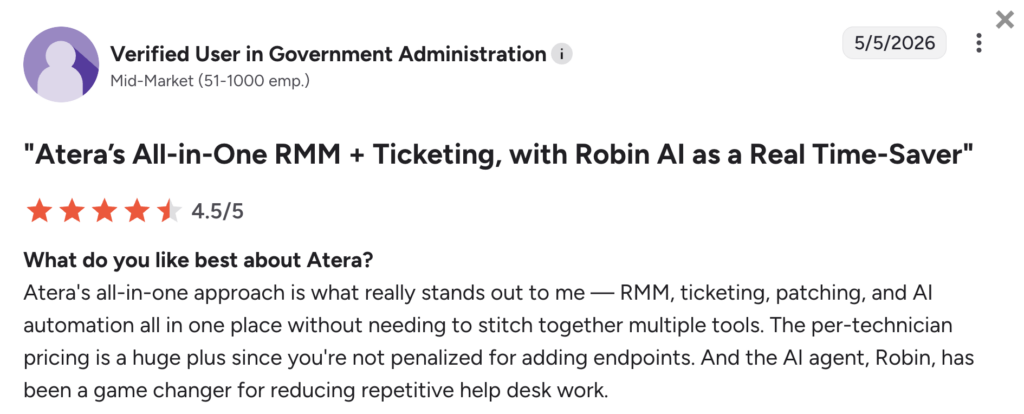
Alexander A. concluded his experience with Atera and said, “For the feature set you get, the pricing is fair, and the ROI is clear. The support team is responsive, and the AI features for ticket suggestions and automation are a nice addition.”
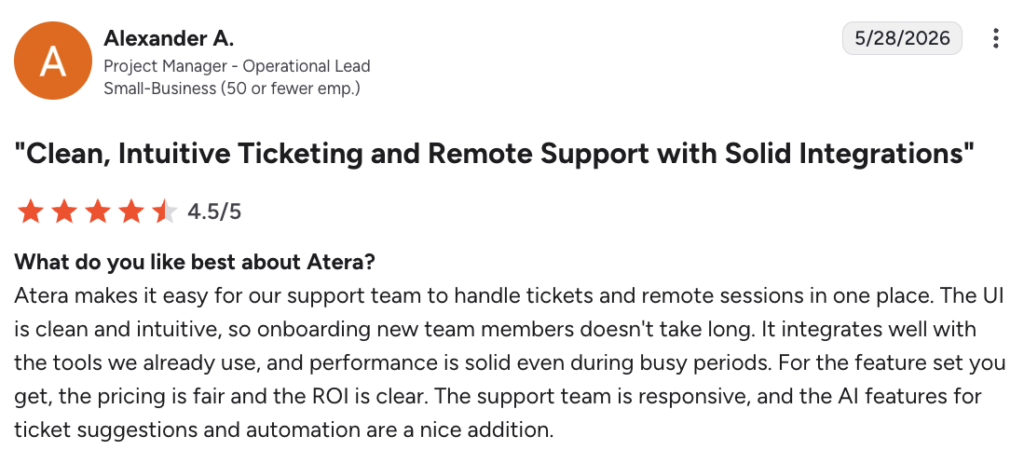
In contrast, InvGate has fewer reviews from the past year in G2 (only two), so getting the overall verdict is harder.
But this is what one user, Franco M., specifically said:
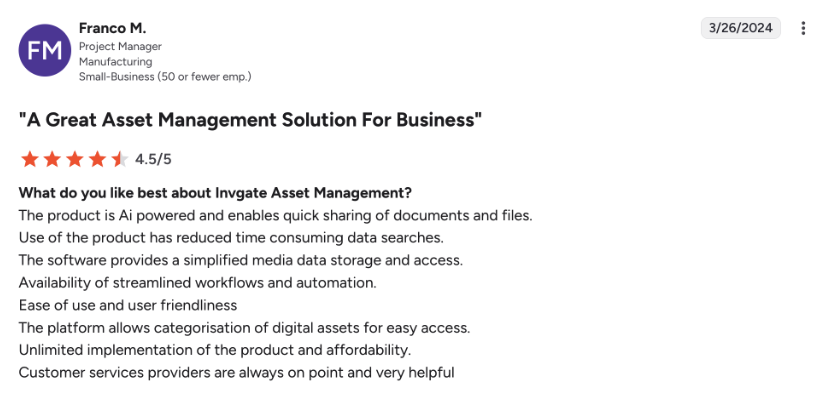
InvGate’s ease of use is appreciated, though some users say the initial learning curve can be steep.
Atera vs. Invgate: A final summary
Still not sure whether to choose Atera or InvGate for your IT team? Here’s what we suggest:
InvGate can be suitable if:
- You need an ITSM platform built around service desk workflows
- Your main focus is incident, problem, and change management
- You’re comfortable purchasing and managing two separate products for service and asset management
- You don’t need native RMM, patch management, or a built-in PSA
- You’re okay with limited support hours for non-critical incidents
In contrast, Atera is a superior choice if:
- You want an all-in-one Agentic AI platform that covers RMM, remote access, patch management, ticketing, PSA, and asset management in a single tool
- You want an AI agent like Robin that autonomously resolves up to 92% of IT issues, not just assists with them
- You want Agentic AI embedded across your entire IT stack
- You value predictable, pay-per-technician pricing that scales without penalizing you for adding endpoints
- You want responsive 24/7 live chat and email support for both critical and non-critical incidents
If you’re interested in trying out Atera, an easy step you can take is to sign up for the 30-day free trial; no credit card is required!
Frequently Asked Questions
Related Articles
Robin vs Request Resolver (Former Rovo)
Robin and Atlassian's Request Resolver (Former Rovo) both bring Autonomous IT into ITSM, but they operate at different levels. This full comparison breaks down where each one's autonomy actually reaches.
Read now
Robin vs Kaseya Intelligence
Robin by Atera and Kaseya Intelligence both talk about autonomous IT, but structure their AI technologies differently. See where each one's autonomy actually reaches and which works for your org.
Read now
Robin by Atera vs. Ivanti Neurons: comparing two very different approaches to autonomous IT
In this article, we'll compare Robin vs. Ivanti Neurons: one AI agent that resolves IT incidents end to end, and one platform that splits autonomy across two separate AI capabilities.
Read now
Robin vs Freddy AI Agent Studio
Not all agentic ITSM starts from the same place. See how Robin's deploy-ready model compares to Freddy AI Agent Studio's no-code, build-it-yourself approach.
Read nowEndless IT possibilities
Boost your productivity with Atera’s intuitive, centralized all-in-one platform









