Generate summary with AI

Zoho Assist is a solid remote support system for small-to-medium businesses, but can fall short in larger, more complex IT environments. Some G2 users report lag and connection drops during demanding tasks, which become a bigger issue as your IT environment grows.
For a detailed comparison of the best Zoho Assist alternatives, keep on reading.
5 best Zoho Assist alternatives
The best Zoho Assist alternatives for 2026 are:
Short on time? Choose Atera if you want remote access, RMM, patch management, ticketing, and an AI technician (Robin by Atera) in one platform. Choose AnyDesk or Splashtop if you only need remote access.
Tool | Best for | Starting price | G2 rating |
|---|---|---|---|
Atera | IT teams that want remote access, RMM, ticketing, and an AI technician in one platform | $149/month per technician (IT departments, billed annually) | 4.6 |
AnyDesk | Teams that only need remote access across many device types | $28.90/month (Solo) | 4.5 |
Splashtop | Remote access plus simple endpoint and patch management | From $5/month (Solo) | 4.7 |
LogMeIn Resolve | Broader endpoint management with per-endpoint pricing | From $1.16/endpoint per month | 4.3 |
ManageEngine Remote Access Plus | Budget-conscious teams that need essential remote access | Free for up to 10 computers; paid plans from $10/month for 25 computers | 4.4 |
1. Atera
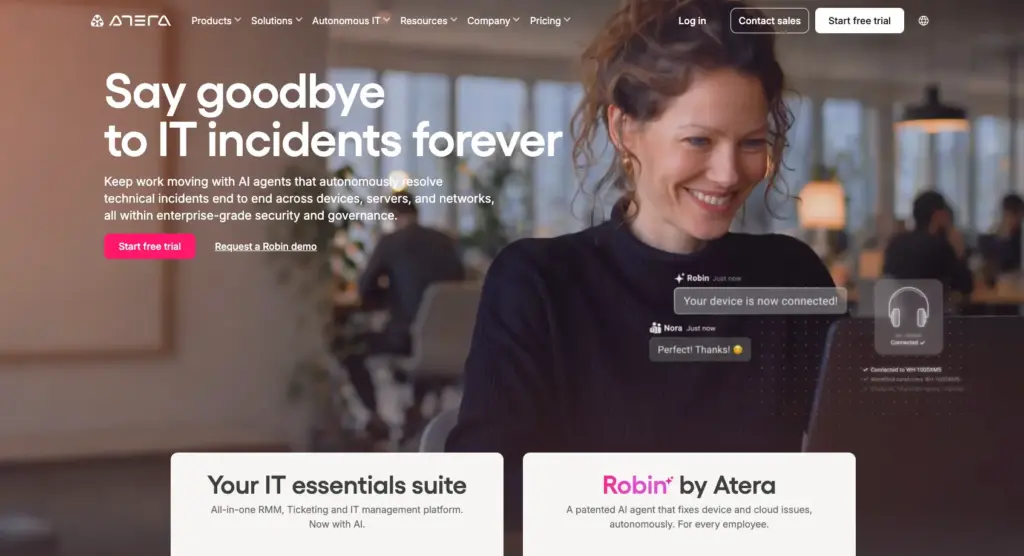
Best for: IT teams that want remote access, RMM, patch management, ticketing, and an AI technician in one platform.
Key features: Zoho Assist is focused entirely on remote support. It differs from Atera, which is a broader autonomous IT platform with RMM, patch management, ticketing, remote access, and more.
Atera’s remote access works through the AnyDesk and Splashtop integrations and is available for Windows, Mac, and Linux. Splashtop is included from the Professional plan (up to two concurrent sessions), and AnyDesk from the Expert plan.
Another added benefit of Atera is Robin by Atera, its Autonomous IT agent, which we’ll look at next.
AI advancements: Zoho’s AI solution is named ‘Zia AI agents’, which are primarily built for service desk support and workflow automation. Within remote access, Zia auto-generates chat replies, rephrases messages, and produces session summaries.
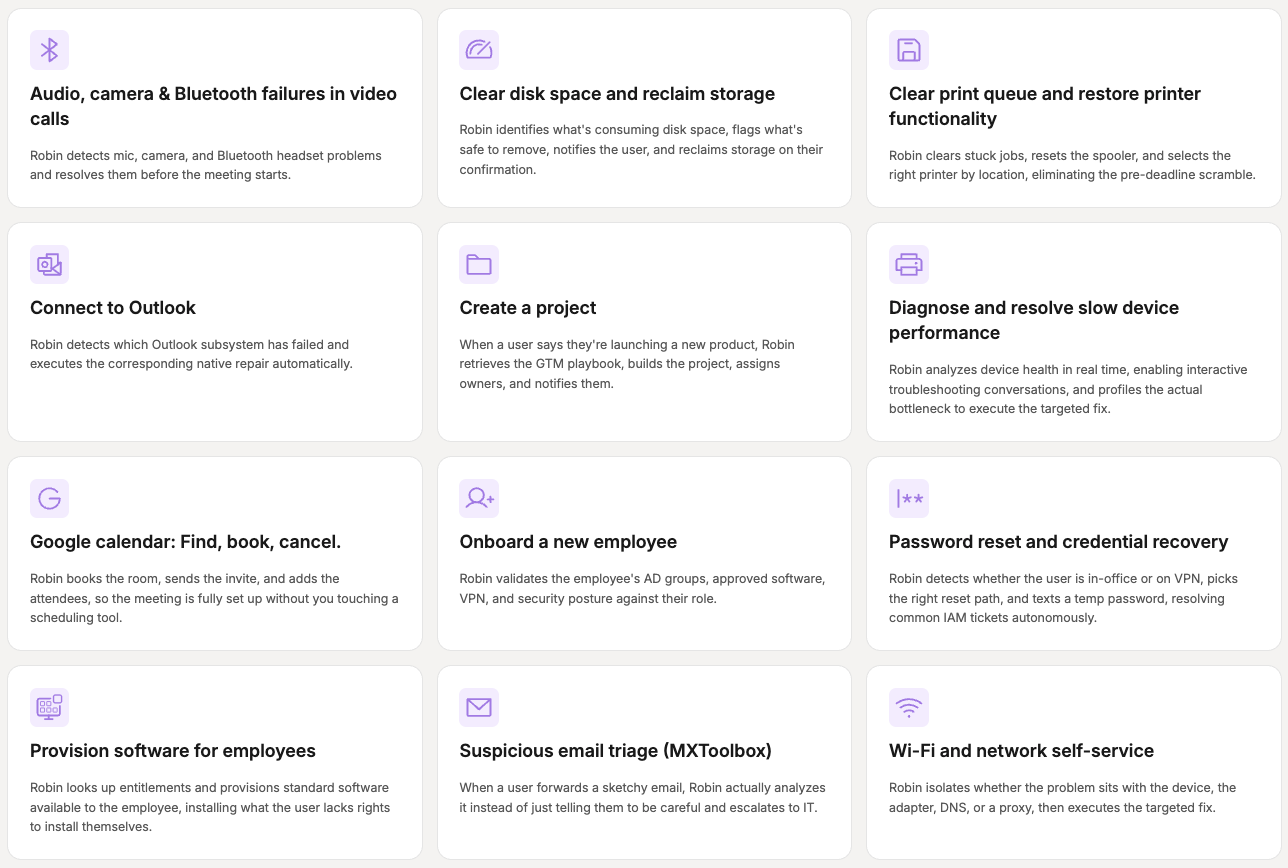
Unlike Robin, Zia doesn’t act on the device itself. It supports the technician running the session, Robin is an AI technician that remediates Tier-1 and complex Tier-2 technical incidents end to end by autonomously taking real actions on devices, servers, mainframes, and networks, without needing a technician in the loop.
Robin follows a four-step process for autonomous resolution:
- Diagnose: Traces the problem to root cause, on the device, across networks, and in the cloud.
- Remediate: Executes the fix autonomously, resolving Tier-1 and complex Tier-2 incidents with no technician in the loop.
- Verify: Confirms the fix worked and the incident is fully resolved.
- Close: Closes the incident autonomously. Ticket elimination, not deflection
If an incident falls outside Robin’s scope or needs a human by policy, Robin hands it to a technician with full context and a summary of the actions it has taken, and every action is recorded in a full audit trail.
One G2 user, Emil C., commented on his experience with Atera’s Robin and said:
- “Robin can reduce technicians’ workload by assisting with responses, ticket handling, and general troubleshooting. From the end-user perspective, it can also improve the experience because issues can be handled faster and with better information.”
Pricing: Zoho Assist’s Unattended Access pricing for IT support teams is based on the number of computers you need to access. The Standard plan starts at $10/month billed annually ($12/month billed monthly) for 25 computers, with unlimited technicians. Zoho Assist’s Remote Support plans are priced per technician instead.
Atera’s pricing works differently. It’s based on pay-per-technician, meaning you pay for the number of technicians using the platform. You can manage and remotely access unlimited devices, with no increase in the monthly cost.
Zoho Assist pricing gets you access to remote support. With Atera’s pricing, you get: RMM, patch management, remote access, ticketing, asset management, and more.
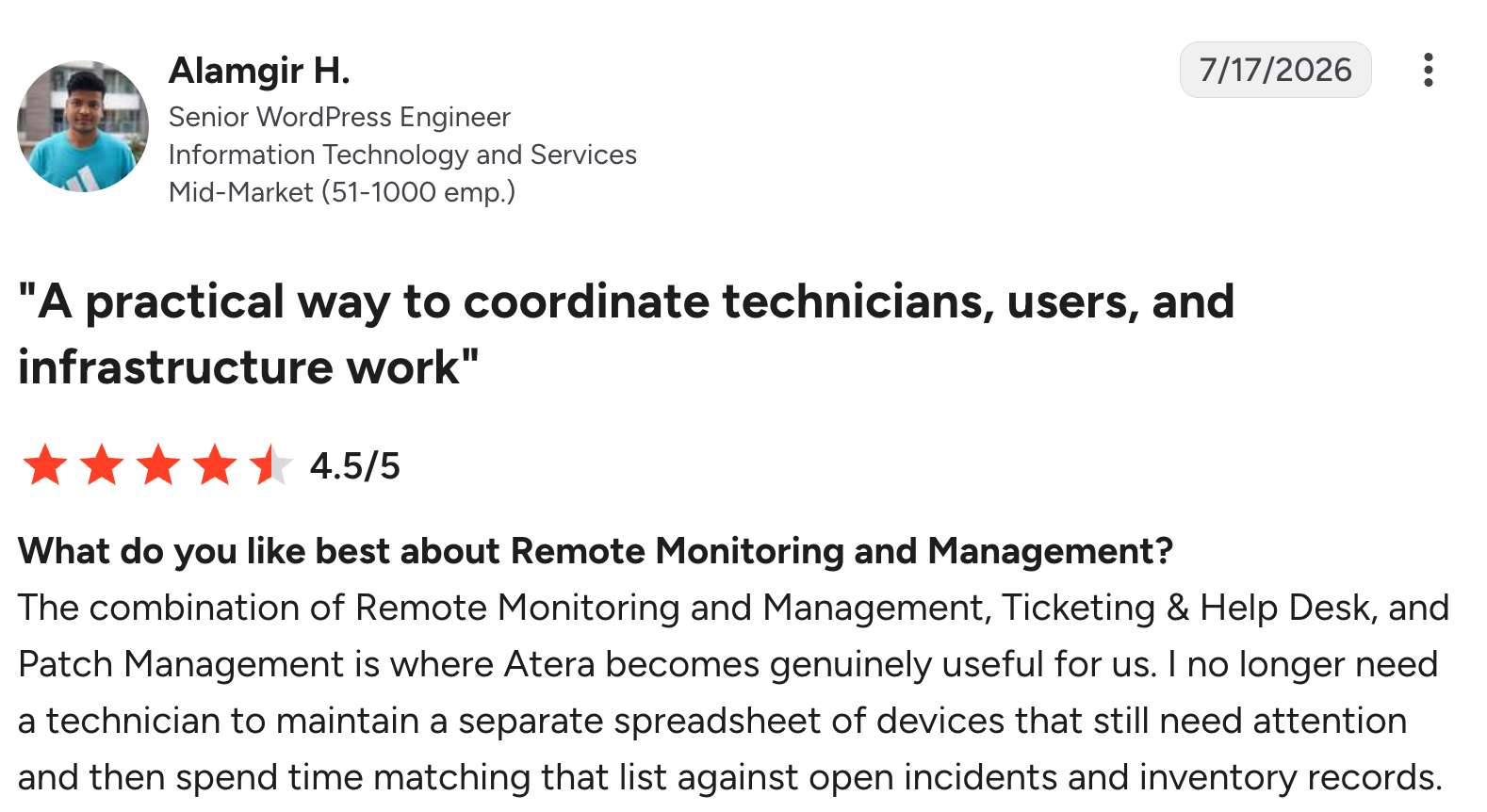
Atera review on G2
Atera customer reviews
Atera’s G2 Rating: 4.6 out of 5 stars (1,200+ reviews)
What Atera users are saying on G2:
- “The most helpful of using Atera is that you have both RMM and PSA in one platform, and also the AI capabilities with Copilot and Robin,” Alan S. says.
- “AI is built-in on the entire ecosystem and responds based on knowledge base articles that we created ourselves (either internal only or externally visible for the customer),” Dieter S. says.
Atera’s Capterra Rating: 4.6 out of 5 stars (430+ reviews)
What Atera users are saying on Capterra:
- “Atera makes it easier to manage devices, service requests, and maintenance all from one interface,” a Capterra user says.
- “One thing I like about Atera is that it includes everything from monitoring and ticketing to remote support and patch management in one tool,” Mikael M. says.
Atera pricing plans
Atera pricing plans for IT departments:
- Professional: $149 per month, per technician
- Expert: $189 per month, per technician
- Master: $219 per month, per technician
- Enterprise: Custom quotation; contact sales to get pricing
- Pro: $129 per month, per technician
- Growth: $159 per month, per technician
- Power: $209 per month, per technician
- Superpower (Enterprise): Custom quotation; contact sales to get pricing
Want to see how Atera fits your team? Start the 30-day free trial, or request a demo to see Robin in action.
2. AnyDesk
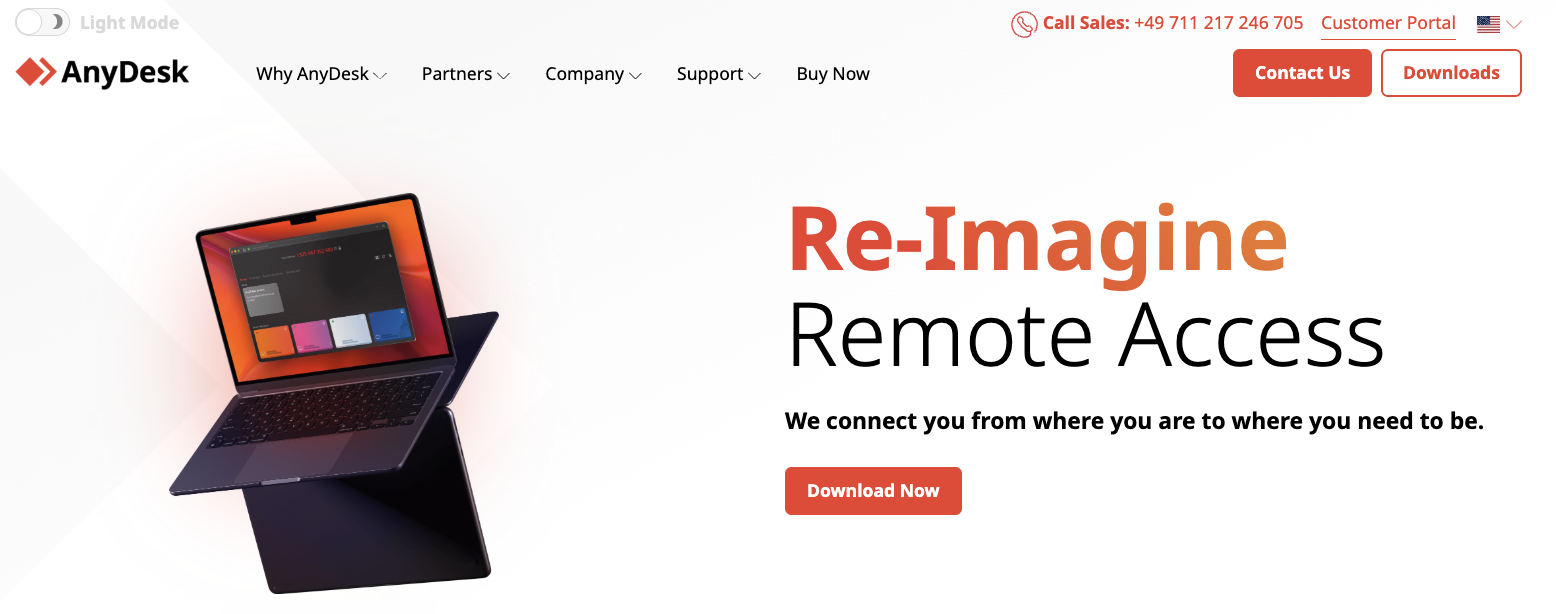
Best for: teams that only need fast remote access across many device types.
Compared to Zoho Assist, AnyDesk is a more pricey option,built for teams that need remote access across many device types. It works natively on a range of systems, including Windows, macOS, Linux, Android, iOS, and more. AnyDesk focuses on remote access, but integrates with IT platform, like Atera, and with CRM platforms, like Salesforce.
With the Atera Expert plan ($189/month per technician, billed annually) and above, you get access to AnyDesk’s remote access at no extra cost.
G2 rating: 4.5 out of 5.0 stars (1,100+ reviews)
Capterra rating: 4.6 out of 5.0 stars (1,790+ reviews)
AnyDesk pricing:
- Solo: $28.90 per month for single-person companies
- Standard: $49.90 per month with a license for 20 users
- Advanced: $111.90 per month with a license for 100 users
3. Splashtop
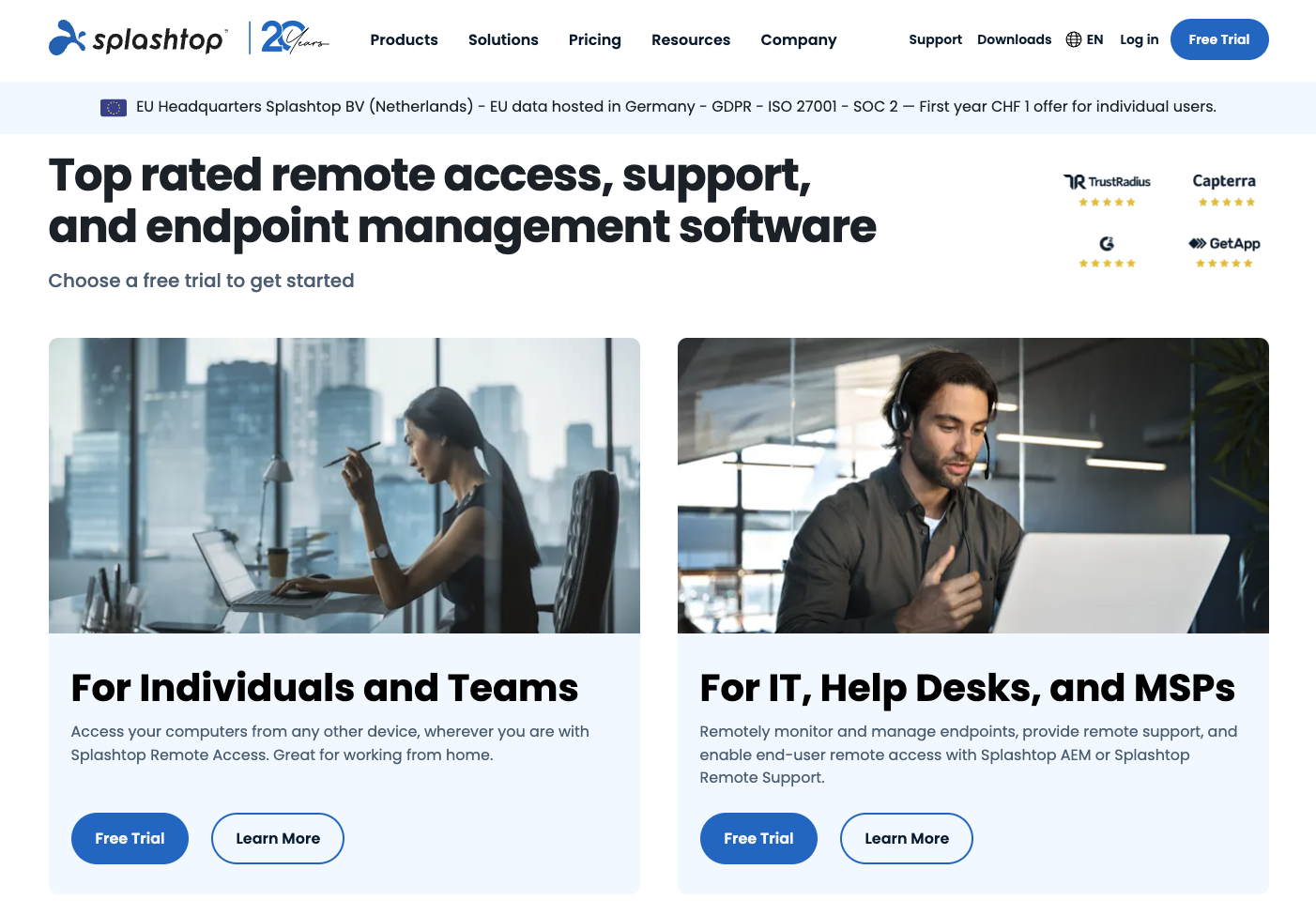
Best for: teams that want remote access plus simple endpoint and patch management.
Unlike Zoho Assist, Splashtop is more than a remote access tool. On top of remote access, it offers simple endpoint management and patch management. It works across Windows, macOS, Linux, Android, and more. You get access to all the key remote access features: multi-monitor support, chat session recording, and file sharing.
Like AnyDesk, Splashtop is available to Atera user at no extra cost, starting from the Professional plan ($149/month per technician, billed annually) and above, with up to two concurrent sessions on Professional. With Atera, you get the added benefit of AI Copilot’s remote session summaries.
G2 rating: 4.7 out of 5.0 stars (900+ reviews)
Capterra rating: 4.7 out of 5.0 stars (730+ reviews)
Splashtop pricing:
- Remote Access Solo: From $5 per month, for individual users
- Pro Plan: From $8.25 per month, per user, for multi-monitor support
- Performance Plan: $13 per month, per user, for advanced remote access
- Enterprise Plan: Custom pricing. To get the pricing, contact the Splashtop sales team on their website
- Endpoint Management: All endpoint management pricing plans are based on a custom quotation
4. LogMeIn Resolve
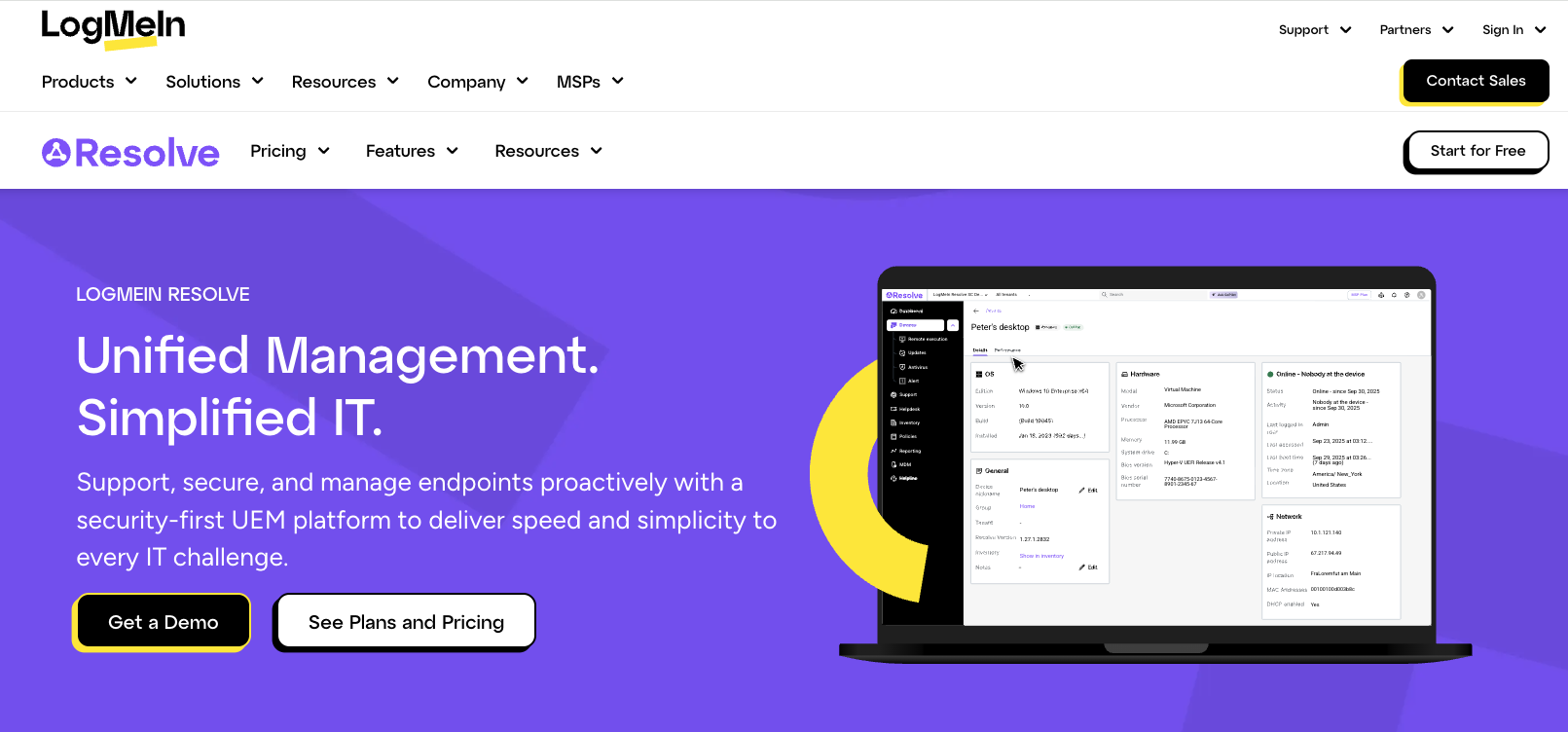
Best for: teams that want broader endpoint management with per-endpoint pricing.
LogMeIn Resolve is a broader endpoint management tool, with remote support as one of its key features. Its other features include RMM for monitoring device health and running scripts, MDM, ticketing and helpdesk, and integrated endpoint protection.
Similar to most RMM pricing plans, LogMeIn Resolve is priced per endpoint, starting from $1.16/endpoint per month. For scaling IT teams, platforms like Atera with per-technician pricing can be a more affordable option.
G2 rating: 4.3 out of 5.0 (460+ reviews)
Capterra rating: 4.4 out of 5.0 (210+ reviews)
LogMeIn Resolve Pricing:
- Starter Plan: Starts at $29/month with 25 endpoints
- Advanced Plan: Starts at $78/month with 25 endpoints
- Complete Plan: Starts at $94/month with 25 endpoints
5. ManageEngine Remote Access Plus
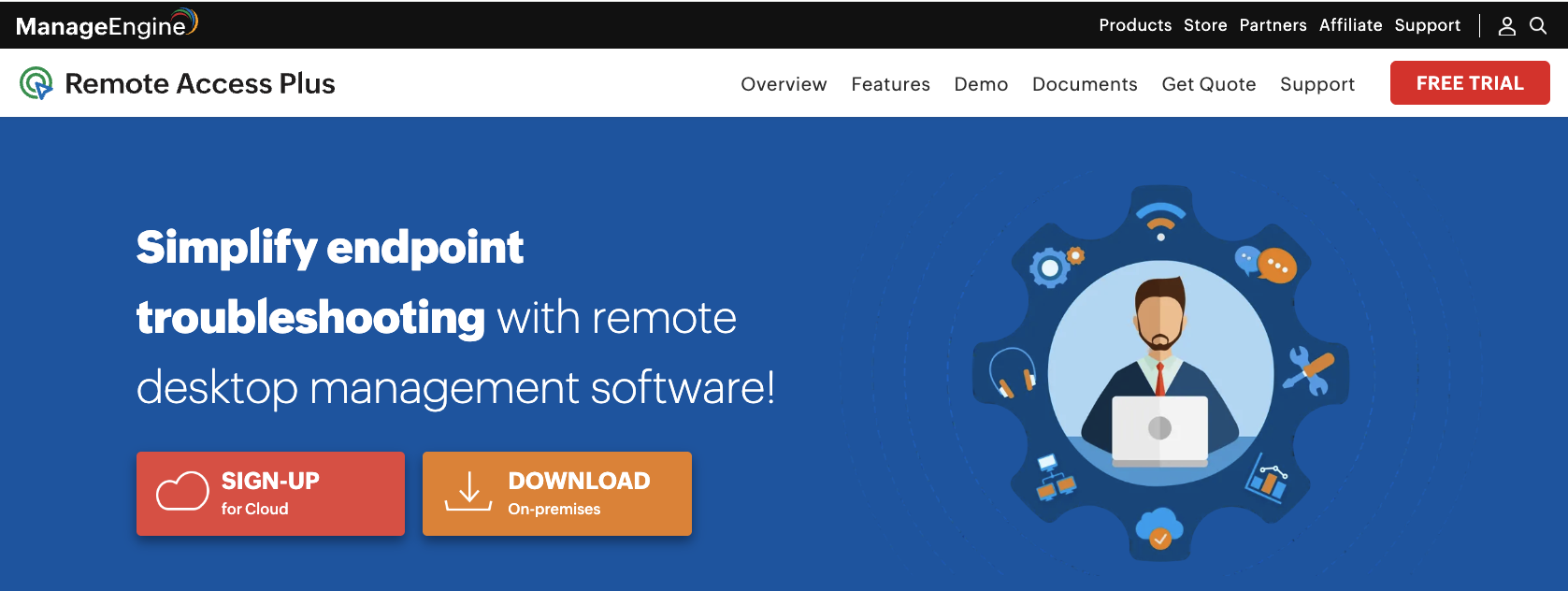
Best for: budget-conscious teams that need essential remote access
Another cost-effective remote access tool, ManageEngine Remote Access Plus offers all the essentials: unattended remote access, file transfer, screen recording, multi-OS support (Windows, Mac, Linux, Android), and reporting.
Remote Access Plus can also connect to Zia, ManageEngine’s AI assistant, to draft and rephrase chat replies during a session.
G2 rating: 4.4 out of 5.0 stars (30+ reviews)
Capterra rating: 4.6 out of 5.0 stars (60+ reviews)
ManageEngine Remote Access Plus Pricing:
- Free Plan: Free for up to 10 computers, with one technician spot
- Standard Plan: Starts at $10/month for 25 computers, with five technician spots
- Professional Plan: Starts at $15/month for 25 computers
What is Zoho Assist?
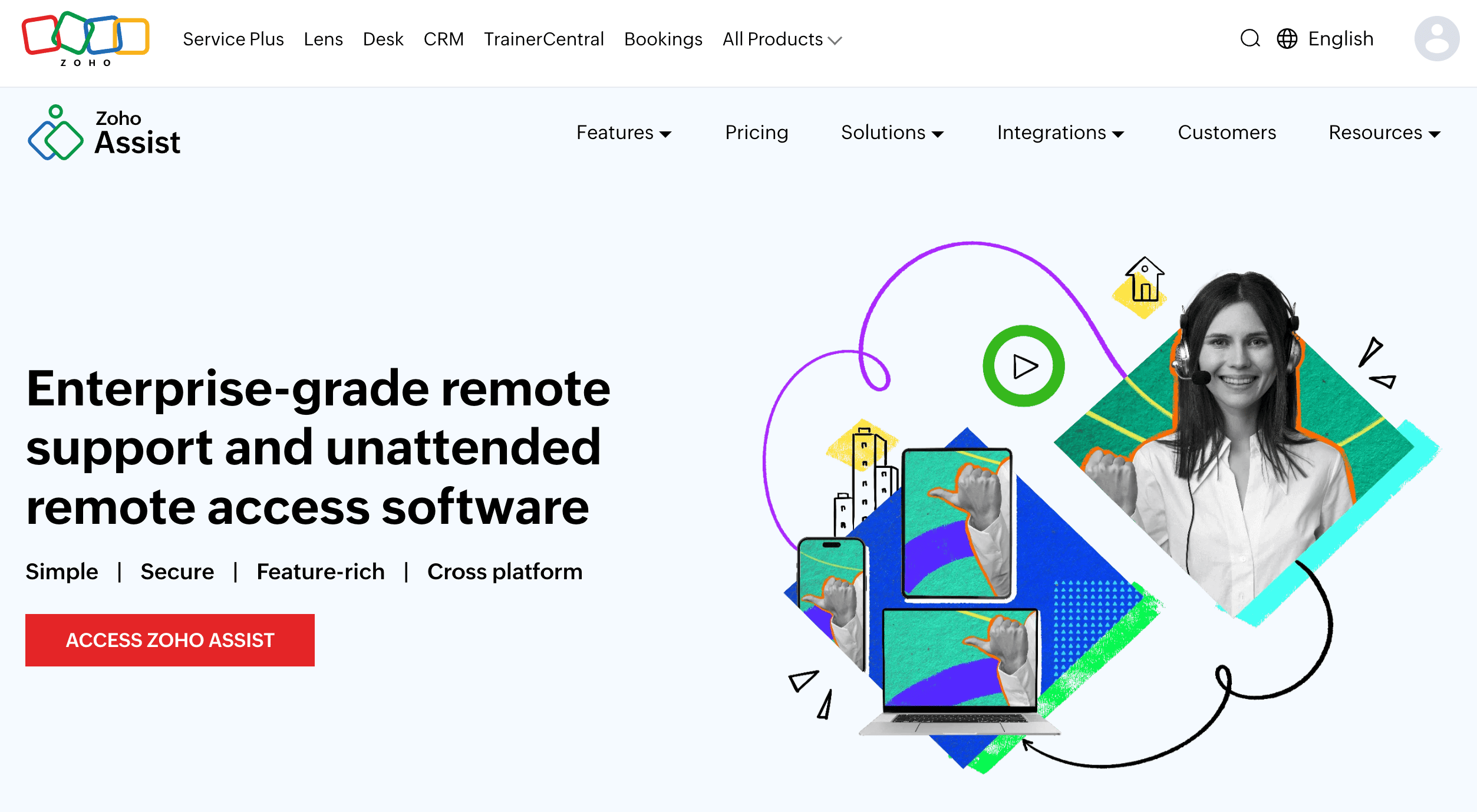
Zoho Assist is a remote support software developed by Zoho. It’s famous for its free plan that gives you access to the core features, but it’s limited to one technician and 5 unattended computers. The paid plans add features like file transfer, bulk deployment, session recording, and native Zia integration.
Why look for a Zoho Assist alternative?
These are the real reasons why many IT teams and support teams look for a Zoho Assist alternative:
1. UI issues
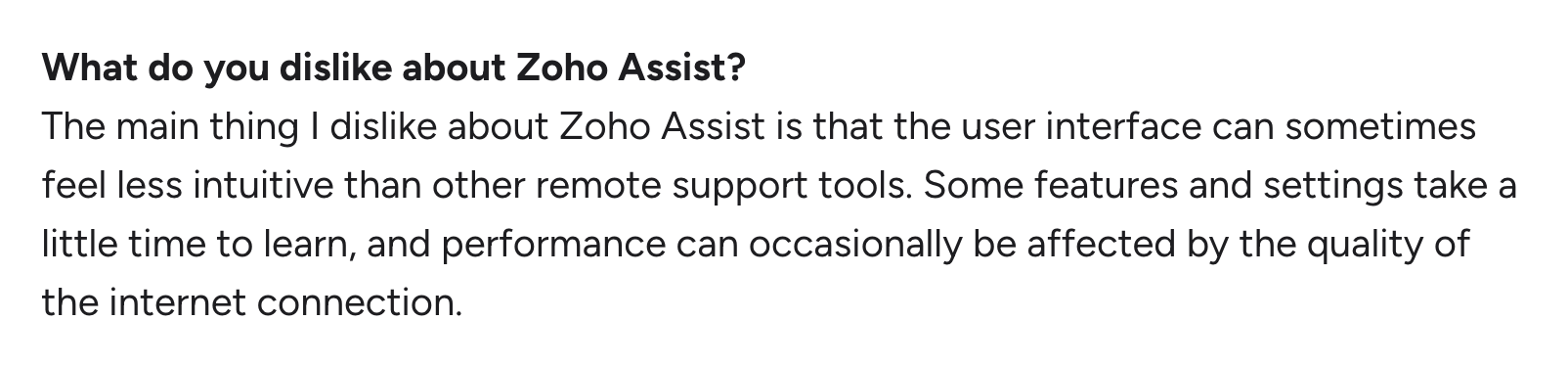
This was a common complaint from users on G2. Users say the interface can feel less intuitive than in some other remote support tools.
One G2 user commented on this issue:
Another G2 user, Stacia D., said: “In a few places, the interface also feels less intuitive than it could be, which makes navigation more frustrating than necessary.”

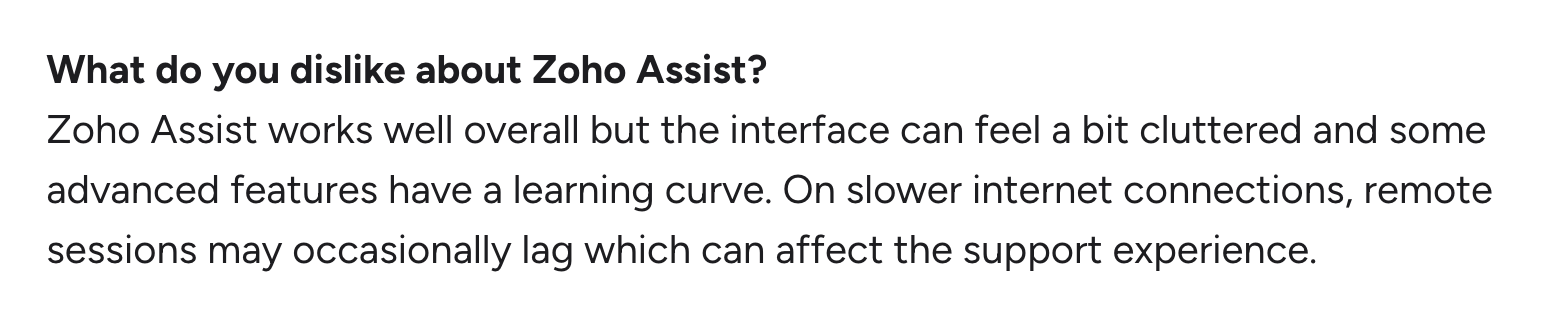
Another IT tech leader, Shashikumar N., on G2 said, “Zoho Assist works well overall but the interface can feel a bit cluttered and some advanced features have a learning curve.”
2. Not an all-in-one solution
Zoho Assist is focused on remote access, not an all-in-one IT management platform.
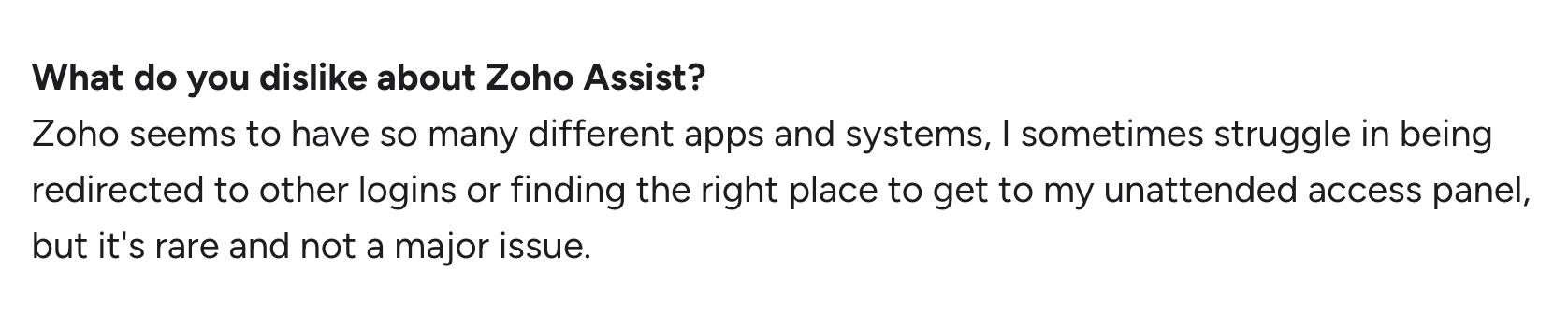
It does integrate with other Zoho products for features like RMM and service desk, but according to users like Jay M., the integrations don’t come without issues:
Zoho Assist alternatives, like Atera, combine remote access, RMM, patch management, and ticketing in one platform, so there are no separate tools to connect.
3. Inconsistent in demanding scenarios
Zoho Assist works well for simple remote access, but for more demanding scenarios, users say it falls short.
One G2 user said the reason for this is performance. There can be lag or connection drops when handling larger tasks.
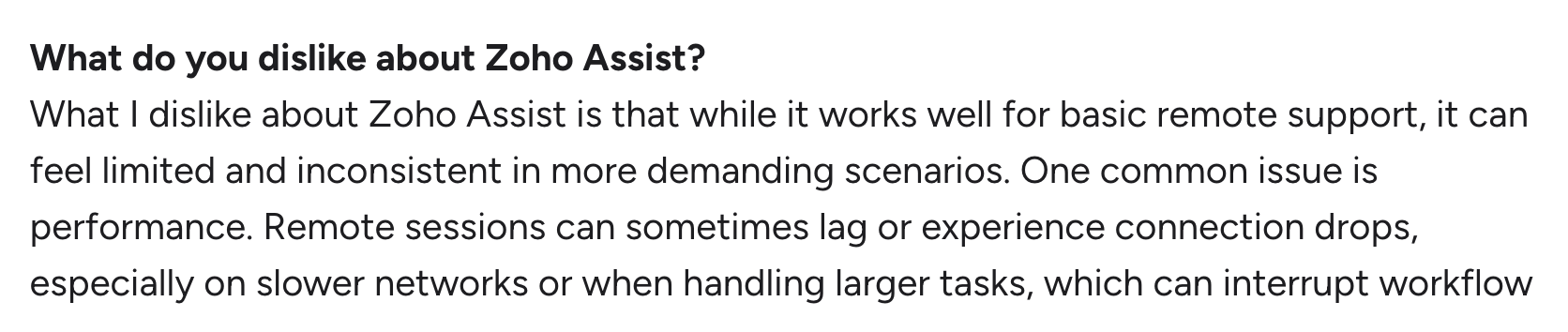
Another G2 user, Saravanan U., commented on file transfer specifically, saying it’s a tedious process.

What are Zoho Assist’s strengths?
Let’s also look at a few strengths of Zoho Assist.
1. Good value for smaller teams
Zoho Assist is fairly simple to set up and has a free plan to try it out. It also integrates natively with other Zoho products, although some of those products come at an extra cost.
Plus, as this G2 user mentioned, it offers the essentials for remote access: unattended access, screen sharing, file transfer, and more.

2. Zia AI agent
Zoho Assist integrates with Zia, helping technicians with chat suggestions, rephrased replies, and session summaries.
One G2 user commented on the benefits of this:

Zoho Assist pros and cons: takeaways
To conclude the two previous sections, these are the pros and cons of Zoho Assist:
The pros, according to user reviews:
- Good value for smaller IT teams, with a free plan available
- Zia integration for chat suggestions and session summaries
The cons, according to user reviews:
- Users report UI issues
- Zoho Assist only includes remote access, not RMM, patch management, or other IT management features
- Zoho Assist works for simple IT environments, but can fall short for more complex setups
How to choose the best Zoho Assist alternative?
The best Zoho Assist alternative fully depends on your organization’s needs.
If you just need a tool for remote access, solutions like AnyDesk or Splashtop may be enough. They come with the essentials and scale with you as your IT environment grows.
If you need a broader IT management platform with remote access, solutions like Atera are a superior choice. Atera’s plans include remote access, at no extra cost: Splashtop from the Professional plan and AnyDesk from the Expert plan. Plus, Atera’s added benefit is Robin, which resolves up to 92% of Tier-1 and complex Tier-2 technical incidents, autonomously, without a technician in the loop.
Ready to see Atera in action? Sign up for the 30-day free trial, or request a demo with Atera’s sales team to learn more about Robin.
Frequently Asked Questions
Related Articles
Top 6 Automox alternatives IT pros are switching to in 2026
If you’re an IT manager selecting an Automox alternative, this article will come in handy. Below, we’ve compared the best six options and looked into each one’s top features, AI, and pricing plans.
Read now
Top 6 Motadata alternatives for organizations in 2026
Motadata splits its features into two products: ServiceOps and ObserveOps. See the best alternatives that fit your IT team’s needs. We’re listing each alternative’s pricing, reviews, and key features.
Read now
7 best LogicMonitor alternatives for IT teams in 2026
Comparing LogicMonitor against its alternatives? We break down 7 alternative options on features, pricing, and reviews.
Read now
Atera alternatives in 2026
Compare Atera to NinjaOne, ConnectWise, SuperOps, Pulseway, and ServiceNow on pricing, features, and ratings.
Read nowEndless IT possibilities
Boost your productivity with Atera’s intuitive, centralized all-in-one platform







