
Table of contents
Generate summary with AI

Almost every IT team wants automated patching. Adaptiva report found that 94% of organizations are already doing it or plan to in the next year. But automated, or autonomous patching, only works when patches actually get installed.
Automox users report that it may fail to patch servers, and that agent connection issues cause delays. These issues lead many to look for alternatives that truly automate patching.
Here are the six top Automox alternatives worth a look.
6 best Automox alternatives
The best Automox alternatives for 2026 are:
To select each, we compared features, pricing, reviews, and AI technologies. Below is a breakdown of each alternative.
1. Atera
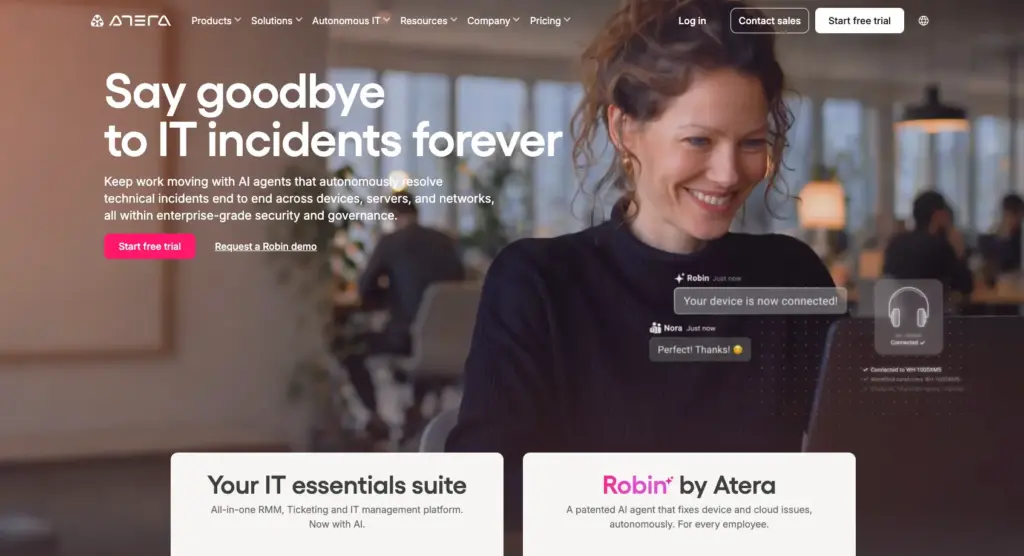
Atera vs. Automox: Key differences
1. Key features: While Automox is an endpoint management tool focused on patch management and remote access, Atera offers a broader autonomous IT platform for organizations.
Atera combines RMM software, remote access, patch management, network discovery, reporting, and two AI agents for IT, into one platform. Atera’s patch management platform lets you create customized schedules and ensure OS (Windows, Mac, Linux), hardware, and software are up to date without disrupting workflows.
Atera’s AI Copilot (available at no extra cost) helps with patching by diagnosing devices in real time, analyzing alerts, and generating scripts through the AI script generator.
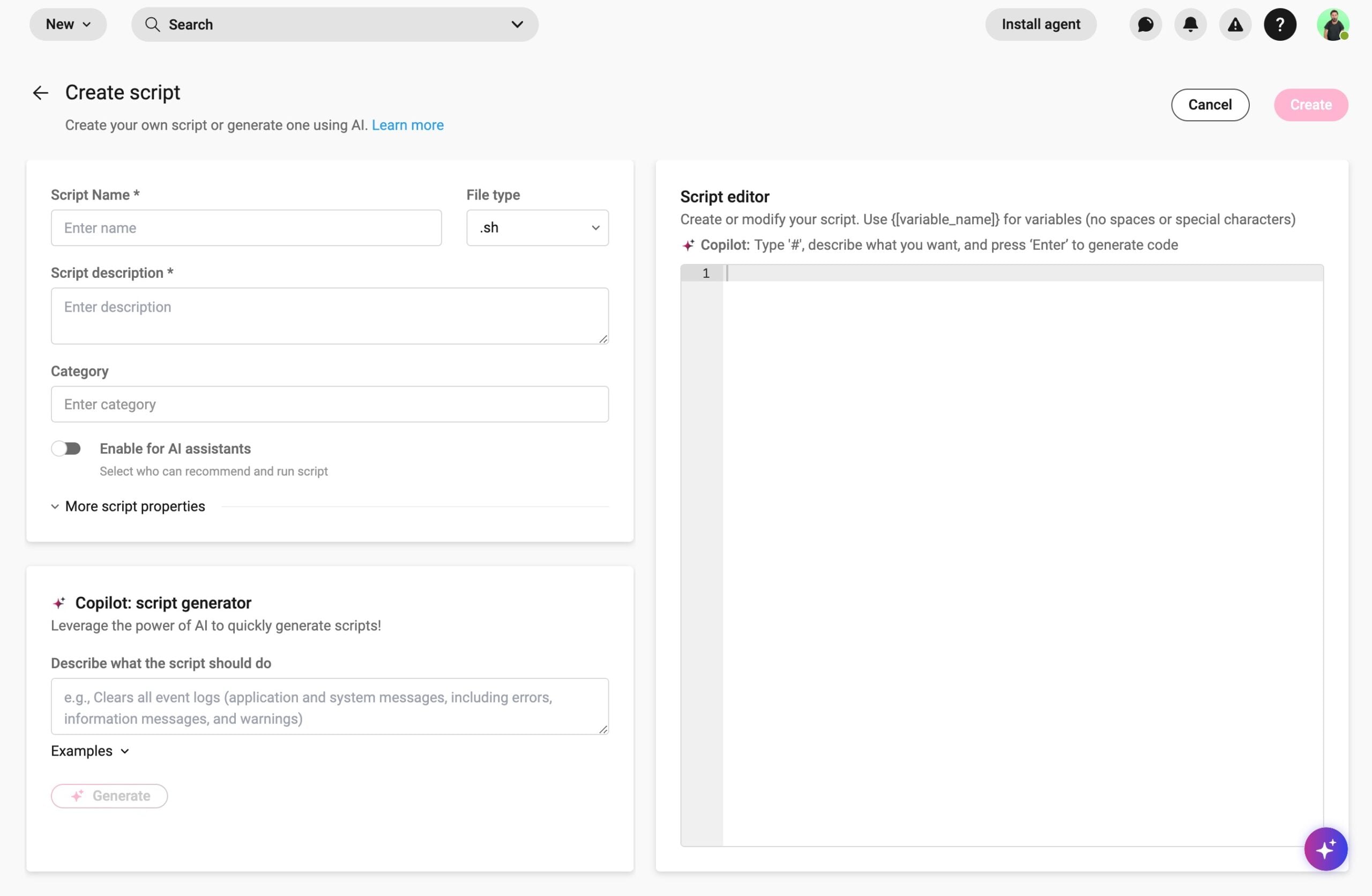
2. AI technology: Automox’s Otto AI (different from ServiceNow Otto) is a generative AI assistant that writes scripts from simple prompts, which admins then review, test, and run themselves. While useful, it’s arguably limited in use cases.
Robin by Atera, in contrast, is Atera’s autonomous IT agent that diagnoses and executes fixes directly on devices, servers, and networks, without a technician in the loop.
Robin works through a four-step process:
- Diagnose: Traces the problem to root cause, on the device, across networks, and in the cloud.
- Remediate: Executes the fix autonomously, resolving Tier-1 and complex Tier-2 incidents with no technician in the loop.
- Verify: Confirms the fix worked and the incident is fully resolved.
- Close: Closes the incident autonomously. Ticket elimination, not deflection.
Atera’s resolution figures back this up: Robin autonomously resolves up to 92% of Tier-1 and complex Tier-2 technical incidents, with an average resolution time under 120 seconds. Automox doesn’t have a comparable rate.
3. Pricing: Automox’s pricing is per-endpoint based, meaning you pay for the number of endpoints you need to patch. Atera prices its platform differently.
With Atera’s per-technician pricing, you can add and manage unlimited endpoints for a fixed monthly/annual cost. This makes scaling more predictable for startups and enterprises alike.

Atera customer reviews
Atera’s G2 Rating: 4.6 out of 5 stars (1,200+ reviews)
What Atera users are saying on G2:
- “Having monitoring, remote access, patch management, automation, and asset information in the same platform made day-to-day support much easier. The patching and scripting tools were especially useful,” Kyle R. says.
- “AI is built-in on the entire ecosystem and responds based on knowledge base articles that we created ourselves (either internal only or externally visible for the customer),” Dieter S. says.
Atera’s Capterra Rating: 4.6 out of 5 stars (430+ reviews)
What Atera users are saying on Capterra:
- “The ticketing and monitoring features are useful for keeping issues organized, while patch management helps reduce the amount of manual follow-up needed,” Stacie B. says.
- “Atera has been a reliable tool for handling day-to-day IT operations. It reduces repetitive work and gives good visibility into system health,” Dymasius S. says.
Atera pricing plans
Atera pricing plans for IT departments:
- Professional: $149 per month, per technician
- Expert: $189 per month, per technician
- Master: $219 per month, per technician
- Enterprise: Custom quotation; contact sales to get pricing
- Pro: $129 per month, per technician
- Growth: $159 per month, per technician
- Power: $209 per month, per technician
- Superpower (Enterprise): Custom quotation; contact sales to get pricing
2. Microsoft Intune
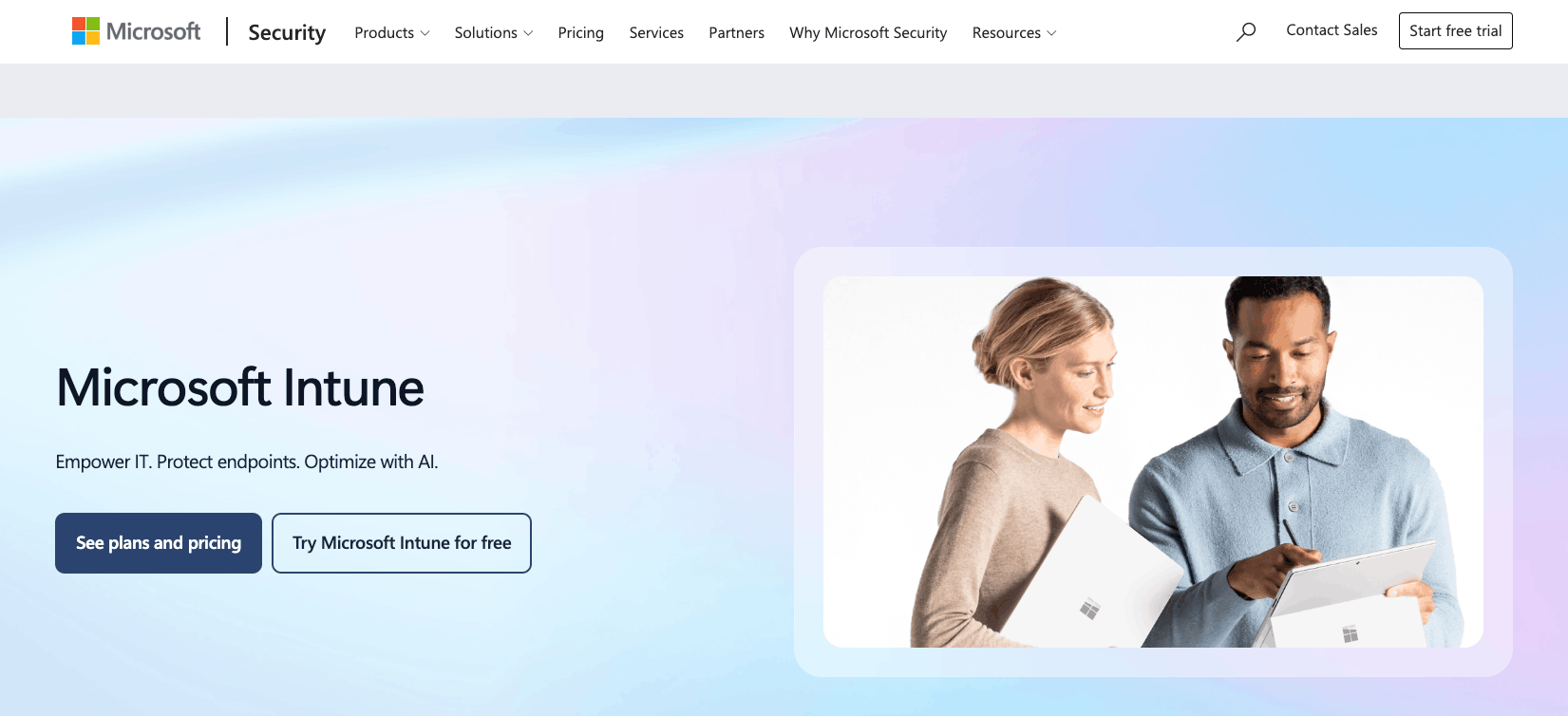
Intune is a solid Automox alternative for organizations already operating in the Microsoft 365 ecosystem. It’s a Microsoft endpoint management solution for managing and securing organizations’ data across devices. It includes patch management, mainly for Windows. In fact, Mac and Linux patching is more limited, forcing many to look for Intune alternatives.
As of July 2026, Intune’s advanced Suite capabilities are included in the Microsoft 365 E3 and E5 plans, so some IT teams already have access without paying extra. This came with a price increase, though.
G2 Rating: 4.5 out of 5.0 stars (270+ reviews)
Capterra Rating: 4.5 out of 5.0 stars (40+ reviews)
Microsoft Intune Pricing:
- Microsoft 365 E3: $39/month per user (includes Intune)
- Microsoft 365 E5: $60/month per user (includes Intune)
- Microsoft 365 E7: $99/month per user (includes Intune)
3. Action1
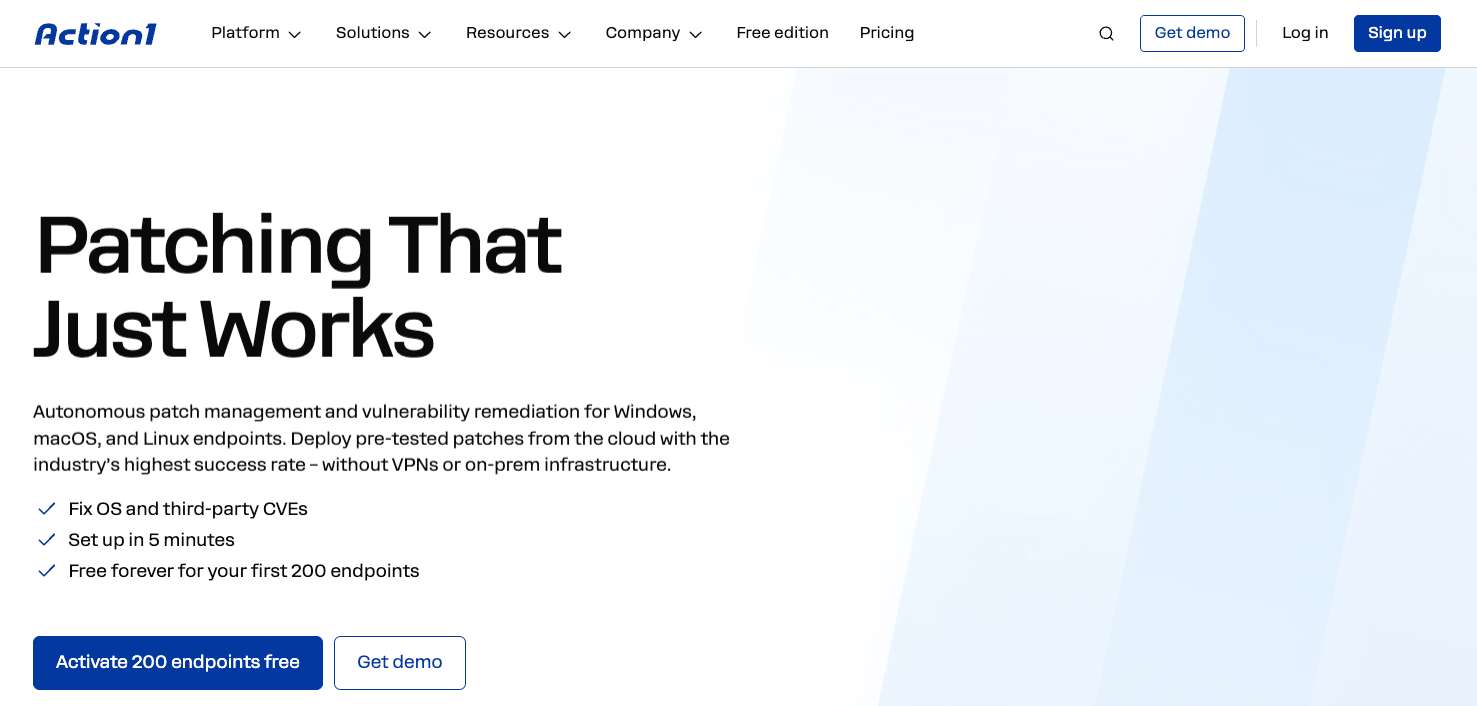
If you’re just getting started with patching, Action1 offers a fair free plan for up to 200 endpoints. This can truly be enough for small IT teams needing to patch Windows, Mac, and Linux devices. However, the price increases steeply after 200 endpoints – with some Reddit users getting quoted $4k/year for 250 endpoints.
Since Action1 isn’t a fully-fledged endpoint management/RMM solution, you’d also need to invest in separate tools for broader device management. With these things in mind, the cost quickly surpasses more unified solutions, like Atera.
G2 Rating: 4.9 out of 5.0 (1,200+ reviews)
Capterra Rating: 4.9 out of 5.0 (230+ reviews)
Action1 Pricing:
- Free for the first 200 endpoints
- Custom quotation for organizations with more than 200 endpoints
4. SolarWinds Patch Manager
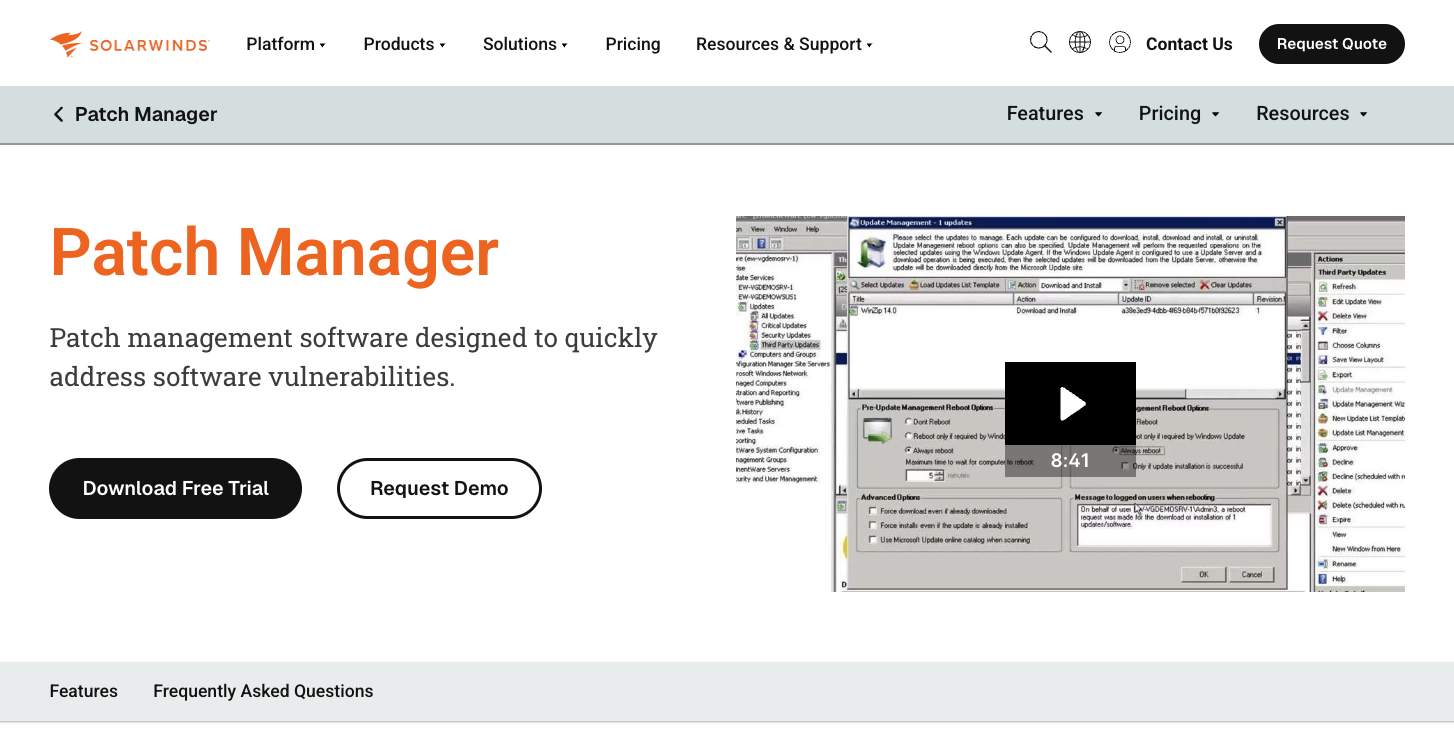
If you solely have Windows devices and need a patch management tool, SolarWinds Patch Manager is a suitable option. It’s a Windows patch management software that supports systems running Windows 7 to Windows 11. While Windows-focused, it can patch third-party applications (e.g., Adobe, Chrome, and Firefox) running on those Windows systems.
If you have Linux or Mac devices (or will have in the future), SolarWinds isn’t suitable. SolarWinds alternatives, like Atera, support not only Windows, but Linux and Mac patch management.
G2 Rating: 4.5 out of 5.0 stars (190+ reviews)
Capterra Rating: 4.3 out of 5.0 stars (15+ reviews)
SolarWinds Patch Manager Pricing:
- Custom pricing: Pricing starts at €587. To find out the exact pricing, contact the SolarWinds sales team.
5. Jamf Pro
We’ve covered a few Windows-only patching solutions, but for organizations with Apple-only devices, Jamf Pro is one option. It’s a device management tool that integrates directly with Apple Business Manager and enables automated device enrollment. Patch management is also available for automatically deploying software updates.
Jamf launched its AI assistant in March 2026, which answers admin questions about their devices and settings in plain language. Jamf describes its AI as read-only by design; it cannot take actions autonomously. This differs from Atera’s Robin, which not only assists, but resolves real-world IT issues on its own.
G2 Rating: 4.7 out of 5.0 stars (2,300+ reviews)
Capterra Rating: 4.7 out of 5.0 stars (540+ reviews)
Jamf Pricing:
- Jamf Now: Starts at $4 per device, per month
- Jamf for Mobile: Starts at $5.75 per mobile device, per month (25-device minimum)
- Jamf for Mac: Starts at $12.50 per macOS device, per month (25-device minimum)
6. Kaseya
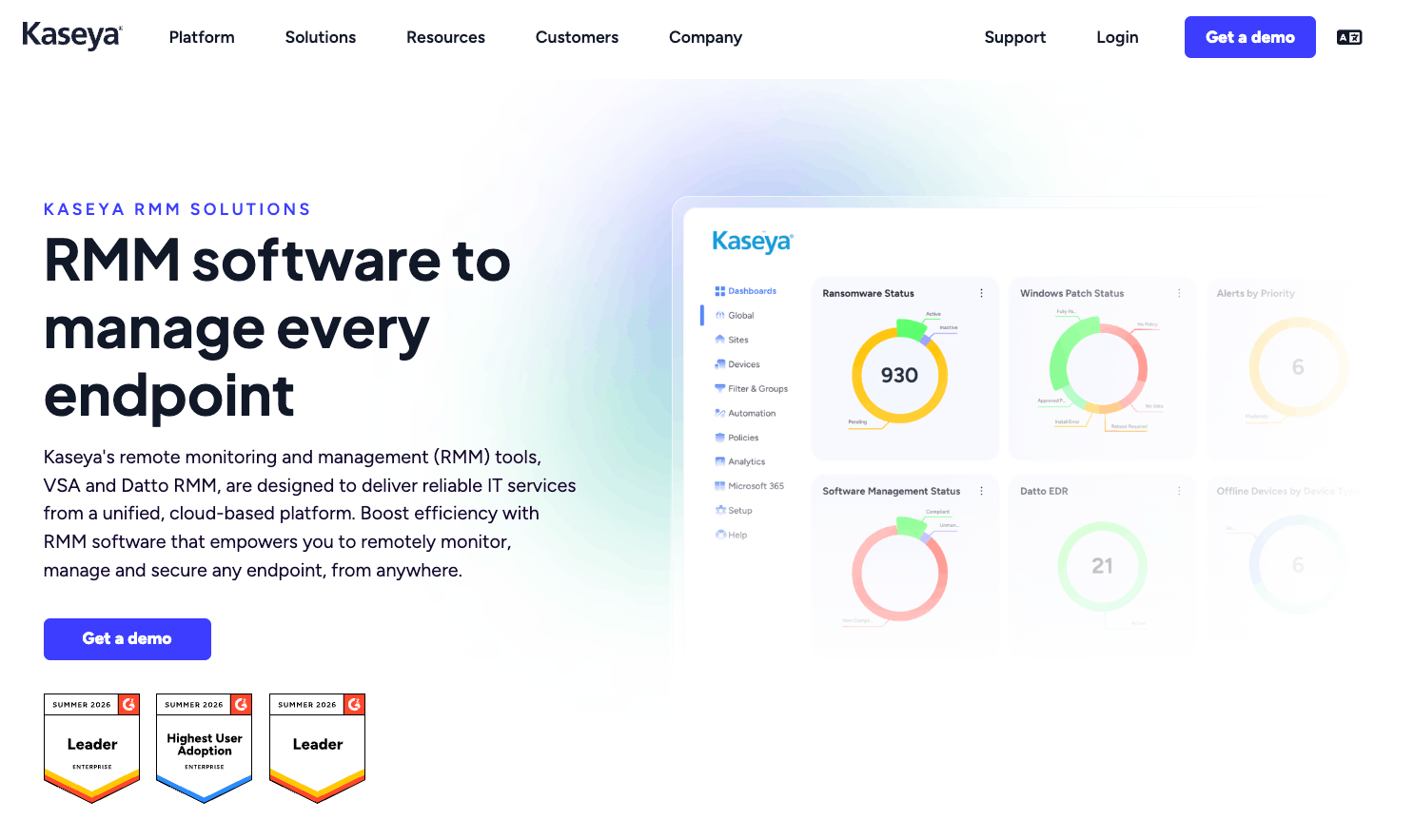
The main difference between Automox and Kaseya is their breadth of features. Automox is mainly for patch management, while Kaseya covers patching as one part of a much larger IT management and security suite. Kaseya’s flagship product is Kaseya 365, which, like Atera, is an end-to-end solution for IT management.
Kaseya Intelligence is Kaseya’s newest addition, which is an AI technology combining data from tickets, endpoints, security, and backups, and then acting on it autonomously.
G2 Rating: 4.4 out of 5.0 (4,800+ reviews)
Capterra Rating: 4.1 out of 5.0 (200+ reviews)
Kaseya Pricing:
- Custom-quote-based pricing for all Kaseya products. Visit Kaseya’s website to submit a form and request the price.
What is Automox?
Automox is an endpoint management tool used mainly for automating OS and third-party patching across Windows, macOS, and Linux devices. Basic scripting, inventory management, remote control, and reporting are also available.
Why look for an Automox alternative?
We scoured G2, Reddit, and Capterra for the real reasons why users look for an Automox alternative. This is what users reported.
1. Patch management issues
Automox’s main use case is patch management, but some users, like in this Reddit thread, mention that it routinely fails to patch servers and devices.
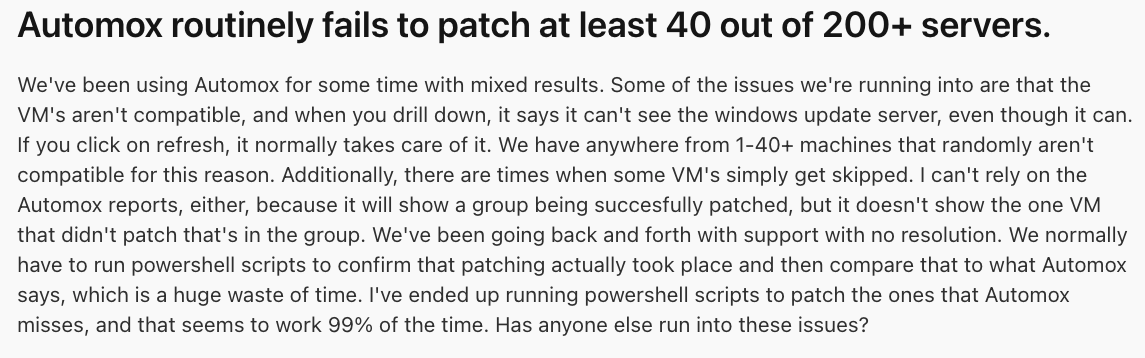
This isn’t the experience of all (or even most) Automox users, but even occasional failures matter when a single missed patch can leave a device exposed.
Another G2 user said the agent doesn’t always connect, which causes issues:

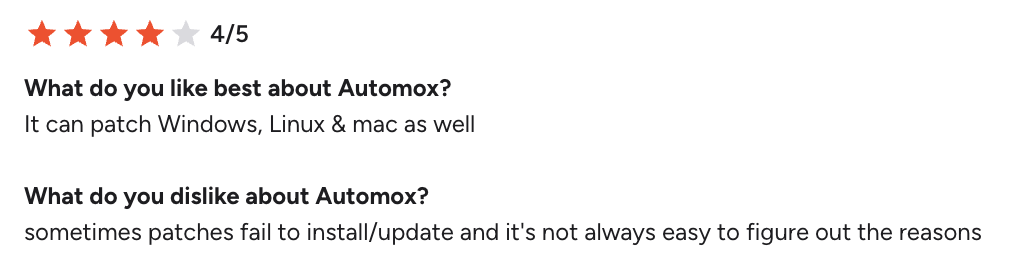
And when the patches fail to update, one G2 user said it’s hard to find the root cause:
2. Per-endpoint pricing gets expensive
Similar to most RMM pricing, Automox’s pricing is per-endpoint based, meaning it gets more expensive for each new endpoint you need to patch.
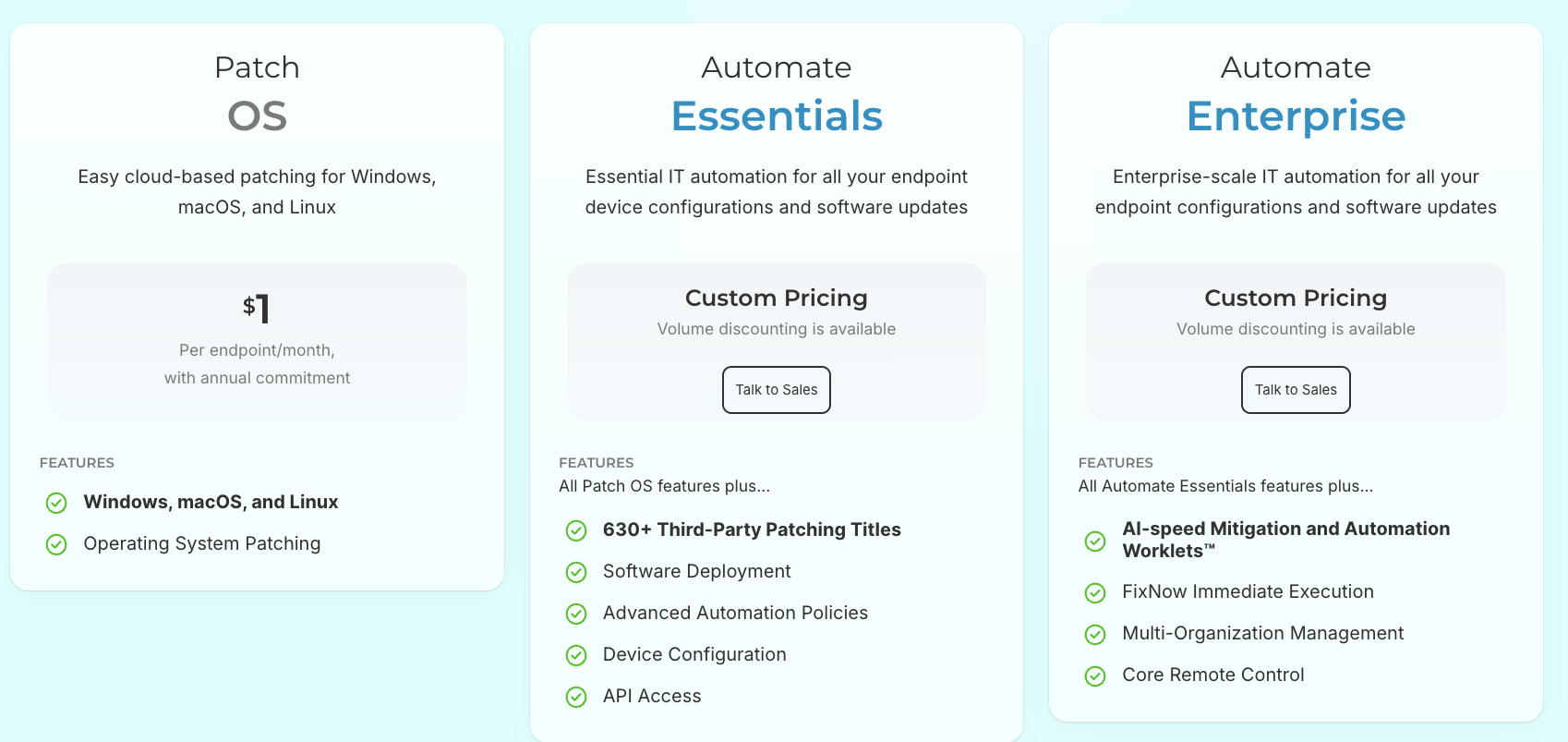
If you have a large device fleet, this can get expensive fast. One Automox user, Aman G., commented on this issue:
- “We are a fast-growing company and employee count is increasing and so does our cost because Automox is charged based on per endpoint so this caused increases in our monthly cost which we were not aware of until we received invoice.”

Atera is one of the few Automox alternatives with per-technician pricing, meaning you can add and manage unlimited endpoints for a fixed cost.
3. Lacking remote access
Many say the remote access functionality is Automox’s weak point. Users say it’s slow and lacks basic capabilities, like file transfer.
One enterprise user of Automox said: “The remote control tool is one of my only critiques as it’s rather slow & feels a bit archaic.”

Another user, Evan A., simply said: “The remote software is not as good as it could be.”
As you select an Automox alternative, check the available remote access capabilities. For example, Atera offers remote access at no extra cost through its Splashtop and AnyDesk integrations, with all the key features (including file transfer).
What are Automox’s specializations?
We looked at the limitations, but here are a few specializations that Automox users report.
1. Cross-platform support
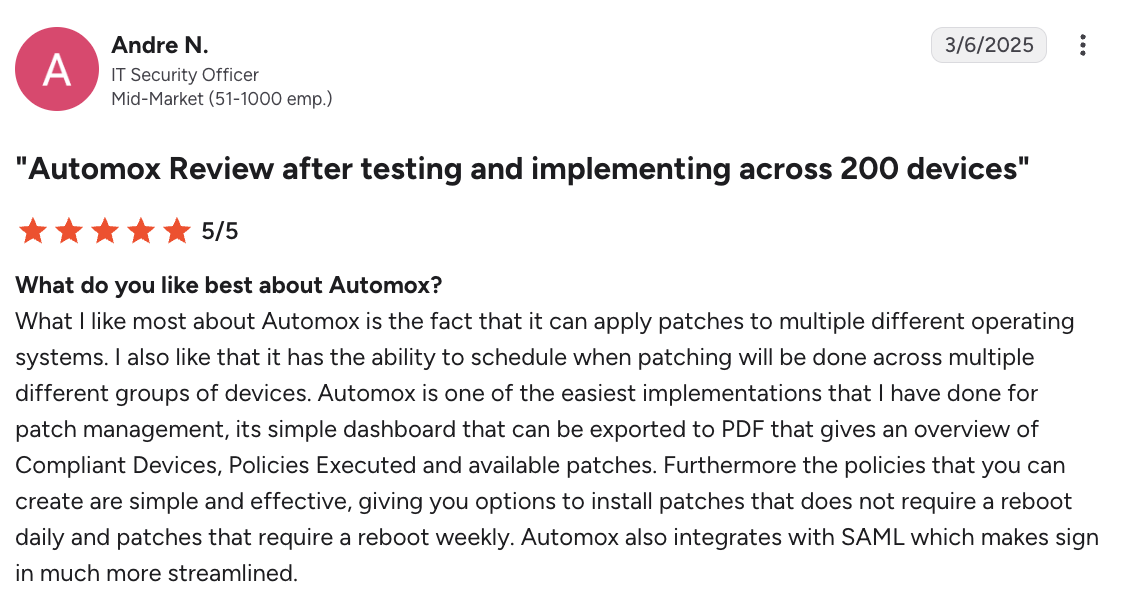
Like platforms such as Atera, Automox not only supports Windows but also Linux and Mac patch management, which users like.
Andre N. said, “What I like most about Automox is the fact that it can apply patches to multiple different operating systems.”
2. Remote access functionality
Despite being basic (and users reporting it having performance issues), many users like Automox’s remote access functionality, allowing for remote troubleshooting.
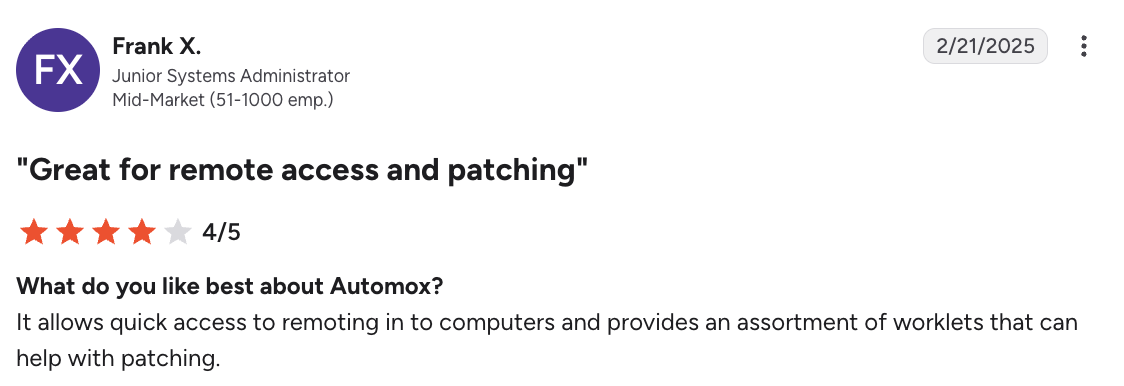
Frank X. on G2 said, “It allows quick access to remoting into computers.”
The pros and cons of Automox
Concluding the two previous sections, here are the pros and cons of Automox:
The pros, according to user reviews:
- Automox supports patch management across Windows, Mac, and Linux
- Remote access for basic remote troubleshooting
The cons, according to user reviews:
- Users report Automox failing to update servers
- The per-endpoint pricing can increase quickly in cost for large organizations
- While AI is available, it isn’t capable of autonomous actions
- Remote access functionality is available, but it’s limited
Frequently Asked Questions
Related Articles

Top 5 Zoho Assist Alternatives for IT teams in 2026
Zoho Assist is a solid option for small-scale remote support, but often falls short for more demanding enterprise support. Find the five best Zoho Assist alternatives, with features, pricing, reviews, and AI compared.
Read now
Top 6 Motadata alternatives for organizations in 2026
Motadata splits its features into two products: ServiceOps and ObserveOps. See the best alternatives that fit your IT team’s needs. We’re listing each alternative’s pricing, reviews, and key features.
Read now
7 best LogicMonitor alternatives for IT teams in 2026
Comparing LogicMonitor against its alternatives? We break down 7 alternative options on features, pricing, and reviews.
Read now
Atera alternatives in 2026
Compare Atera to NinjaOne, ConnectWise, SuperOps, Pulseway, and ServiceNow on pricing, features, and ratings.
Read nowEndless IT possibilities
Boost your productivity with Atera’s intuitive, centralized all-in-one platform







