Generate summary with AI

Motadata appeals to many organizations because it combines observability and service management under one system. But users say that flexibility comes with a steep learning curve, and better documentation should be available for onboarding.
Here are the six best Motadata alternatives you should consider for your organization.
6 best Motadata alternatives in 2026
The top Motadata alternatives we’ll be reviewing are:
1. Atera
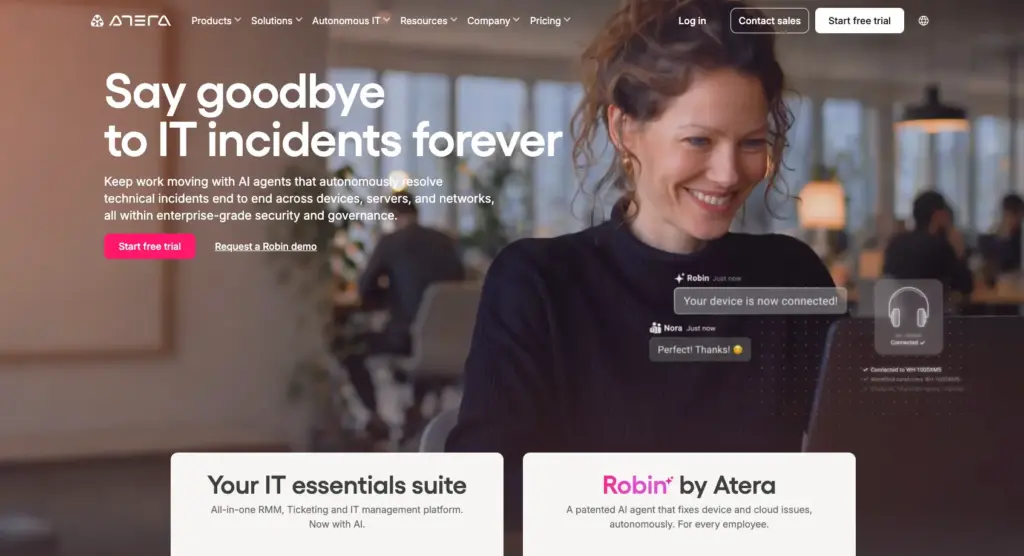
1. Key features: Atera and Motadata both put IT operations into one platform, but they’re built around different points of focus.
Atera is built for monitoring endpoints. Its core features are Atera’s RMM (remote monitoring, remote access, scripting, patch management, network discovery) and ticketing and helpdesk. On top of Atera’s feature set sits its AI layer, available through its AI agents.
Motadata, in contrast, is split into two products: ObserveOps, which offers observability for infrastructure and applications, and ServiceOps, which is designed for service management.
2. Agentic AI: Robin by Atera is an autonomous IT agent that resolves up to 92% of Tier-1 and complex Tier-2 technical incidents end to end. It follows a four-step resolution process:
- Diagnose: traces the problem to root cause, on the device, across networks, and in the cloud.
- Remediate: executes the fix autonomously, resolving Tier-1 and complex Tier-2 incidents with no technician in the loop.
- Verify: confirms the fix worked and the incident is fully resolved.
- Close: closes the incident autonomously. Ticket elimination, not deflection.
Motadata offers Agentic AI too, but its agents focus on routing and orchestrating tickets across workflows. Robin works differently by taking actions directly on devices, servers, and networks, not just moving the ticket to the right agent.
3. Pricing: Motadata’s pricing isn’t publicly available; you need to schedule a demo with their team for pricing. This makes it hard to compare to Atera’s.
Atera’s pricing is fully transparent, starting from $149/month for IT departments and from $129/month for MSPs. What’s unique, the pricing is per-technician, meaning you can add and manage unlimited devices without increasing your costs.
Atera’s G2 Rating: 4.6 out of 5 stars (1,200+ reviews)
What Atera users are saying on G2:
- “One unexpected benefit is the AI feature, especially ROBIN AI. It can reduce technicians’ workload by assisting with responses, ticket handling, and general troubleshooting,” Emil C. says.
- “The most helpful of using Atera is that you have both RMM and PSA in one platform and also the AI capabilities with Copilot and Robin,” Alan S. says.
Atera’s Capterra Rating: 4.6 out of 5 stars (430+ reviews)
What Atera users are saying on Capterra:
- “Atera makes it easier to manage devices, service requests, and maintenance all from one interface,” a Capterra user says.
- “From an operational standpoint, having better visibility into IT activity also makes it easier to track efficiency and recurring issues,” a Capterra user says.
Atera pricing plans
Atera pricing plans for IT departments:
- Professional: $149 per month, per technician
- Expert: $189 per month, per technician
- Master: $219 per month, per technician
- Enterprise: Custom quotation; contact sales to get pricing
- Pro: $129 per month, per technician
- Growth: $159 per month, per technician
- Power: $209 per month, per technician
- Superpower (Enterprise): Custom quotation; contact sales to get pricing
2. ManageEngine OpManager
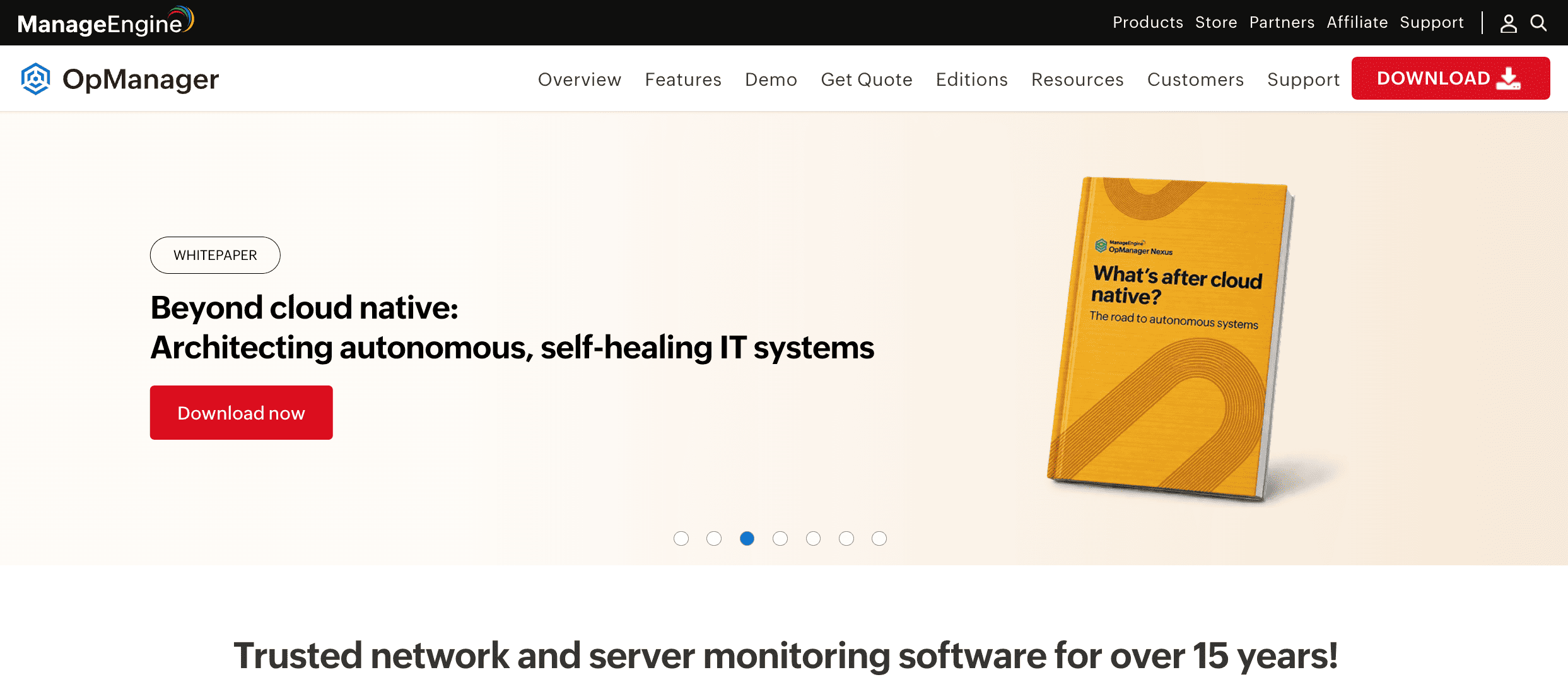
ManageEngine OpManager is one of the more cost-effective alternatives to Motadata ObserveOps, especially if you have a smaller device fleet. OpManager is a network monitoring software that gives visibility into your routers, switches, servers, storage devices, and more.
While the initial price is affordable, the pricing is per endpoint and can increase quickly for enterprises. ManageEngine alternatives, like Atera, with per-technician pricing are often more cost-effective at scale.
G2 Rating: 4.5 out of 5.0 stars (200+ reviews)
Capterra Rating: 4.6 out of 5.0 stars (340+ reviews)
ManageEngine OpManager Pricing:
- To get the pricing, you need to fill in a form on ManageEngine’s website.
3. Zabbix
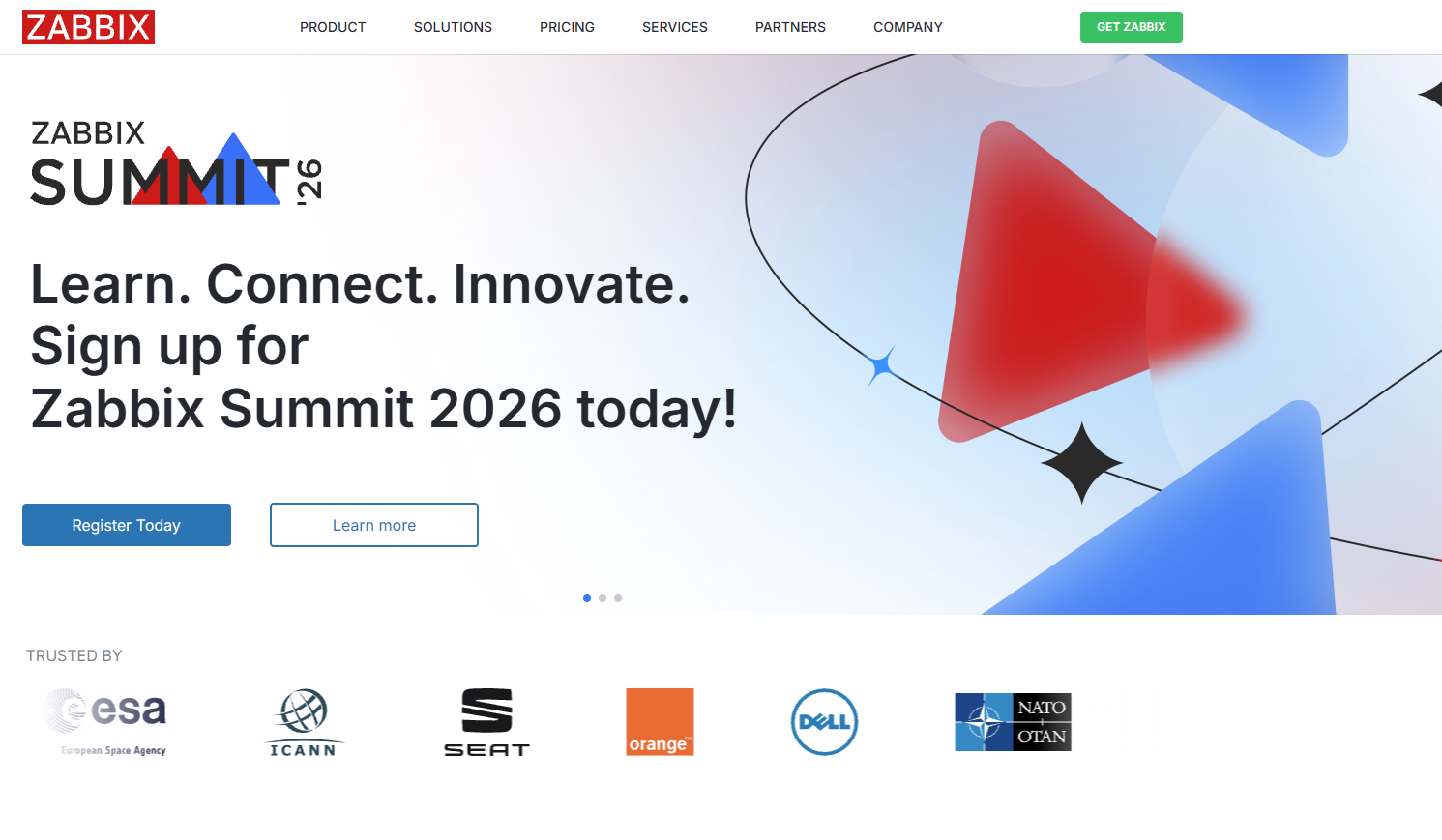
If you’re looking for an open-source ObserveOps alternative, Zabbix is one option. Its unrestricted architecture gives you full control of your monitoring setup. You can monitor servers, networks, cloud services, applications, virtual machines, and more.
The downside of open-source is the high setup effort. Like with ServiceNow, you need dedicated personnel for managing Zabbix. There is no license fee; you pay strictly for the host infrastructure and optional support.
G2 Rating: 4.3 out of 5.0 stars (200+ reviews)
Capterra Rating: 4.7 out of 5.0 stars (110+ reviews)
Zabbix Pricing:
- Silver: $325/month with 8×5 support, 1-day response time
- Gold: $825/month with 8×5 support, 4-hour response time
- Platinum: Based on a custom quotation
- Enterprise: Based on a custom quotation
- Global: Based on a custom quotation
Zabbix is open-source and has no licensing fees. The subscription plans are based on response coverage and commitments.
4. Freshservice
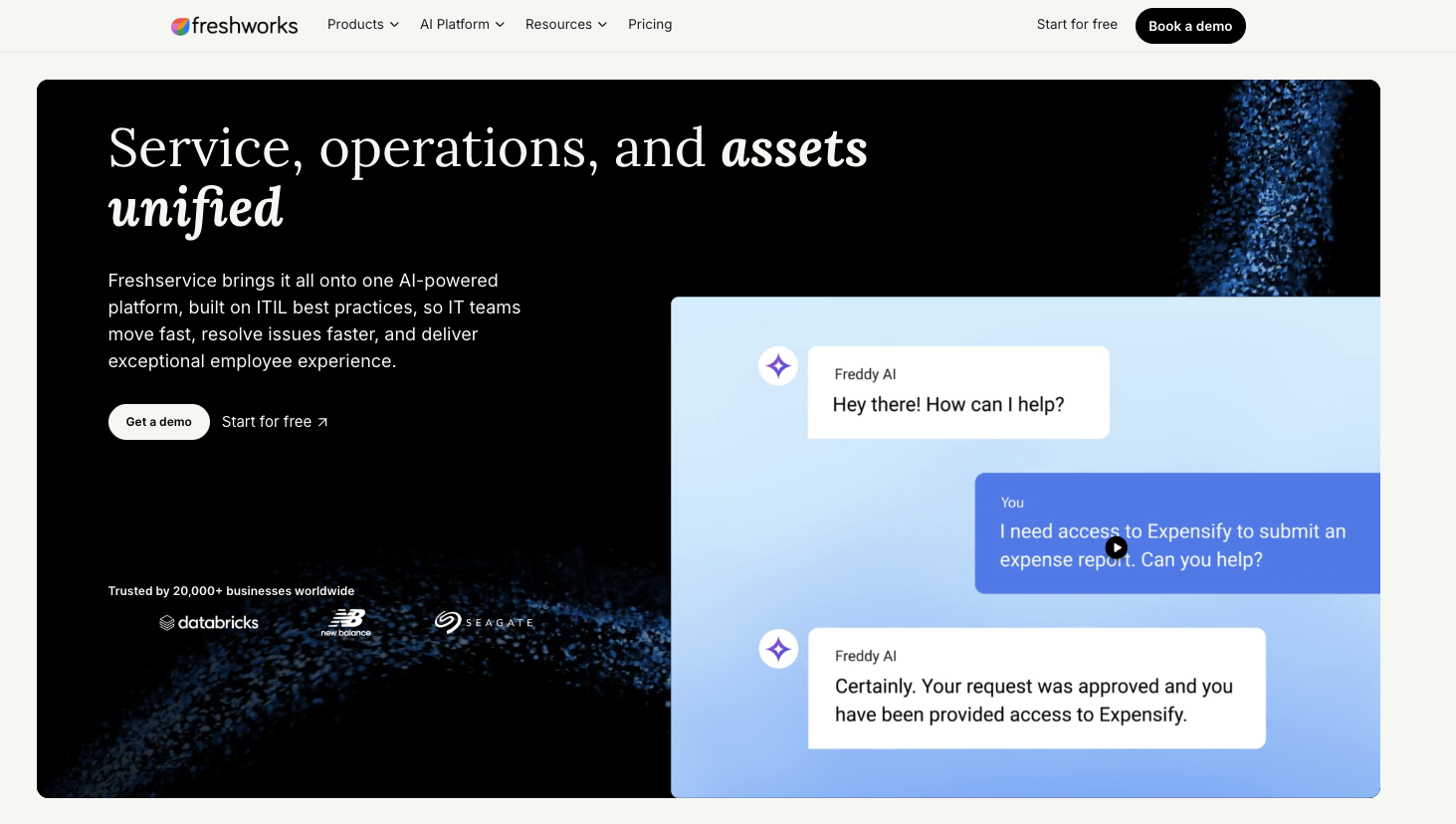
While a common complaint for Motadata was a steep learning curve, Freshservice prioritizes ease of use. Its ITSM and asset management features are simpler, suitable for smaller IT teams. Freshservice offers Freddy AI, which autonomously handles ticket summaries and generates ready-to-use replies for technicians. Read more on Freddy AI vs. Robin here.
Like Atera, Freshservice’s pricing is per-agent, meaning you can deploy unlimited devices without skyrocketing costs.
G2 Rating: 4.6 out of 5.0 stars (1,350+ reviews)
Capterra Rating: 4.5 out of 5.0 stars (790+ reviews)
Freshservice Pricing:
- Starter: $19/month/agent
- Growth: $49/month/agent
- Pro: $95/month/agent
- Enterprise: Based on a custom quotation
5. ServiceNow ITSM
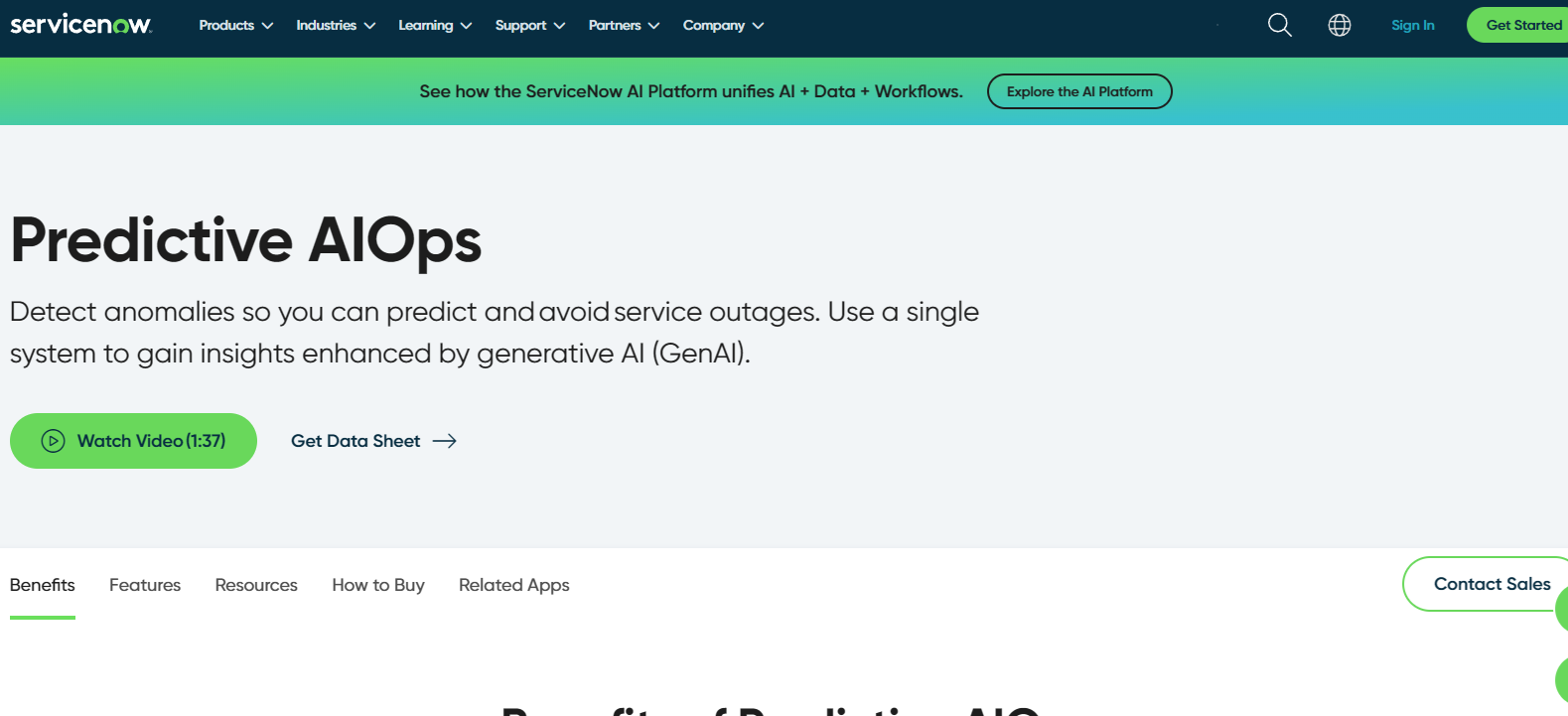
ServiceNow ITSM goes much beyond standard helpdesk. It’s designed for organizations needing a highly customizable solution that integrates with other enterprise functions. Compared to Motadata, ServiceNow is a longer-term investment and has a high initial investment cost. You most likely need a dedicated person just to deploy ServiceNow for your organization.
At Knowledge 2026, ServiceNow merged Now Assist, its acquired Moveworks AI platform, and its AI Experience layer into one product: ServiceNow Otto. Learn more about it in the Robin vs. Otto comparison.
G2 Rating: 4.5 out of 5.0 (1,900+ reviews)
Capterra Rating: 4.5 out of 5.0 (40+ reviews)
ServiceNow ITSM Pricing:
- To get the pricing, enter your business email on ServiceNow’s website, and their team will come back with specific pricing information.
6. Jira Service Management
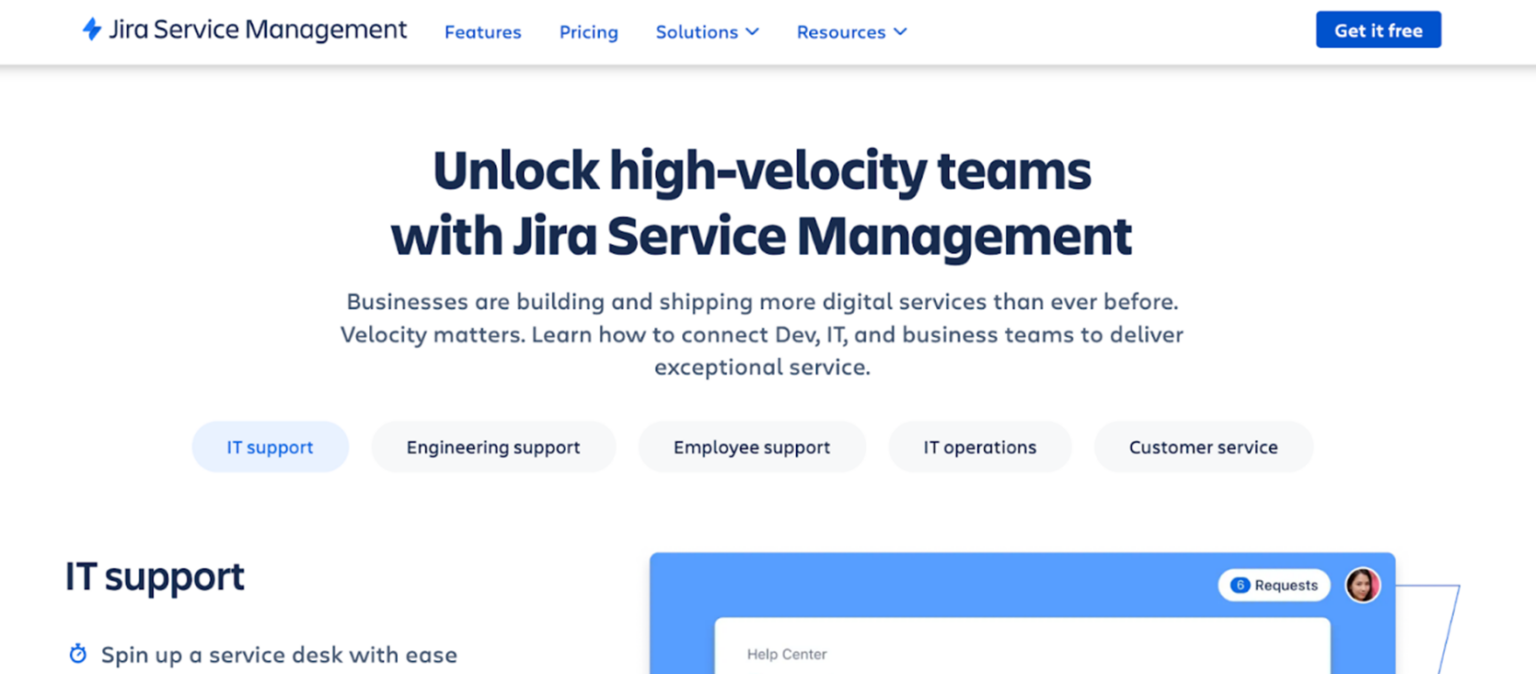
Similar to Freshservice, Jira Service Management is purely an ITSM platform, competing with Motadata ServiceOps. For organizations already in the Atlassian ecosystem, it has the benefit of connecting service requests directly to Jira Software and Confluence. Plus, you get access to 1,000+ integrations via the Atlassian marketplace.
In September 2026, Jira rebranded its AI assistant, Rovo, to Request Resolver. For organizations interested in autonomous IT support tools, it helps to execute resolution plans for service requests autonomously. (Read more: Robin vs. Request Resolver)
G2 rating: 4.3 out of 5.0 (980+ reviews)
Capterra rating: 4.5 out of 5.0 (770+ reviews)
Jira Service Management Pricing:
- Free: Free for up to 3 agents
- Standard: $23.80 per month, per agent
- Premium: $53.30 per month, per agent
- Enterprise: Pricing based on custom quotation. Visit their website to learn more.
What is Motadata?
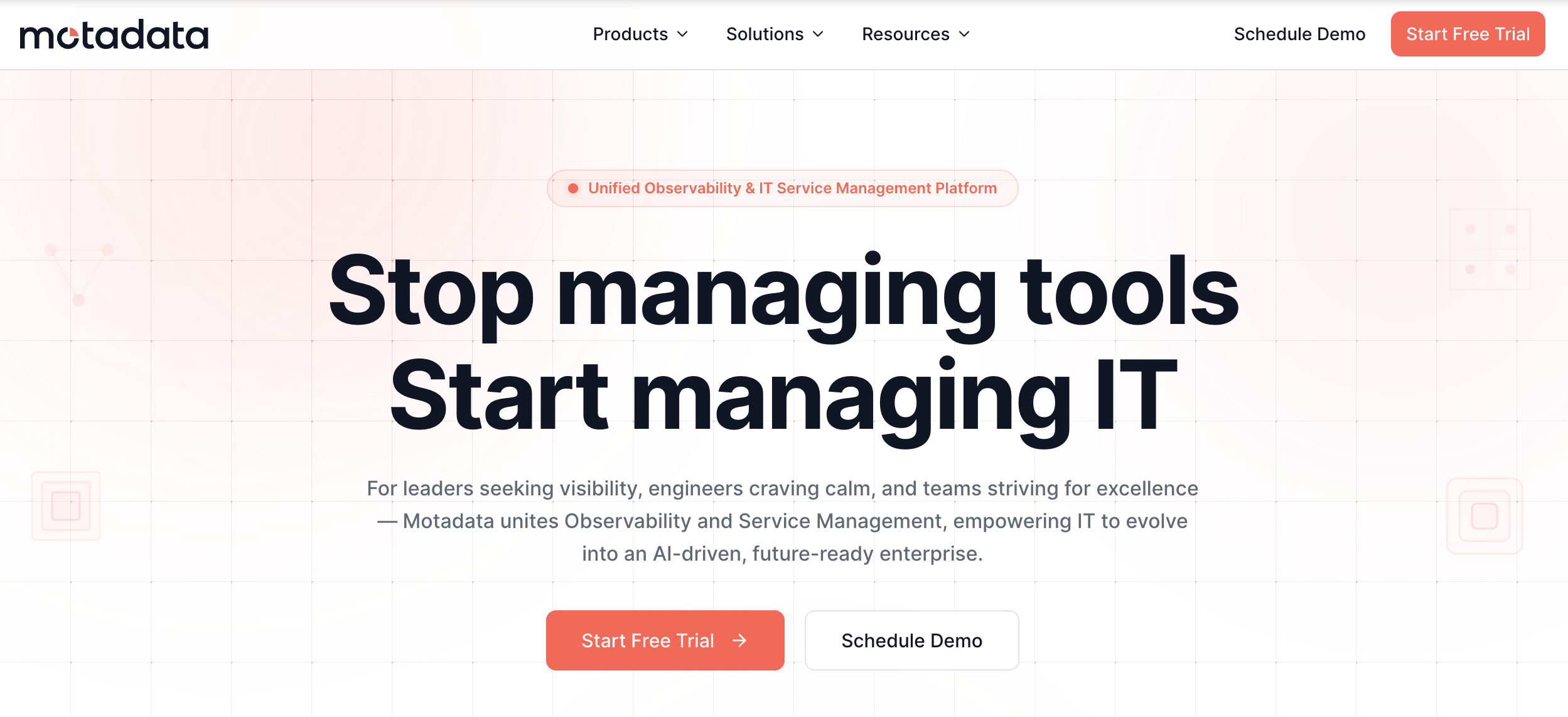
Motadata combines two crucial IT operational pillars into a single system: 1. observability (Motadata ObserveOps) and 2. service management (Motadata ServiceOps).
With ObserveOps, you can monitor your IT infrastructure, while ServiceOps helps manage how IT requests and incidents are handled.
Why look for a Motadata alternative?
Below are limitations users have reported on Motadata.
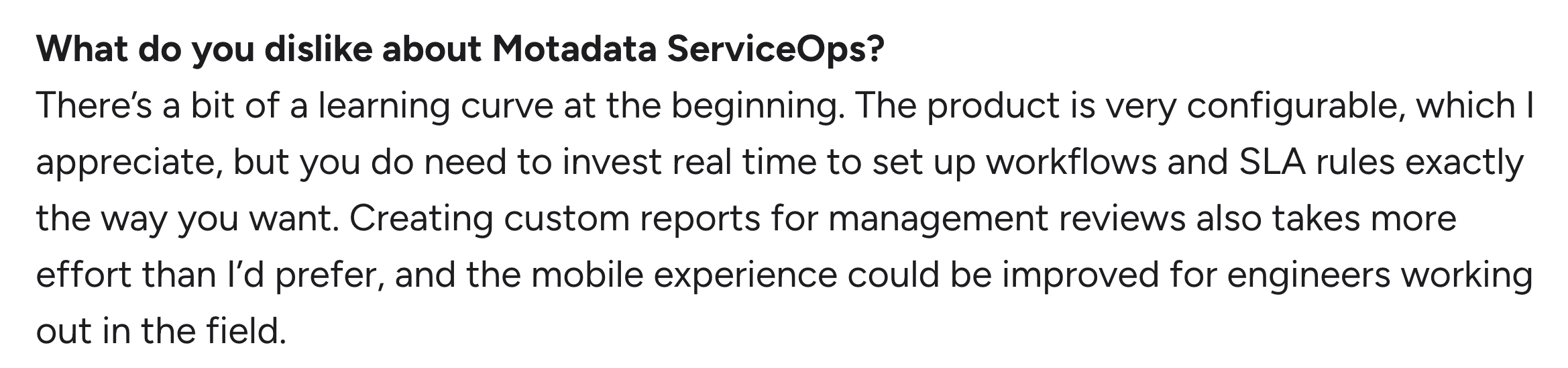
1. Learning curve
Motadata is known for being configurable, but in their case, this comes with a steep learning curve.
Rupendra R. commented on this exact issue:
Another G2 user commented on the learning curve of ObserveOps, saying:
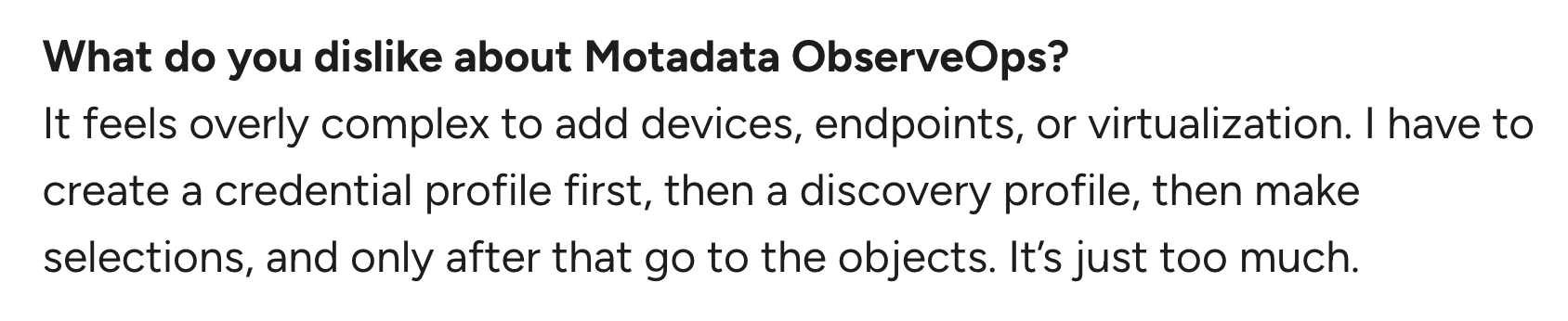
As you select a Motadata alternative, prioritize ease of use.
High customizability doesn’t have to mean a steep learning curve: the right tool lets you set up workflows with ease. 24/7 support and documentation should also be available to support this.
2. Better documentation
Part of the steep learning curve issue, a few Motadata users say better documentation should be available.
A knowledge base is available, but it’s arguably limited for such a diverse product as Motadata.
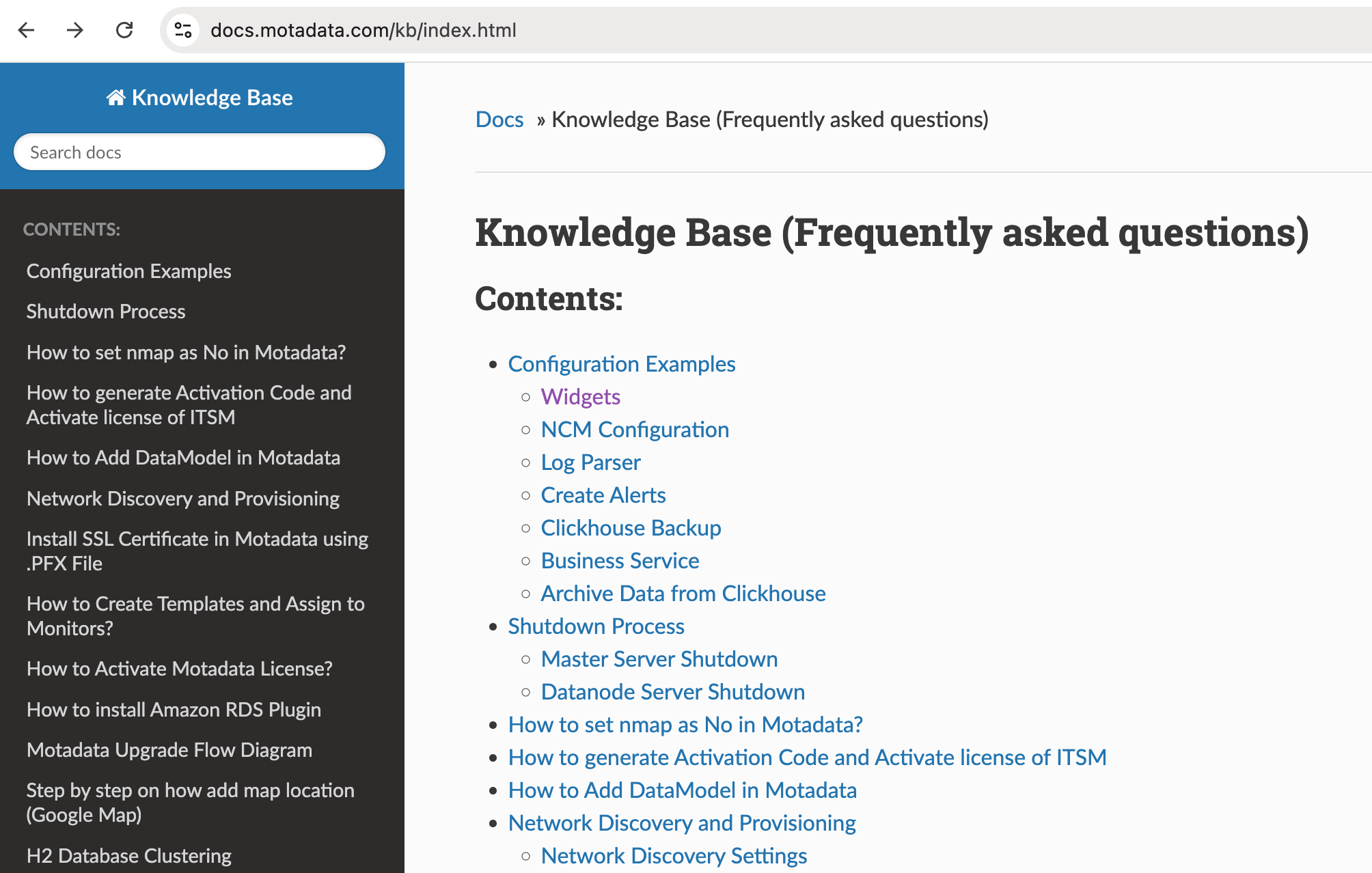
One G2 user said, “The documentation needs to be improved so that more users can learn how to use the system.”

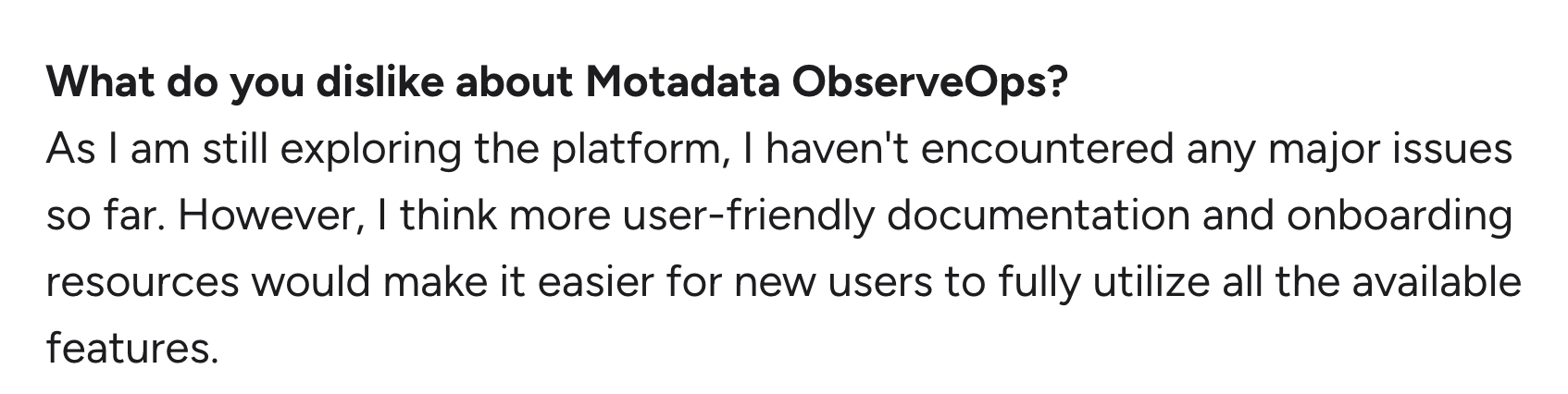
Another G2 user commented on the same issue, saying more user-friendly documentation and onboarding should be available:
3. Automation and AI could be improved
Both automation and AI are available on Motadata, but users wish for more enhancements and an easier setup process within them.
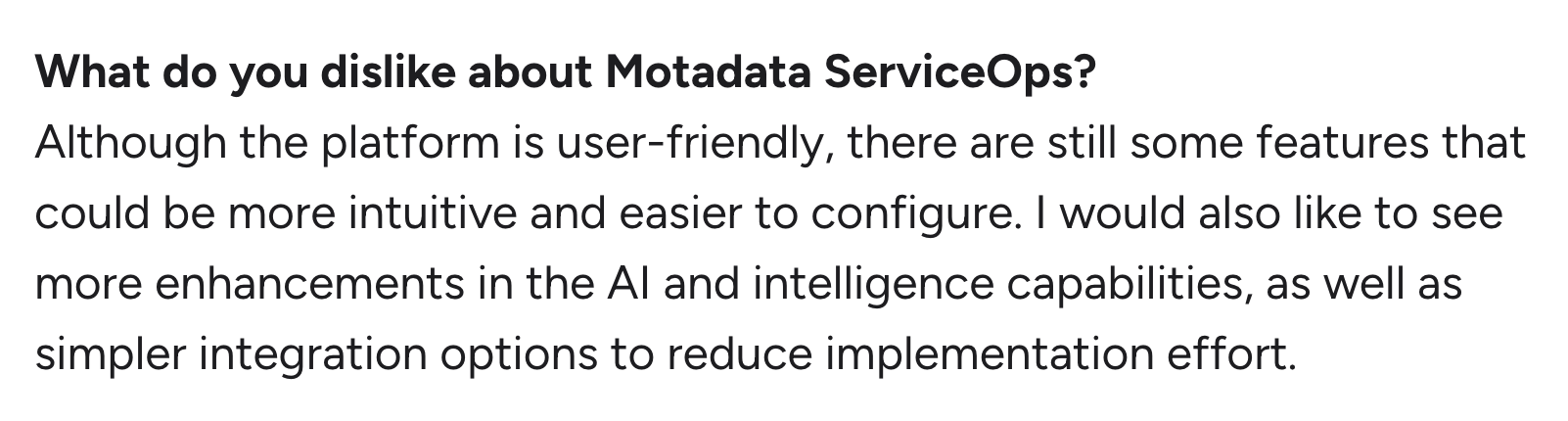
For example, Kaye Denise I. said: “I would also like to see more enhancements in the AI and intelligence capabilities.”
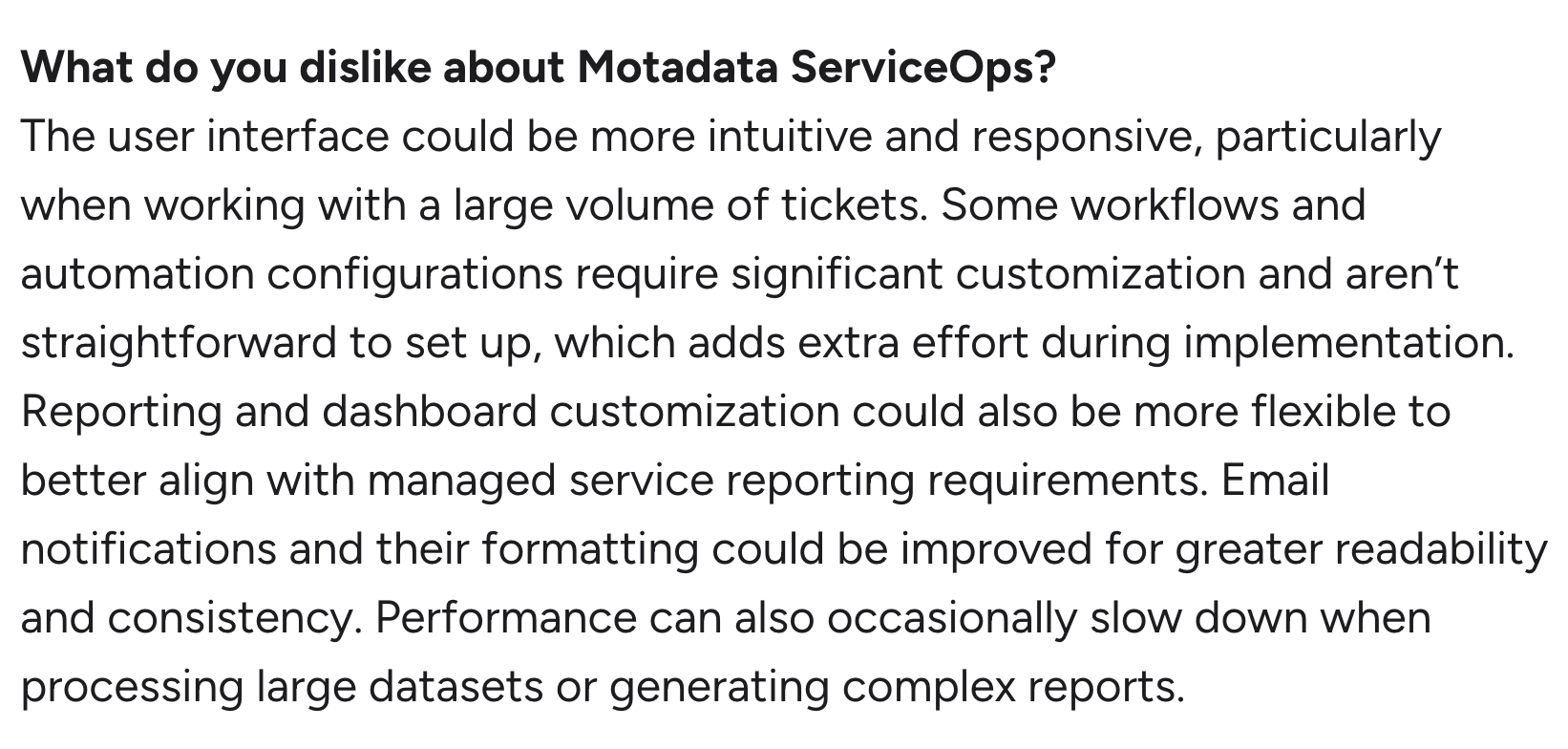
Another user, Biswajit P., commented on the automation configurations and said:
- “Automation configurations require significant customization and aren’t straightforward to set up, which adds extra effort during implementation.”
Atera’s Robin works out-of-the-box, meaning you can deploy it in minutes and improve its performance with custom instructions. There’s no need to build workflows from scratch.
What are Motadata’s strengths?
We’ve looked at the limitations; here are the strengths of Motadata.
1. Single platform for IT operations
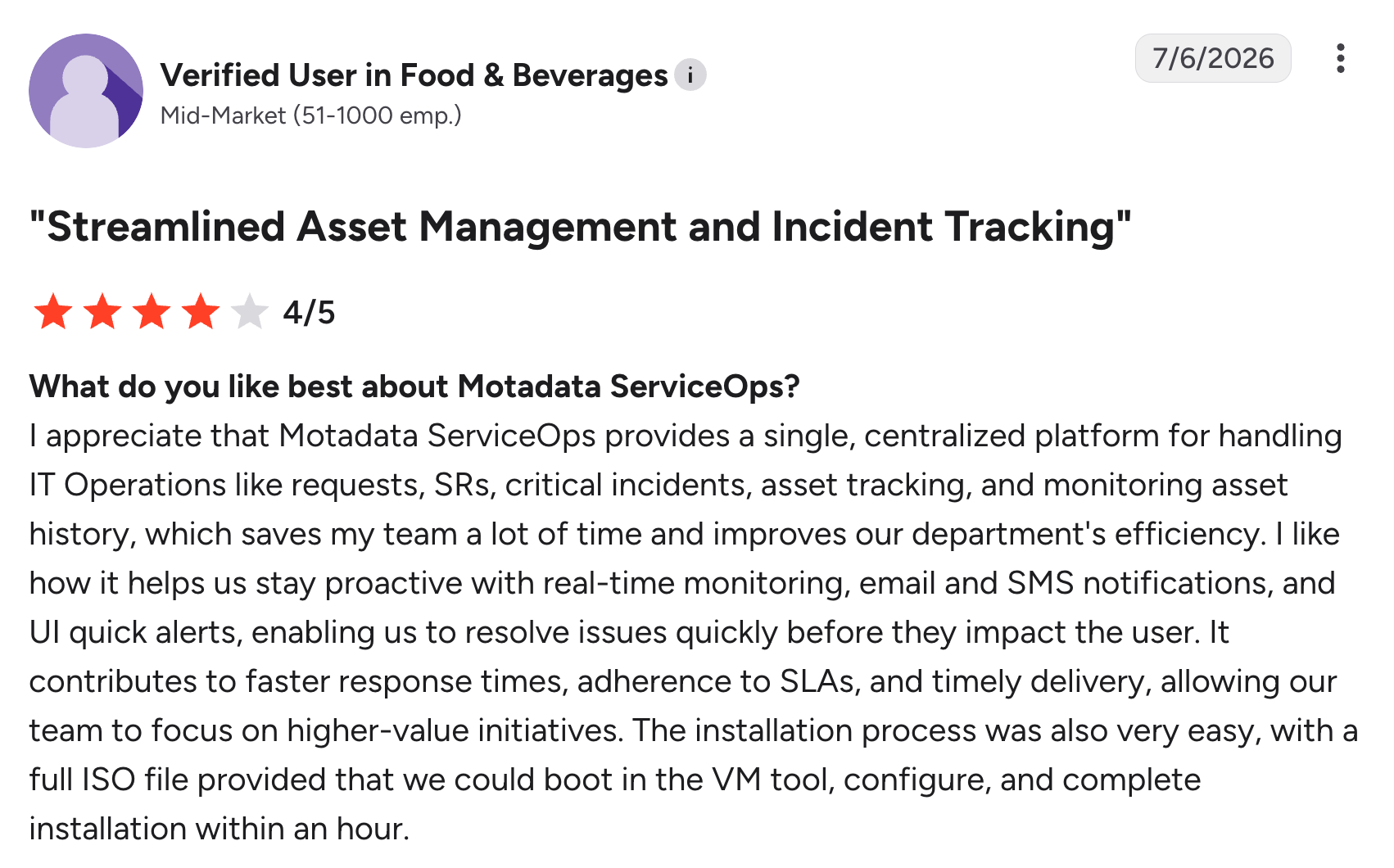
This is the obvious advantage. With Motadata, you get a single platform for monitoring your IT infrastructure, as well as handling critical incidents and your assets.
One G2 user liked this and said:
2. Faster incident response
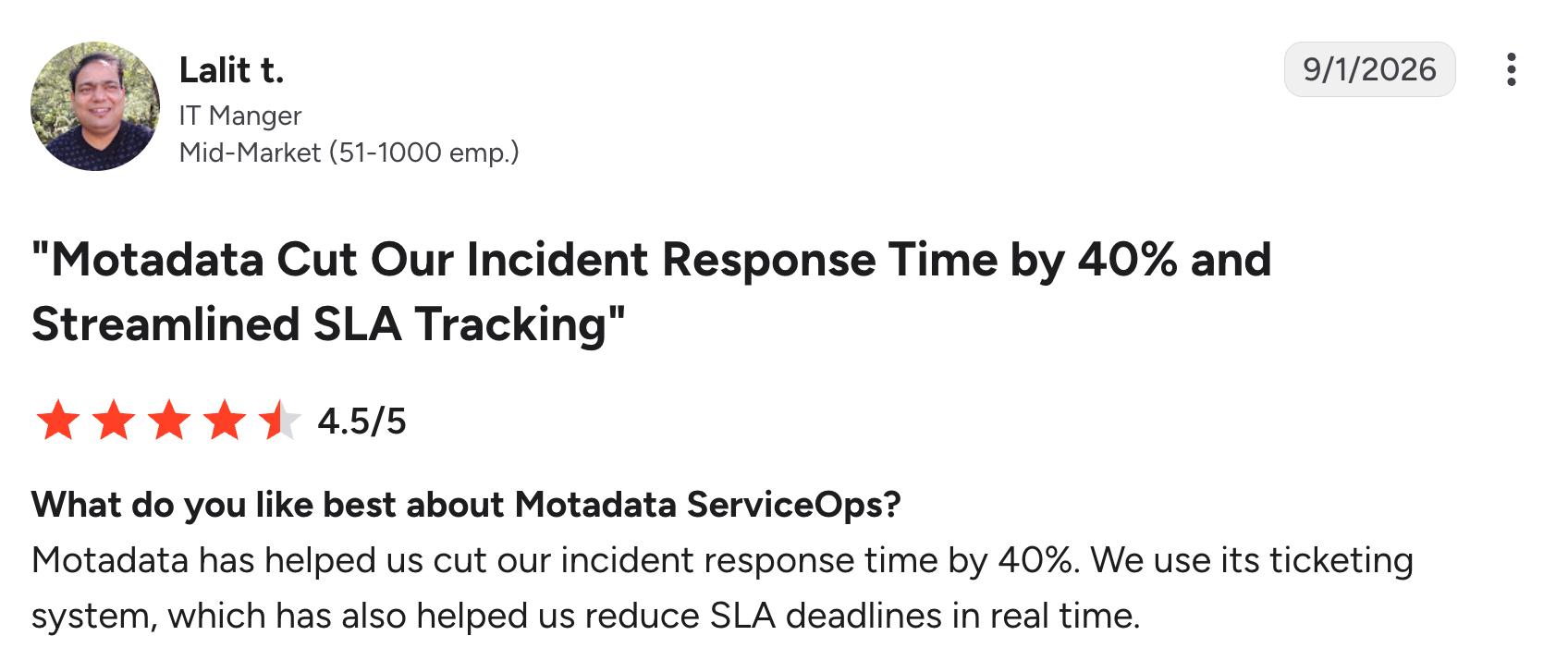
One G2 user, Lalit T., mentioned cutting their incident response time by 40% using the Modadata ServiceOps ticketing system.
Robin takes a different approach. It delivers a 0.1-second time to first response and autonomously resolves up to 92% of Tier-1 and complex Tier-2 technical incidents, without a technician in the loop.
Motadata pros and cons: Takeaways
Concluding the two previous sections, these are the pros and cons of Motadata.
The pros:
- 40% faster incident response time, according to a user review
- Single platform for IT infrastructure monitoring and service management
The cons:
- Users report a steep learning curve
- Better documentation should be in place for learning the software
- While AI and automation are available, they could be improved
Choosing the right Motadata alternative: Checklist to follow
As a final checklist, run each alternative against these five criteria:
1. Pricing: Check if public pricing is available, or if it’s quote-based only. See how the pricing is structured. Per-technician pricing is often a superior RMM pricing model.
2. Features: Decide whether you need observability, service management, or both. Some alternatives cover both; some just one of them.
3. Agentic AI: Vendors often call their product “autonomous”, but this can mean anything from a chatbot to a scheduled script. Make sure the AI agents are actually autonomous.
4. Customer reviews: Look for customer reviews and case studies of the alternatives.
5. Customer support: Prioritize platforms with 24/7 support, an extensive knowledge base, and guided onboarding.
If you want a single platform with RMM, incident management, and truly autonomous IT agents, try Atera free for 30 days.
Frequently Asked Questions
Related Articles

Top 5 Zoho Assist Alternatives for IT teams in 2026
Zoho Assist is a solid option for small-scale remote support, but often falls short for more demanding enterprise support. Find the five best Zoho Assist alternatives, with features, pricing, reviews, and AI compared.
Read now
Top 6 Automox alternatives IT pros are switching to in 2026
If you’re an IT manager selecting an Automox alternative, this article will come in handy. Below, we’ve compared the best six options and looked into each one’s top features, AI, and pricing plans.
Read now
7 best LogicMonitor alternatives for IT teams in 2026
Comparing LogicMonitor against its alternatives? We break down 7 alternative options on features, pricing, and reviews.
Read now
Atera alternatives in 2026
Compare Atera to NinjaOne, ConnectWise, SuperOps, Pulseway, and ServiceNow on pricing, features, and ratings.
Read nowEndless IT possibilities
Boost your productivity with Atera’s intuitive, centralized all-in-one platform







