
Table of contents
Generate summary with AI

Deel IT is part of the Deel ecosystem of products and, in their words, helps “businesses to hire and support employees worldwide.”
It does this by enabling device onboarding, management, and offboarding. While strong at device management, Deel IT arguably lacks other key IT management features, such as RMM software, plus users say it’s expensive.
Through our research, we found that the best Deel IT alternatives are:
The 7 Best Deel IT Alternatives for 2026
Let’s now review the best Deel IT alternatives.
1. Atera
Atera vs. Deel IT: Key differences
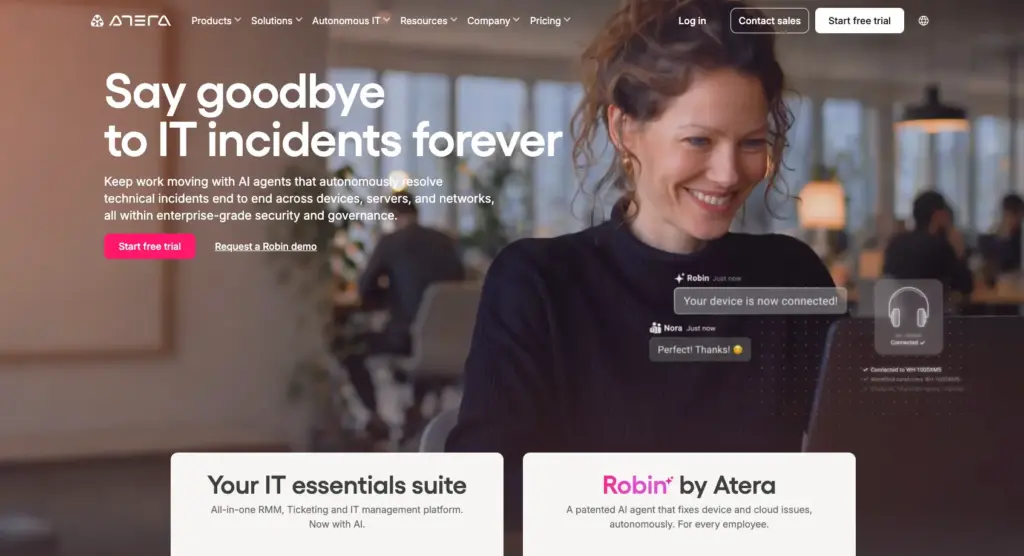
1. Key features: While Atera and Deel IT share similar device management capabilities, they’re built for different use cases. Deel IT helps to manage device logistics (shipping, repair, recovery), while Atera is an all-in-one, AI platform for IT management.
Atera’s key features include:
- Atera’s RMM to monitor & manage workstations, servers, and other network devices
- Robin by Atera for handling 80% of tier-1 issues, just like a technician would
- AI Copilot for summarizing tickets, running health checks, creating scripts, and more
- Asset management to manage the entire lifecycle of IT assets
- Atera’s ticketing system to track, organize, and manage tickets
- Atera’s patch management for Windows, Mac, and Linux devices
2. Agentic AI: Of Atera and Deel IT, only Atera offers Agentic AI technology through its AI agents, which are capable of performing actions on behalf of technicians.
Atera’s Robin interacts with end-users on the channels they already live in and resolves 80% of tier-1 issues (e.g., device issues, technical problems, password resets) all without technician involvement.

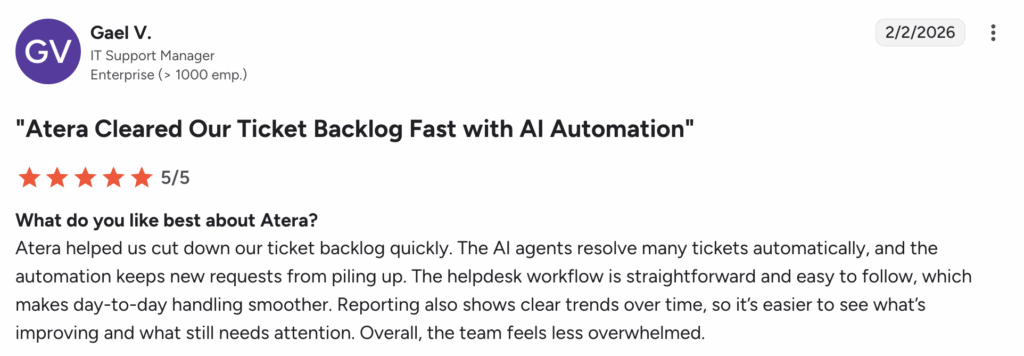
Gael V. shared his experience with Robin and AI Copilot and said, “Atera cleared our ticket b backlog fast. The AI agents resolve many tickets automatically, and the automation keeps new requests from piling up.”
3. Pricing: Deel IT users report transaction fees and high costs for scaling IT teams. In contrast, Atera’s pricing is simple and predictable. Unlike most RMM software, Atera’s pricing is based on pay-per-technician with unlimited devices, and starts from $149/month for IT departments.
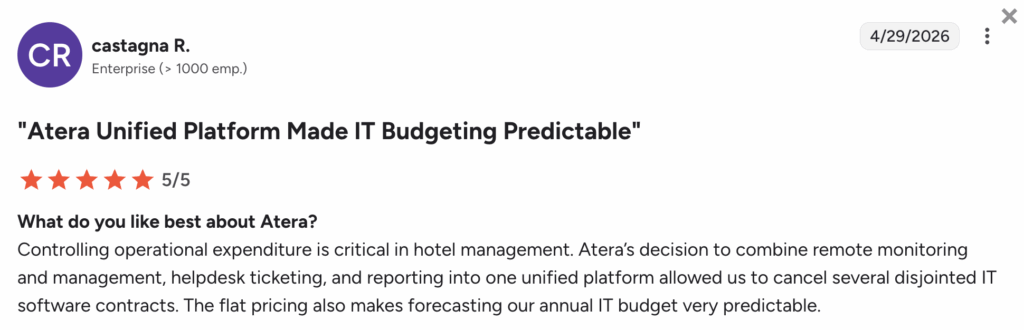
Castagna R. simply said, “Atera’s flat pricing makes forecasting our annual IT budget very predictable.”
Tip: For a full comparison, read our Atera vs. Deel IT comparison article.
Pricing and value for money
Below are Atera’s pricing plans displayed for both IT departments and MSPs.
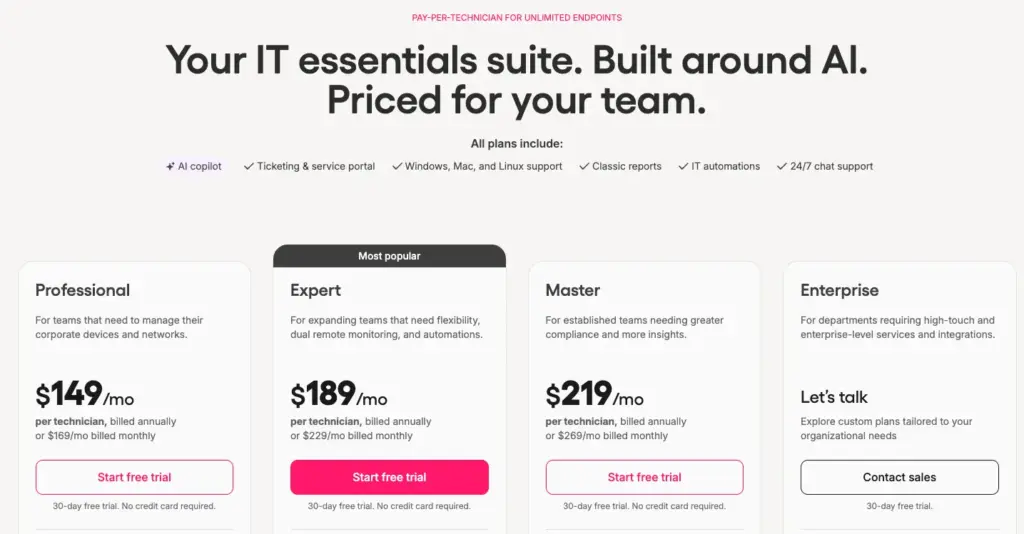
Atera pricing plans for IT departments:
- Professional: $149 per month, per technician
- Expert: $189 per month, per technician
- Master: $219 per month, per technician
- Enterprise: Custom quotation; contact sales to get pricing
- Pro: $129 per month, per technician
- Growth: $179 per month, per technician
- Power: $209 per month, per technician
- Superpower (Enterprise): Custom quotation; contact sales to get pricing
4. Customer reviews and ratings
Atera’s G2 Rating: 4.6 out of 5 stars (1,100+ reviews)
What Atera users are saying on G2:
- “I love Atera for remotely managing our clients’ endpoints, and the RMM alerts are excellent for monitoring endpoint status and staying on top of any issues,” a G2 user says.
- “Atera’s AI agents resolve many recurring issues automatically, and IT Robin takes care of background maintenance,” a G2 user says.
Atera’s Capterra Rating: 4.5 out of 5 stars (440+ reviews)
What Atera users are saying on Capterra:
- “Brilliant asset monitoring, which includes statistics, alerts, and remote control capabilities. Easy to manage devices and organise by clients,” a Capterra user says.
- “Atera is helping us solve tickets in a very short space of time using their Copilot in the PSA that analyses a ticket, suggests solutions, and helps respond professionally,” a Capterra user says.
2. Workwize
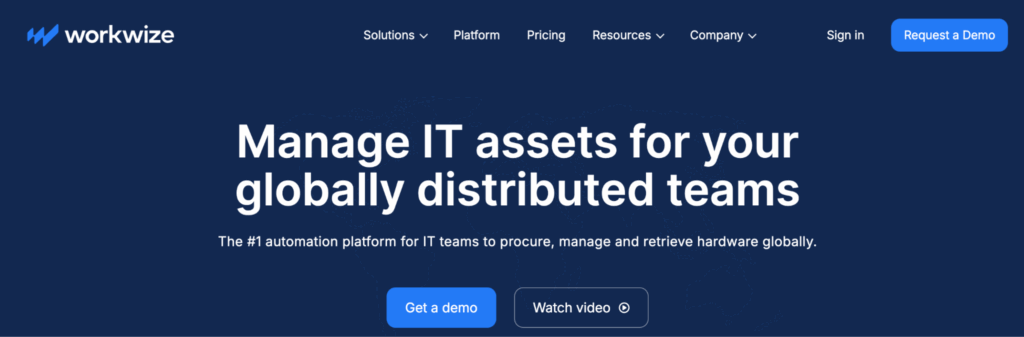
Workwize is an IT asset management platform that gives you access to a global network of IT suppliers, making it easy to deploy IT assets to your team.
For physically managing the lifecycle of IT assets, Workwize can be a suitable Deel IT alternative, although users on G2 report long implementation times. For features like RMM, patch management, and ticketing, alternatives like Atera are a superior choice.
G2 Rating: 4.4 out of 5.0 stars (9 reviews)
Capterra Rating: 4.4 out of 5.0 stars (10+ reviews)
Workwize Pricing:
- Basic, Professional, and Enterprise plans are available. To find out the pricing, request a demo from Workwize’s sales team.
3. Lendis
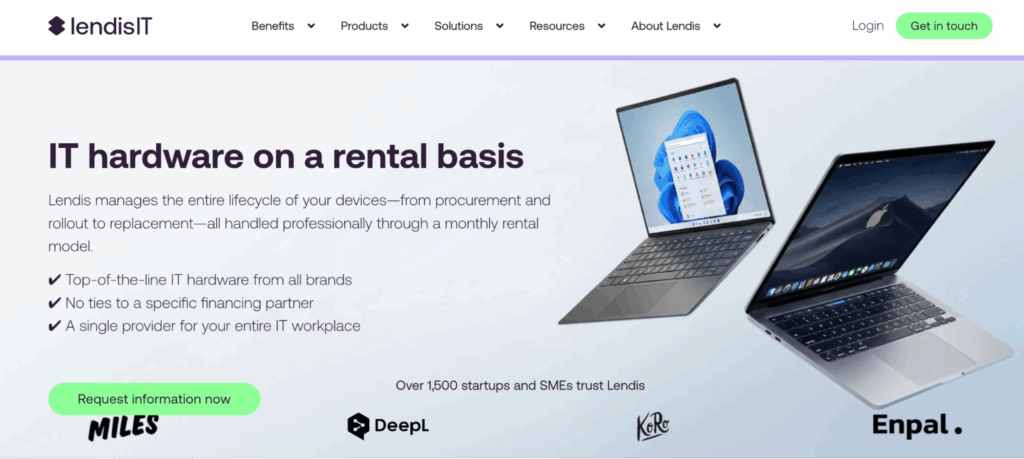
Similar to Workwize and Deel IT, Lendis helps to manage the entire physical lifecycle of your IT assets. It helps to rent and deliver work equipment to your employees worldwide, keep track of them, and retrieve devices when it’s time for that.
While a simple inventory management tool is available, Lendis falls short for actual IT management. If your IT team is looking for an all-in-one IT management tool, an alternative like Atera is a better option.
G2 Rating: n/a
Capterra Rating: n/a
Lendis Pricing:
- To get the pricing, fill in a form on Lendis’ website, and their team will get in touch with you.
4. LogMeIn Resolve

LogMeIn Resolve doesn’t let you rent out devices; instead, it’s an endpoint management tool designed for monitoring the workstations and other devices of your end-users. With it, you can manage tickets, access devices remotely, track assets, and more.
LogMeIn has also developed an AI assistant, but it’s mainly for assisting technicians: running health checks, checking for potential threats, and generating scripts. Unlike Atera’s Robin, which enables autonomous endpoint management, LogMeIn still requires the oversight from a technician to perform actual tasks.
G2 Rating: 4.4 out of 5.0 (430+ reviews)
Capterra rating: 4.4 out of 5.0 (200+ reviews)
LogMeIn Resolve Pricing:
- Remote Access: $23 per month, billed annually
- Report Support Plus: $44 per month, billed annually
- Standard: $57 per month, billed annually
- Premium: Custom pricing, contact the GoTo Resolve sales team
5. Jamf
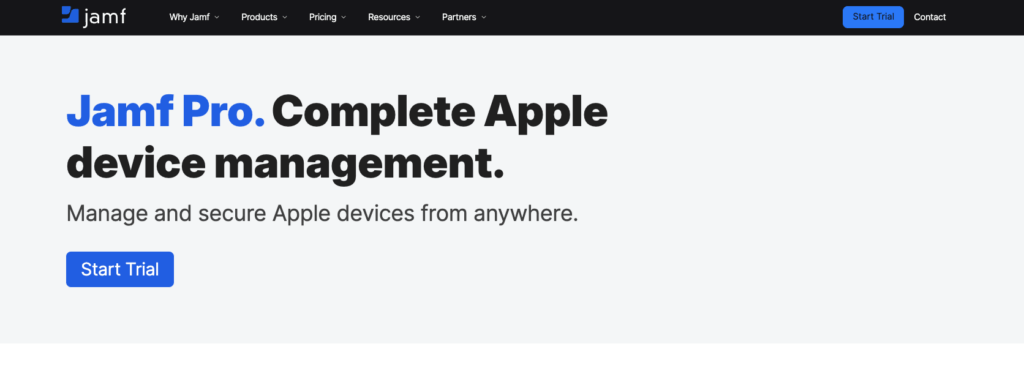
For organizations requiring an Apple device management tool, Jamf can be a suitable option. It helps to automatically enroll Apple devices, centralize app and device management, and deploy patches onto devices.
While useful for Apple devices, it doesn’t support Windows or Linux, which is a notable drawback for those with multi-OS environments. Jamf alternatives, like Atera, not only support Mac but also Windows and Linux devices.
G2 Rating: 4.8 out of 5.0 stars (1800+ reviews)
Capterra Rating: 4.7 out of 5.0 stars (700+ reviews)
Jamf Pro Pricing:
- Jamf Now: Starts at $4 per device, per month
- Jamf Business: Starts at $15 per user, per month
- Jamf Enterprise: Custom quotation
6. Scalefusion
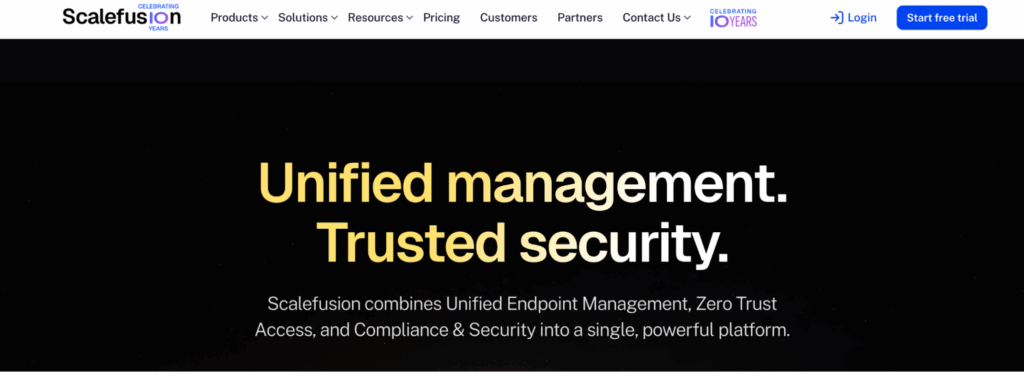
Scalefusion is an MDM software that can be useful for IT teams needing to monitor and secure their mobile devices. It helps with this through features like app whitelisting/backlisting, automatic device enrollment, and application control.
Scalefusion has an AI assistant, “AirThink AI,” which helps in generating scripts from plain text. Atera’s AI Copilot offers the same function, but it also expands to other areas of IT management, such as running health checks, summarizing tickets, and more.
G2 Rating: 4.7 out of 5.0 stars (300+ reviews)
Capterra Rating: 4.8 out of 5.0 stars (100+ reviews)
Scalefusion Pricing:
- Essential: $2 per device, per month
- Growth: $3.5 per device, per month
- Business: $5 per device, per month
- Enterprise: $6 per device, per month
7. Iru (formerly Kandji)
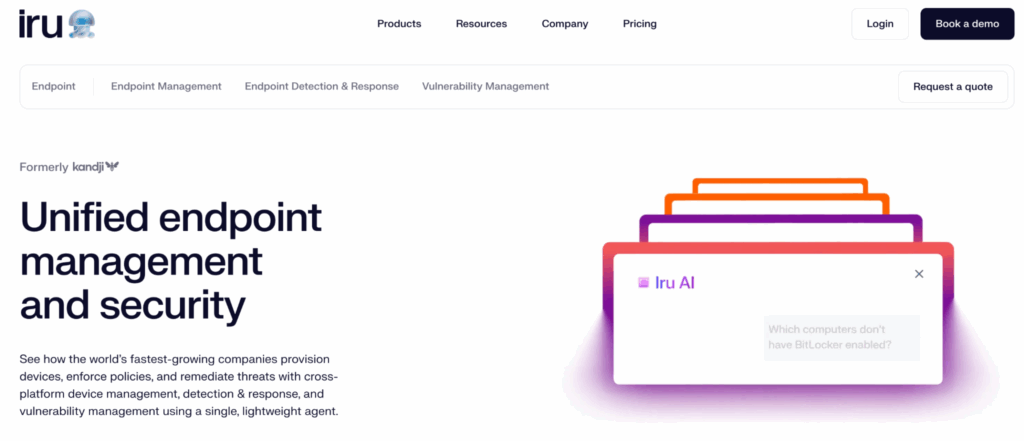
Iru (formerly Kandji) is another endpoint management solution. Formerly only for Apple devices, it has now expanded to cover Windows and Linux as well. It uses an RMM agent to help enroll devices and deploy applications.
Although Windows and Linux support is now available, users like David T. say it really only works intuitively for Apple. In contrast, Atera is ideal for organizations with multi-OS environments, as it natively supports them.
G2 Rating: 4.7 out of 5.0 stars (500+ reviews)
Capterra Rating: 4.8 out of 5.0 stars (70+ reviews)
Kandji Pricing:
- iOS, iPadOS, tvOS: $1.60 per device, per month
- macOS: Starts at $3.20 per device, per month
- Enterprise: Based on a custom quotation
Wrapping up
Deel IT can be suitable if you solely need to onboard, manage, and offboard devices within your organization. For actual IT management (such as remote monitoring, patch management, ticketing, and Agentic AI), you’ll need a more comprehensive solution.
Atera is arguably the strongest all-around Deel IT alternative, combining RMM, asset management, ticketing, and remote access, plus the industry’s leading Agentic AI. Unlike most Deel IT alternatives priced per-endpoint, Atera’s predictable per-technician pricing makes scaling possible without skyrocketing costs.
Interested in seeing Atera in action? Get in touch with our sales team or sign up for Atera’s 30-day free trial; no credit card is required!
Why look for a Deel IT alternative?
When writing this article, we searched for the real reasons why users search for Deel IT alternatives. Below are the three main reasons why.
1. Expensive & hidden “middle-man fees”
This is the main con of Deel IT, mentioned in 46 reviews on G2.
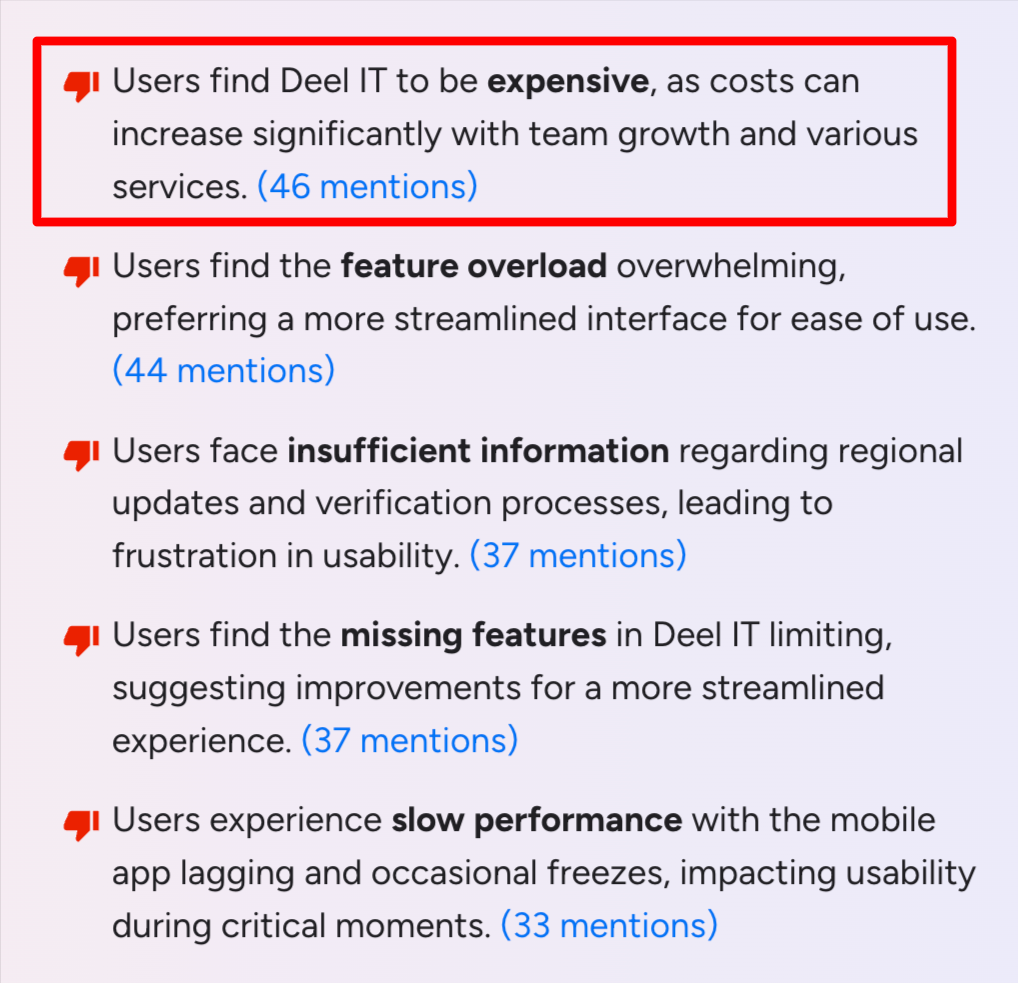
Deel IT allows you to retrieve old laptops, but each transaction has a $25 USD fee, which users complain about.
This is what Roslary S. said:

Another user on G2 said, “The biggest frustration with Deel is often the hidden ‘middleman’ fees—even when using a local bank, you can sometimes see small chunks of your paycheck disappear due to intermediary bank charges or exchange rate markups that Deel doesn’t always control.”
2. Customers wish for more features
Deel IT’s main use case is buying, leasing, and retrieving devices, and some users, like Joshua B., say it lacks features for actual IT support.

Deel IT lacks IT management features, such as RMM, patch management, ticketing, and remote access.
Additionally, users like Cass V. wish that it would be possible to “implement Deel IT more deeply within his own network.”
3. Users experience slow performance
Users say the interface in general is intuitive; however, it can sometimes be slow or buggy.
One G2 user shared his experience with this by saying:

Another user, Christian C., said, “I wish the app were a bit faster; sometimes it takes a long time to load information or log in.”

What are Deel IT’s strengths?
In comparison, here are the two main strengths of Deel IT users reported.
1. Works natively with the Deel ecosystem
Although users have criticized the lack of third-party integrations, Deel IT integrates and works well with other Deel products, such as Deel Payroll, Deel Hire, and Deel HR.
One G2 user said, “If a company already uses Deel for payroll or HR, IT management fits in smoothly.”
2. Fast payments
If you’re not bothered by the high transaction fees, Deel IT does offer fast payments when retrieving old laptops.
One G2 user simply commented, “Fast, easy payments for contractors with responsive support.”
The pros and cons of Deel IT
Below are the pros and cons of Deel IT summarized.
The pros:
- Integrates well with other Deel products
- Fast payments when retrieving laptops
The cons:
- Expensive to use (especially for larger IT teams)
- Lacking key IT management features
- Occasional performance issues and bugs
Frequently Asked Questions
Related Articles
7 best LogicMonitor alternatives for IT teams in 2026
Comparing LogicMonitor against its alternatives? We break down 7 alternative options on features, pricing, and reviews.
Read now
Atera alternatives in 2026
Compare Atera to NinjaOne, ConnectWise, SuperOps, Pulseway, and ServiceNow on pricing, features, and ratings.
Read now
7 best Gorelo alternatives for IT teams in 2026
Comparing Gorelo against its alternatives? We break down 7 alternative options on features, pricing, and reviews.
Read now
The 7 Best RemotePC Alternatives in 2026
The 7 best RemotePC alternatives in 2026, reviewed. Find tools with stronger remote access, Agentic AI, and broader IT management features.
Read nowEndless IT possibilities
Boost your productivity with Atera’s intuitive, centralized all-in-one platform









