Table of contents
Generate summary with AI

RemotePC is a widely used remote and desktop management solution, but it has its limitations. Users report that the sessions can be unstable and the software lacks broader IT management capabilities.
For those reasons, many IT teams are turning to RemotePC alternatives – with often built-in RMM software, Agentic AI capabilities, reliable remote access, and better scalability.
The best RemotePC alternatives in 2026 are:
The 7 Best RemotePC alternatives for 2026
Let’s review each of these tools more thoroughly now.
1. Atera
Atera vs. RemotePC: Key differences
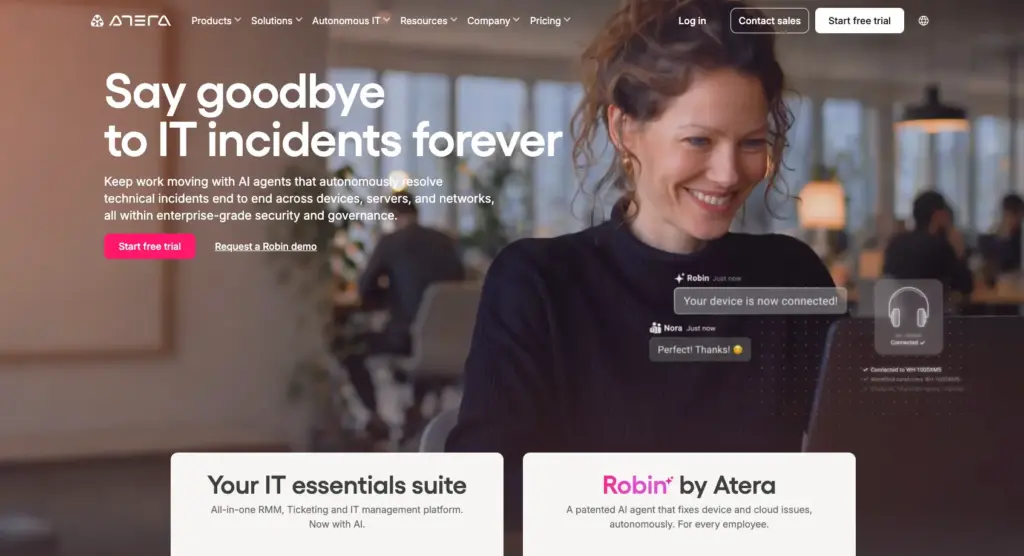
1. Key features: Remote access is part of Atera’s broader Agentic AI platform for IT management. It combines the key IT management functionalities into one: Atera’s RMM, PSA, remote access, ticketing, network discovery, reporting, and more.
In comparison, RemotePC focuses entirely on its remote desktop functionality, meaning you need to invest in third-party software for broader capabilities. With Atera, you can manage your entire IT infrastructure from one platform.
2. Remote access: With Atera’s remote access tool, you can securely access your end-users’ computers, servers, applications, and files for troubleshooting. Sessions can be started directly from an alert, ticket, or device view via AnyDesk or Splashtop, available at no extra cost for Atera users.
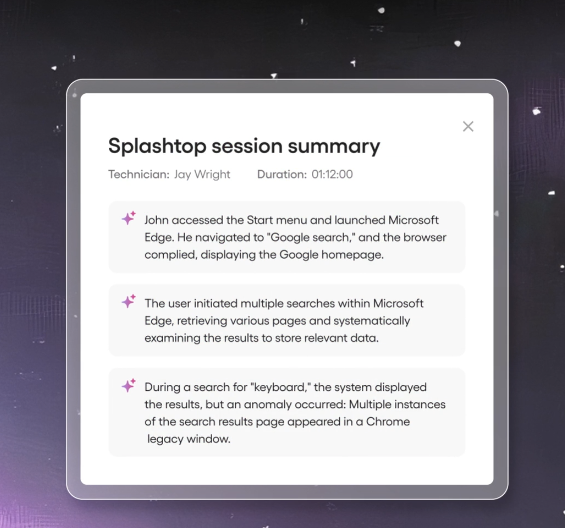
Atera’s AI Copilot is available for users on all plans at no extra charge. One of its unique advantages is remote session summaries, available after each session as an itemized list of key points and actions performed.
3. Agentic AI: Of Atera and RemotePC, only Atera has implemented Agentic AI technology into its platform, capable of moving organizations from automated to fully autonomous IT management.
Atera’s Robin handles the entire process of resolving technical issues:
1. It captures the request: Robin pulls requests from end-users on Teams, Slack, email, Customer Portal, and third-party tools. It then asks follow-up questions to collect the full context needed for resolution.
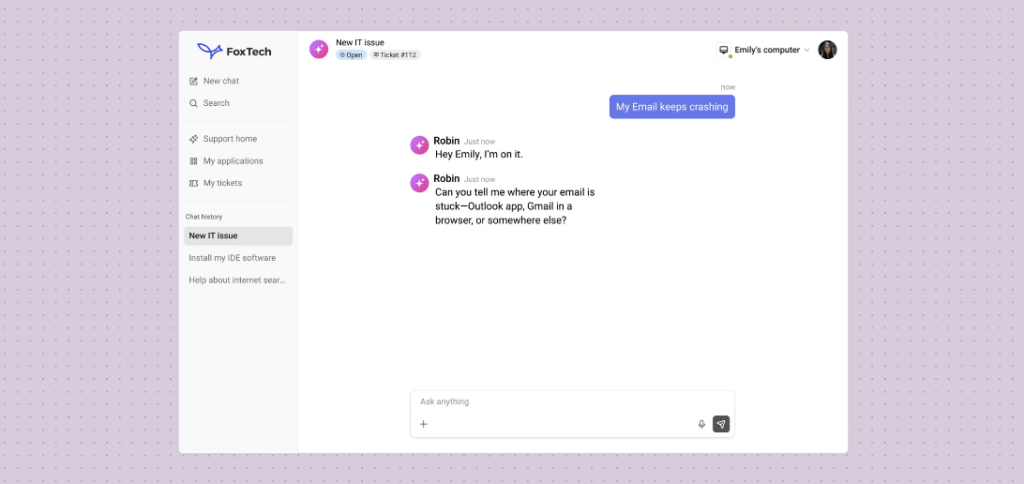
2. It takes the required actions: Once Robin has the context, it takes approved actions on the device, network, or in the cloud. This can involve installing OS updates, running health checks, restarting devices, clearing the print queue, or any other action required to fix the issue.
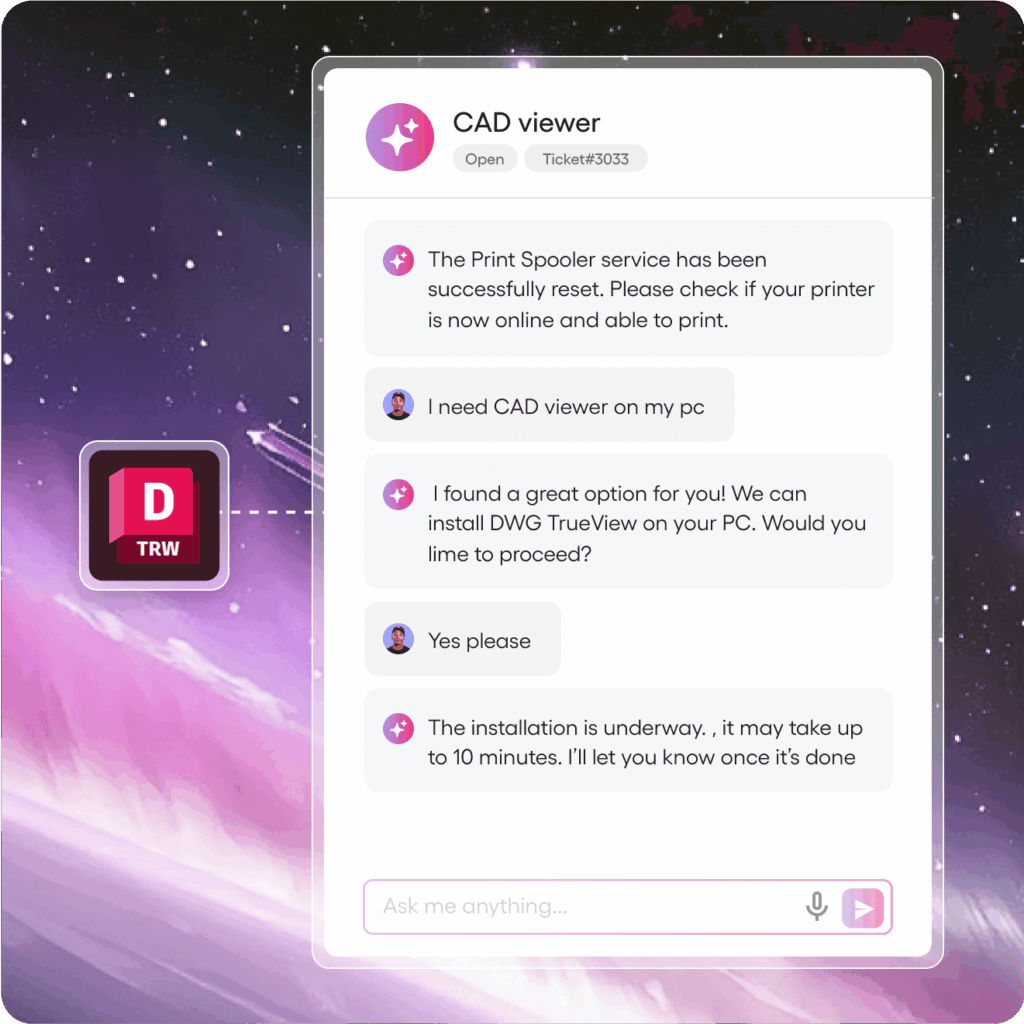
3. It verifies the resolution and closes the loop: Once the action is taken, Robin verifies it and closes the loop in your existing ITSM. And for more complex issues, Robin is capable of escalating those to a human technician, with a full context of the issue.
What’s unique, Robin always detects patterns during troubleshooting, which means it gets smarter with every issue it resolves.
Atera’s guarantee for Robin is that it will resolve 50% of technical issues within 90 days, or it will waive all your fees. And as Robin learns about your IT environment more, it is capable of solving up to 92% of technical issues over time.
Pricing and value for money
Atera offers simple pay-per-technician pricing for both IT departments and MSPs. Below are all the pricing plans laid out.
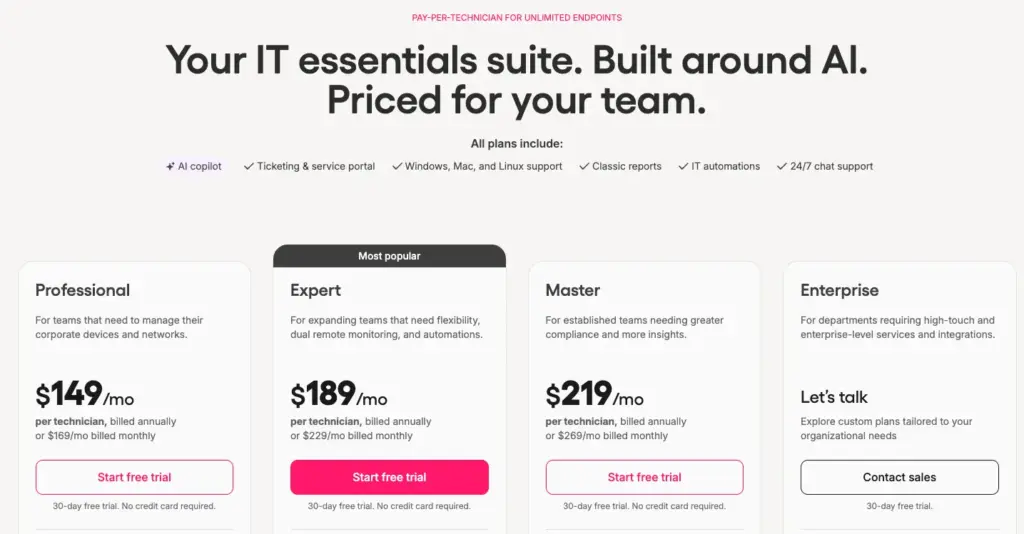
Atera pricing plans for IT departments:
- Professional: $149 per month, per technician
- Expert: $189 per month, per technician
- Master: $219 per month, per technician
- Enterprise: Custom quotation; contact sales to get pricing
- Pro: $129 per month, per technician
- Growth: $159 per month, per technician
- Power: $209 per month, per technician
- Superpower (Enterprise): Custom quotation; contact sales to get pricing
4. Customer reviews and ratings
Atera’s G2 Rating: 4.6 out of 5 stars (1,160+ reviews)
What Atera users are saying on G2:
- “Our IT environment is highly distributed: we have massive, resource-heavy CAD workstations in the office and hundreds of ruggedized tablets. Atera’s pricing model is the single best feature for our business structure,” a G2 user says.
- “Automation is by far the most impactful aspect of Atera for us. We’re a small team of IT professionals supporting a large number of users and devices. We rely heavily on automation to make systemic changes happen on time,” a G2 user says.
Atera’s Capterra Rating: 4.4 out of 5 stars (440+ reviews)
What Atera users are saying on Capterra:
- “Great tool with a per-technician billing model. Endpoints are not billed. Super powerful, has built-in ticketing, remote management, and patch management,” a Capterra user says.
- “The real-time monitoring feature has been very important in shifting from a reactive mode of managing IT to a proactive one,” a Capterra user says.
2. AnyDesk
AnyDesk is a remote desktop software used by IT teams to remotely connect to Windows, macOS, Linux, iOS, and Android devices.
With Atera’s Expert plan and higher, you get access to AnyDesk’s remote access at no extra cost. With AnyDesk and Atera combined, you can both access AnyDesk’s reliable remote connectivity and Atera’s full IT management suite, all from a single platform.
G2 Rating: 4.5 out of 5.0 stars (1,000+ reviews)
Capterra Rating: 4.6 out of 5.0 stars (1,700+ reviews)
AnyDesk Pricing:
- Standard: Starts at $49.90/month (1 connection)
- Advanced: Starts at $112/month (2 connections)
- Ultimate: Custom quotation
3. TeamViewer
TeamViewer is a popular choice by IT teams requiring a remote control tool for accessing end-users devices. It lets you securely access your office desktops, files, and applications, all remotely.
While not as robust, TeamViewer’s remote access is accompanied with RMM and asset management capabilities, available as add-ons. TeamViewer also integrates with Atera for broader IT management.
G2 Rating: 4.5 out of 5.0 stars (3,000+ reviews)
Capterra Rating: 4.6 out of 5.0 stars (11,000+ reviews)
AnyDesk Pricing:
- Standard: Based on a custom quotation
- Advanced: Based on a custom quotation
Enterprise: Based on a custom quotation
4. Splashtop
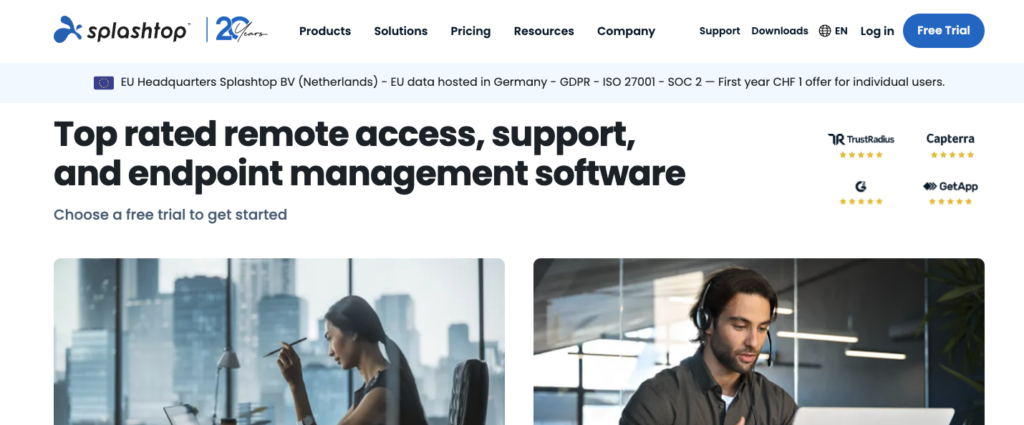
Splashtop is one of the industry-leading remote access solutions, offering the standard features: remote desktop access, multi-monitor support, file transfer, session recording, and cross-platform compatibility (Windows, Mac, Linux, iOS, and Android).
As with AnyDesk, Splashtop is available within Atera. Users on any paid plan can access Splashtop’s remote access capabilities, with up to 2 concurrent sessions.
G2 Rating: 4.8 out of 5.0 stars (500+ reviews)
Capterra Rating: 4.7 out of 5.0 stars (700+ reviews)
Splashtop Pricing:
- Remote Access Solo: $5/month for one user
- Remote Access Pro: $8.25/month, per user
- Access Performance: $13/month, per user
- Splashtop Enterprise: Based on a custom quotation
5. ConnectWise ScreenConnect
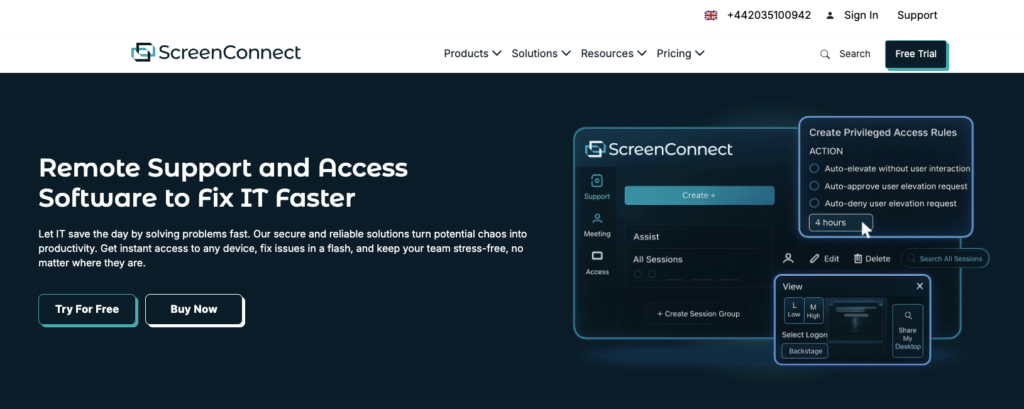
Part of ConnectWise’s suite of products, ScreenConnect is a known choice for IT teams requiring a remote access tool. With it, IT techs can take full control of client’s device, diagnose issues, transfer files, and run background diagnostics.
ConnectWise has an AI assistant, but it primarily assists within its PSA and RMM products. So for example, no AI-generated remote session summaries are available, which is something Atera offers.
G2 Rating: 4.7 out of 5.0 stars (500+ reviews)
Capterra Rating: 4.7 out of 5.0 stars (1890+ reviews)
ConnectWise ScreenConnect Pricing:
- To get the pricing, you need to fill out a form and get in touch with ConnectWise’s sales team
6. Action1
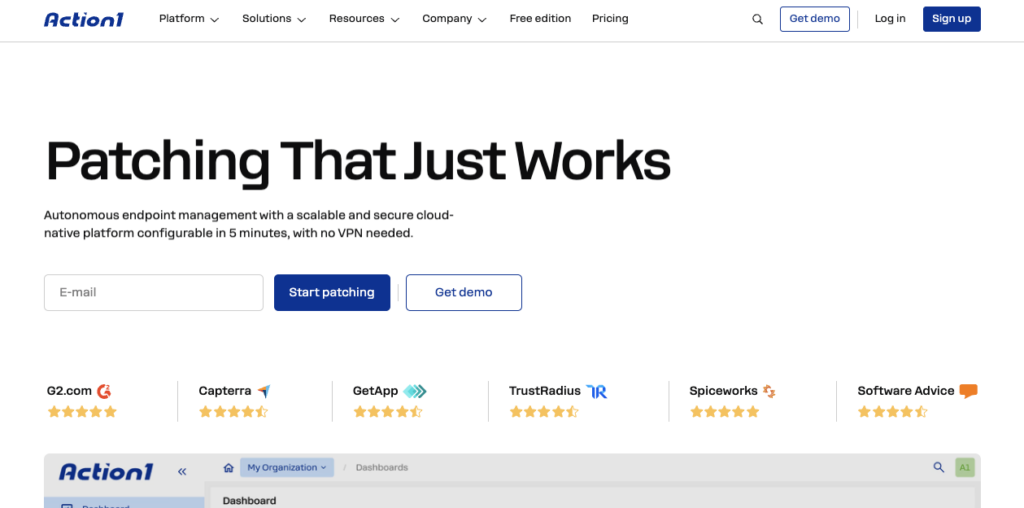
Action1 is an endpoint management tool with built remote access tool. It addresses broader IT management needs by offering third-party patching, endpoint management, vulnerability detection, asset management, and the remote access.
It has a good free plan for trying it out. As a caveat, Action1 hasn’t yet implemented Agentic AI for autonomous IT that would assist technicians in removing manual and repetitive tasks, while alternatives like Atera have done that.
G2 Rating: 4.9 out of 5.0 stars (1000+ reviews)
Capterra Rating: 4.9 out of 5.0 stars (200+ reviews)
Action1 Pricing:
- Free for the first 200 endpoints. For more than that, get a quote from Action1’s team by filling out a form
7. Datto RMM
One of Datto’s products, Datto RMM, is an RMM software used by IT teams and MSPs. It helps to flag potential problems in your devices, track their health, and automate responses to issues. To complement the RMM, remote access is available, allowing users to remotely connect to Windows, macOS, and Linux devices.
Datto also integrates with Autotask PSA – though this comes with an extra cost. For all-in-one IT management, Datto alternatives, like Atera, are often a better choice.
G2 Rating: 4.5 out of 5.0 stars (700+ reviews)
Capterra Rating: 4.3 out of 5.0 stars (40+ reviews)
Datto RMM Pricing:
- Datto’s pricing is based on a custom quotation. To get it, you need to fill in a form on their website
Why look for a RemotePC alternative?
As part of this article, we analyzed the real reasons users look for RemotePC alternatives. Here’s what users reported.
1. Performance and remote access issues
This was the main con users have reported on G2.
Users report performance issues, such as:
- RemotePC disconnecting and having to connect again (Source)
- The control not being responsive (Source)
- The app freezing mid-session (Source)
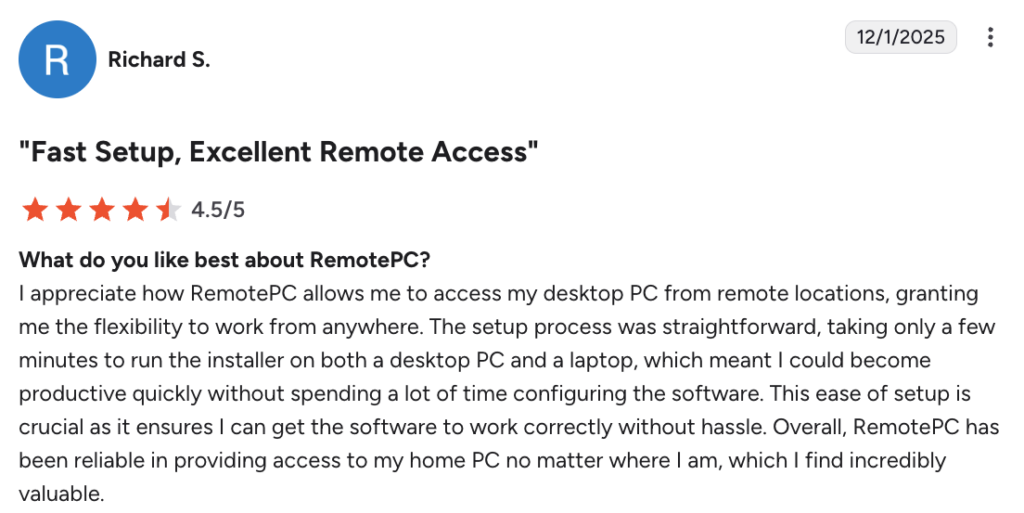
Richard S. specifically shared, “I encountered some performance issues with RemotePC, specifically screen updates lagging behind my mouse movements and keystrokes.”
2. The user interface can be confusing at first
A few users shared that parts of RemotePC’s dashboard can be hard to use at first.
One G2 user specifically said, “The user interface for sharing with team members can be confusing at first, but it’s easy to figure out.”
While this is not a huge drawback, it can slow down the initial setup and adoption across your team.
3. Lacks broader IT management capabilities
If you solely need a solution for remote access, RemotePC can be enough.
But for anything more than that, its capabilities quickly fall short. For example, IT teams that require:
- RMM software
- Agentic AI
- Helpdesk and ticketing
- Asset management
- PSA
Will find RemotePC limiting. Alternatively, RemotePC alternatives, like Atera, combine all of these capabilities into one all-in-one platform.
What are RemotePC’s strengths?
Let’s also look at the strengths of RemotePC
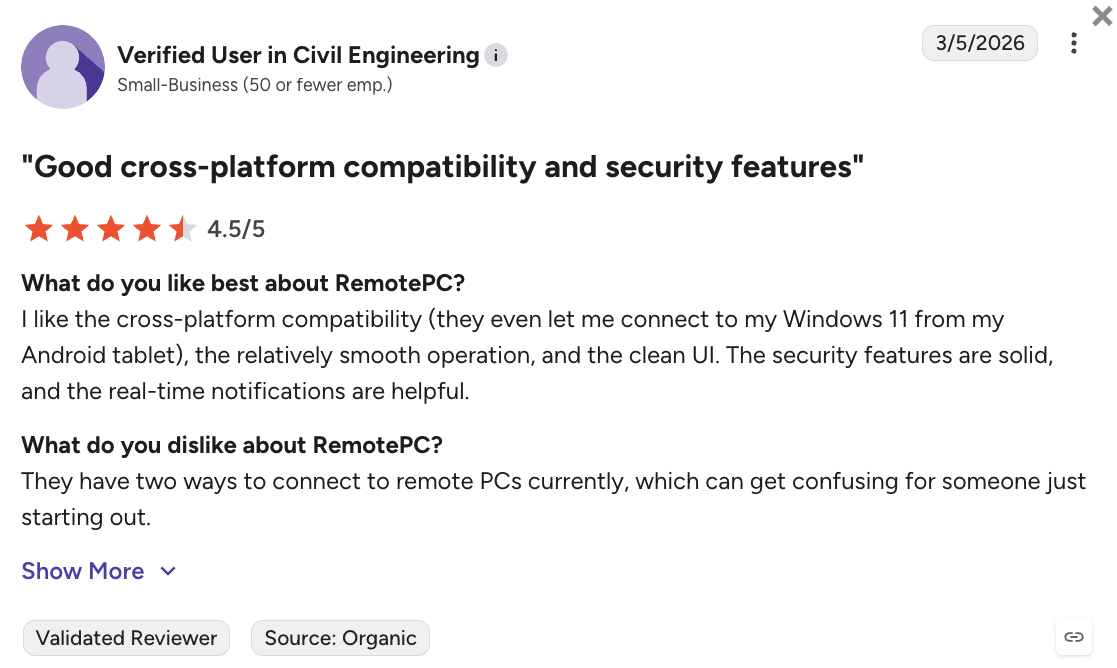
1. Works cross-platform
RemotePC isn’t just compatible with Windows devices, but also with Mac, Linux, and ChromeOS devices.
One G2 user liked this and added, “They even let me connect to my Windows 11 from my Android tablet.”
2. Affordable pricing
RemotePC’s pricing starts from $9.95/month for up to 10 computers, which is relatively affordable.
One G2 user mentioned this and said, “Affordable price. Clients for Windows and Mac. In the SOHO version, management is easy and straightforward.”
The pros and cons of RemotePC
To conclude the two previous sections, here are the pros and cons of RemotePC.
The pros:
- A cross-platform functionality for Windows, Mac, Linux, and ChromeOS
- Affordable pricing starting from $2.95/month for solo users and $9.95/month for teams
The cons:
- Users have reported performance and remote access issues
- The user interface can be confusing to use at first
- It lacks broader IT management capabilities
Frequently Asked Questions
Related Articles
7 best LogicMonitor alternatives for IT teams in 2026
Comparing LogicMonitor against its alternatives? We break down 7 alternative options on features, pricing, and reviews.
Read now
Atera alternatives in 2026
Compare Atera to NinjaOne, ConnectWise, SuperOps, Pulseway, and ServiceNow on pricing, features, and ratings.
Read now
7 best Gorelo alternatives for IT teams in 2026
Comparing Gorelo against its alternatives? We break down 7 alternative options on features, pricing, and reviews.
Read now
The 7 Best Quest KACE alternatives in 2026
Read on to learn about the best Quest KACE alternatives. Find each one’s pricing and features, and see what makes Atera’s Agentic AI stand out.
Read nowEndless IT possibilities
Boost your productivity with Atera’s intuitive, centralized all-in-one platform









