
Generate summary with AI

The best Power Automate alternatives for IT teams
Microsoft Power Automate is a cloud-based service that empowers IT, HR, and marketing teams to build workflows and automate tasks.
It’s a powerful tool for basic automation; however, many organizations are looking for alternatives due to its limitations. Microsoft Power Automate has limited functionality and complicated pricing models compared to other options. Some IT teams may want a solution that focuses entirely on IT automation.
Below, we’ve compared the best Power Automate alternatives. You can use this information to find the solution that works best for your organization.
6 best Power Automate alternatives for IT organizations
According to our research, here are the six best Power Automate alternatives:
Let’s dive into a detailed breakdown of each one.
1. Atera

Atera vs. Power Automate: Key differences
Atera is leading the future of IT with the world’s first autonomous IT platform, powered by a digital workforce of AI agents. We’re not just offering AI tools; we’re here to change how IT operations and end-user support are managed.
While Power Automate offers broad automation capabilities, it doesn’t extend into true Agentic AI IT management, as Atera does.
Atera offers all key IT management features, such as RMM software, PSA, helpdesk, scripting, remote access, and Agentic AI technology at the core of it all. In comparison, Power Automate is focused on workflow automation.
Both Atera and Power Automate provide third-party integrations. However, Power Automate customers complain about the lack of integrations outside of Microsoft products.
1. Features and capabilities
At its core, Atera offers the following features:
- Real-time monitoring to monitor your network health and performance
- Alerting to notify technicians when issues occur automatically
- Patch management to keep Windows, Linux, and Mac systems up-to-date
- AI-powered scripting to create scripts and remediate device issues with ease
- Ticket management to automatically summarize and respond to tickets
- Reporting and analytics to create advanced reports and keep track of network health
- Remote sessions to troubleshoot devices and access summaries highlighting the main points
At the core of this all is Atera’s Agentic AI technology, available through Robin by Atera.
Robin by Atera resolves up to 92% of Tier-1 and complex Tier-2 technical incidents, without a technician in the loop. Robin does this by following a four-step resolution loop:
- Diagnose: Robin receives the request through Teams, Slack, email, the Atera Customer Portal, or a third-party ITSM tool. It asks follow-up questions and gathers full context for issue resolution.
- Remediate: Robin takes the approved action directly on the device, network, or in the cloud. It routes for human approval only when a step requires it.
- Verify: Before closing anything, Robin confirms the issue is actually resolved. If it isn’t, it escalates the ticket to a technician with full context.
- Close: Robin updates the ticket in your existing ITSM with the outcome and next steps. Every request is logged under a distinct Robin ID for governance and compliance.
Our second AI agent, Atera Copilot, is a highly skilled IT expert that works alongside technicians, expanding their human expertise and capabilities.
Copilot’s capabilities spread across Atera’s platform, and it helps with running health checks, diagnosing issues, spinning up OIDs, generating scripts, summarizing Splashtop sessions, and more.
Together, Atera’s two AI agents create a new way to manage your IT environments, from automated to fully autonomous.
Tip: For a more in-depth comparison, read our Atera vs. Power Automate article.
2. User interface and usability
Atera’s intuitive interface makes navigation quick and easy. Users who sign up immediately get access to the admin dashboard, where most tasks can be performed from the left sidebar.
To access Atera’s AI agents, click on the icon at the bottom-right corner or directly from the alerts, device, or ticket page.
What’s best, Atera offers 24/7 customer support for all users, so you can always get help if you need it.
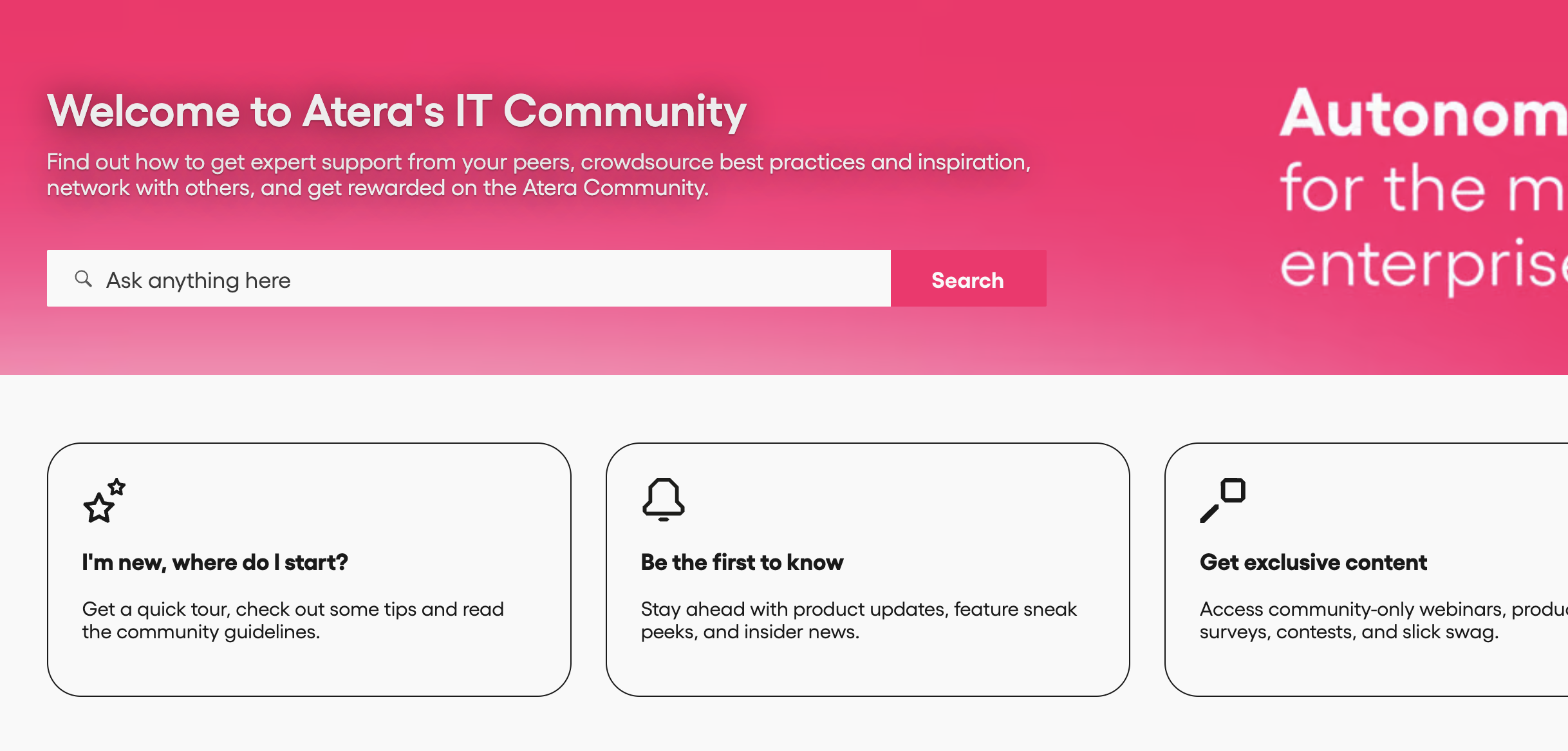
Atera also offers various self-help materials. These include a knowledge base, webinars, blog articles, and an active IT community where IT professionals can troubleshoot problems and share the best IT practices.
3. Pricing and value for money
Atera uses a transparent pay-per-technician pricing model, meaning users are charged based on the number of technicians accessing the platform.
While enterprises can request a custom quotation, the pricing plans for IT departments range from $149 to $219/month, and the pricing plans for MSPs range from $129 to $209 per month.
All plans include access to key IT management tools, such as RMM, PSA, remote access, and IT automation. AI Copilot is included in every Atera plan at no additional cost. As an add-on, you can also access Robin and our Network Discovery tool.
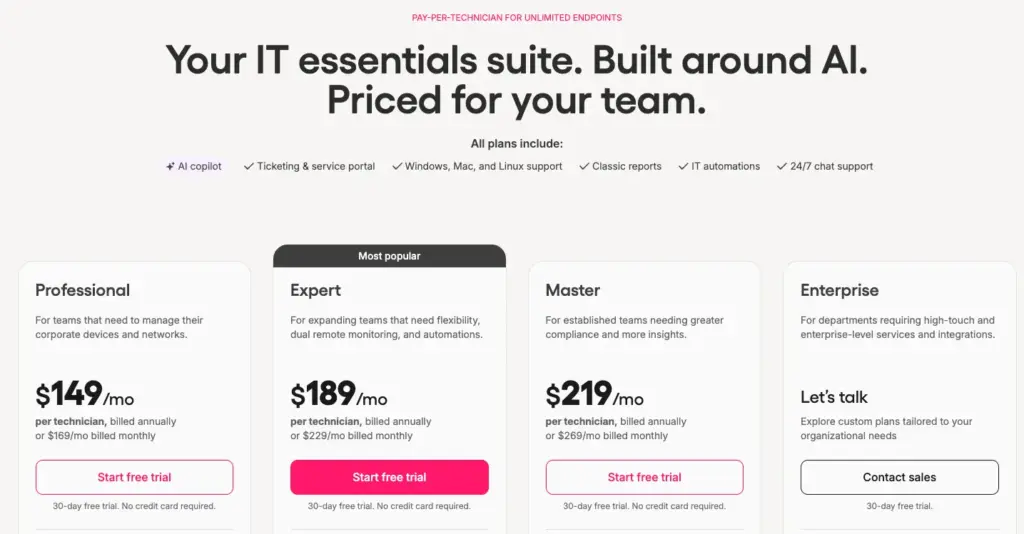
Here are Atera’s pricing plans laid out:
Atera pricing plans for IT departments:
- Professional: $149 per month, per technician
- Expert: $189 per month, per technician
- Master: $219 per month, per technician
- Enterprise: Custom quotation; contact sales to get pricing
- Pro: $129 per month, per technician
- Growth: $159 per month, per technician
- Power: $209 per month, per technician
- Superpower (Enterprise): Custom quotation; contact sales to get pricing
4. Customer reviews and ratings
Atera’s G2 rating: 4.6 out of 5.0 stars (1,270+ reviews)
Power Automate G2 rating: 4.5 out of 5.0 stars (1,050+ reviews)
What Atera users are saying on G2:
- “Having monitoring, remote access, patch management, automation, and asset information in the same platform made day-to-day support much easier,” Kyle R. says.
- “Originally, we began using Atera to manage our windows update patching schedules but now, I find it very useful to automate things via scripts,” a G2 user says.
Atera’s Capterra rating: 4.5 out of 5.0 stars (430+ reviews)
Power Automate Capterra rating: 4.4 out of 5.0 stars (180+ reviews)
What Atera users are saying on Capterra:
- “The dashboard made it easier to keep track of issues and prioritize tasks. Automation features were also helpful for reducing some of the repetitive work,” Swetha C. says.
- “Patch management feature across OS platforms, Windows, Mac, Ubuntu, and third-party applications is very good,” a Capterra user says.
2. Zapier
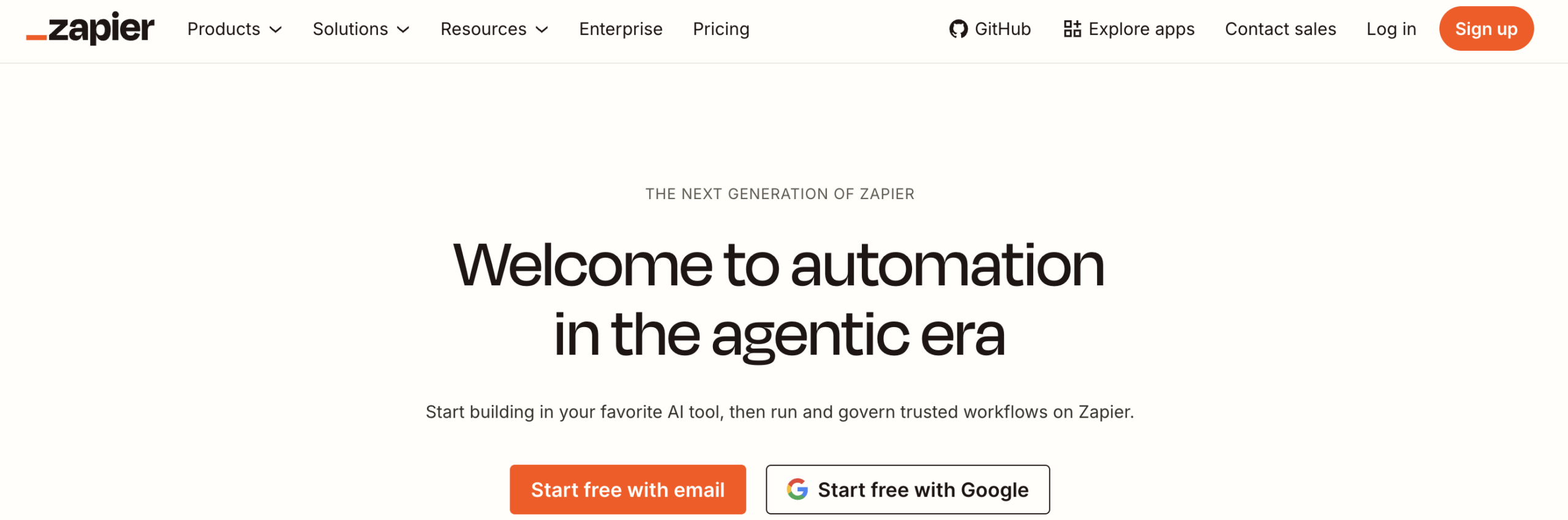
Zapier is a popular tool for automating workflows. It works by connecting different apps and services. Users can create custom integrations—no coding abilities required. Zapier has 8,000+ supported apps, including IT ticketing tools, RMM software, CRM systems, project management platforms, and more.
Because Zapier doesn’t cater solely to IT teams—and because it lacks automation tools for network monitoring, remote access, patching, and IT ticketing—it’s often used alongside more comprehensive IT management tools like Atera. More recently, Zapier added AI that can plan and execute multi-step tasks, though this only works through the app integrations Zapier already supports.
G2 rating: 4.5 out of 5.0 stars (2,000+ reviews)
Capterra rating: 4.7 out of 5.0 stars (3,000+ reviews)
Zapier pricing:
- Free: Free for basic usage
- Professional: Starts from $29.99 per month
- Team: Starts from $103.50 per month
- Enterprise: Based on custom quotation
3. Kissflow
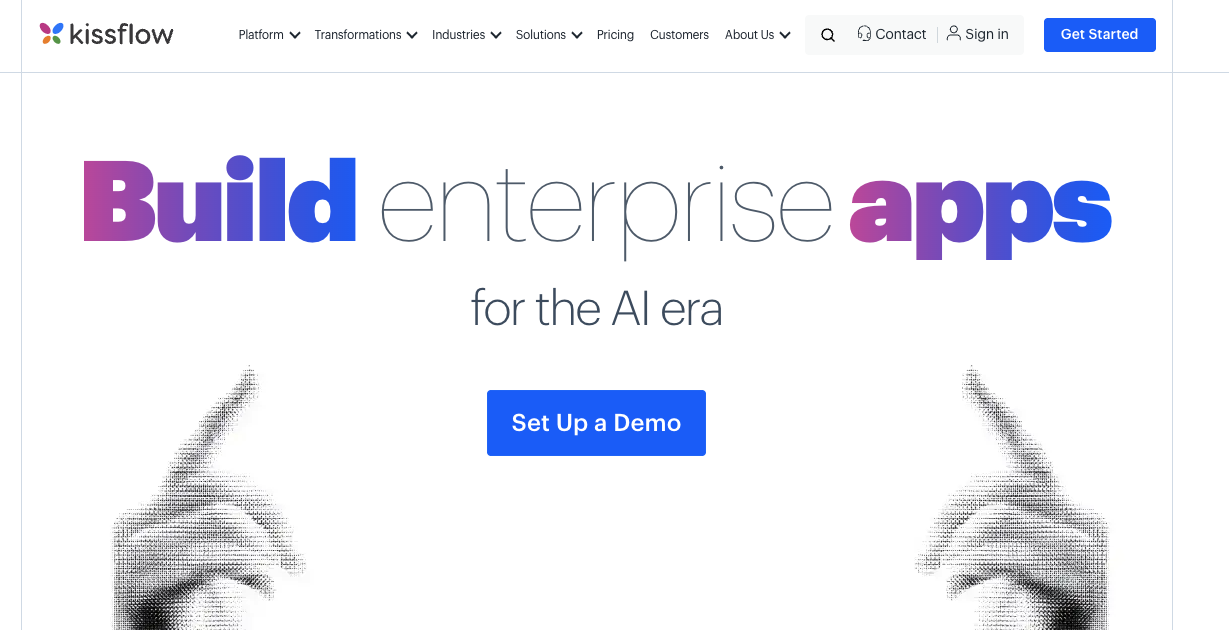
Kissflow is a Power Automate alternative for enterprise IT teams. Users can easily create and manage workflows without writing a single line of code. The tool can help automate tasks like ticket management, incident management, user onboarding, issue tracking, and real-time alerting.
Kissflow is mainly appreciated for its multipurpose nature. One Capterra user mentions using the software for progress tracking, task assignment, ticketing, and more. In May 2026, Kissflow launched an AI app builder, which helps to turn prompts into working applications that users can further improve through conversation.
G2 rating: 4.3 out of 5.0 stars (580+ reviews)
Capterra rating: 4.2 out of 5.0 stars (80+ reviews)
Kissflow pricing:
- Basic: Starts at $1500 per month for 50 users
- Enterprise: Based on custom quotation
4. Cflow
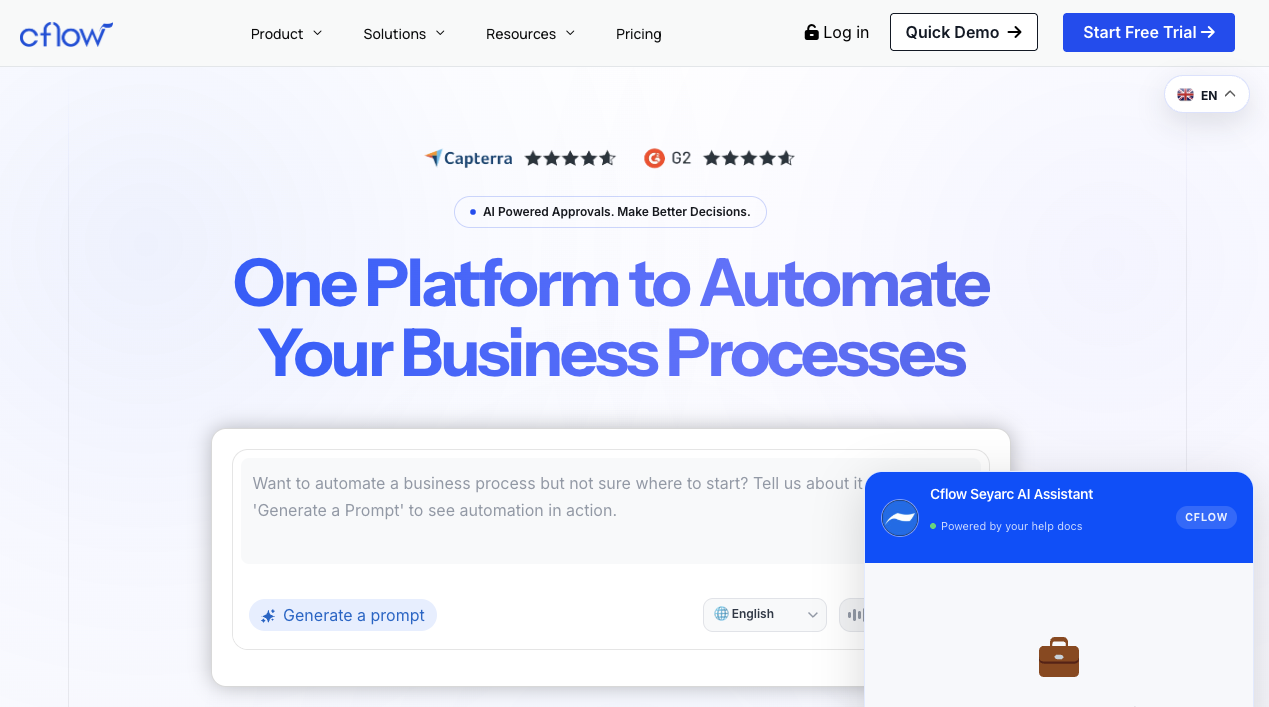
Cflow is a workflow automation and project management solution for IT, HR, and marketing teams. One of its core features is automated routing and notifications, which allows users to automatically direct tasks to the right team members and send real-time alerts for approvals, updates, and deadlines.
Cflow also assists with automating asset management, incident management, infrastructure management, and security management. While it can automate basic IT tasks, it lacks the necessary features for automated patch management. Cflow is now powered by Seyarc AI, which is its AI layer that handles routine workflow tasks like reading documents, filling forms, and suggesting next steps.
G2 rating: 4.9 out of 5.0 stars (190+ reviews)
Capterra rating: 4.8 out of 5.0 stars (20+ reviews)
Cflow pricing:
- Joy: $11/month, per user billed annually
- Bliss: $16/month, per user billed annually
- Zen: Based on custom pricing
All of the Cflow pricing plans require a minimum of 10 users.
5. SysAid
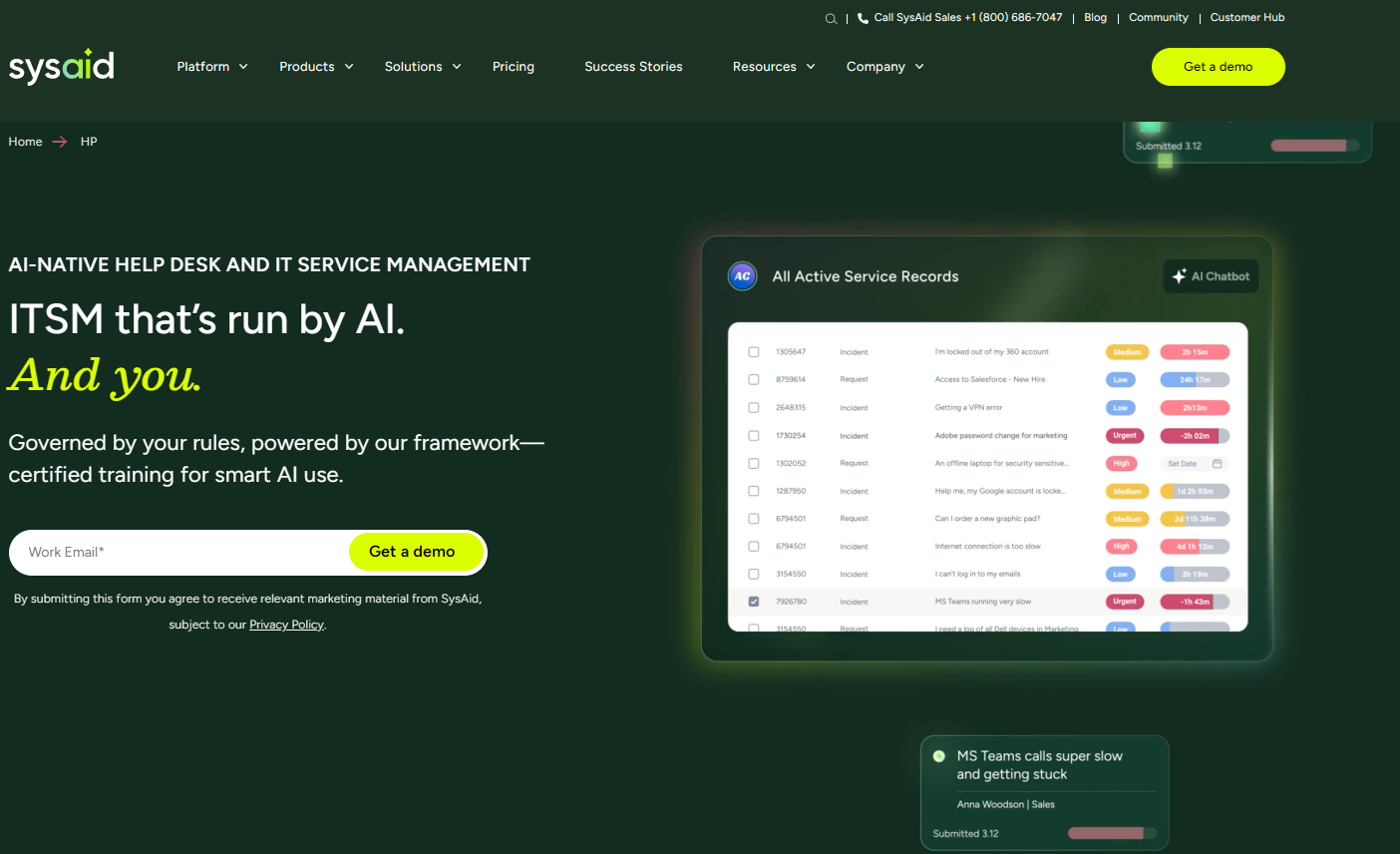
SysAid is an IT service management platform for MSPs as well as HR and IT teams. It supports automation of tasks such as IT ticketing, user self-service issue resolution, and incident and problem management. Its ticket automation capabilities allow users to automatically categorize, prioritize, and assign tickets to the right technicians.
SysAid’s ITAM tool monitors a user’s network environment automatically and provides real-time alerts when CPU, network equipment, and memory usage changes. Like Atera, SysAid’s IT ticketing system is powered by AI to increase user efficiency. SysAid has taken increased efforts in the Agentic AI space, and now offers 100+ prebuilt AI agents for different service desk tasks.
G2 Rating: 4.5 out of 5.0 stars (750+ reviews)
Capterra Rating: 4.5 out of 5.0 stars (500+ reviews)
SysAid Pricing:
- Professional: $79/agent per month
- Enterprise: Custom pricing starting at 20 agents
6. ConnectWise Automate
ConnectWise Automate is an RMM software for IT departments and MSPs. It automatically monitors and maintains client networks for any potential issues. Users can automatically deploy patches to Windows, Mac, and Linux devices. Like Atera, ConnectWise Automate has an AI-powered script generator. ConnectWise has also expanded its AI offering through its AI agents. You can read more about them in our Robin vs. ConnectWise AI comparison.
Although ConnectWise Automate has received mostly positive reviews, it gets complaints about its integrations. According to a G2 user, it doesn’t integrate well with ticketing solutions, leading to problems with IT teams’ automation workflows. It also doesn’t offer a mobile app.
G2 rating: 4.1 out of 5.0 (140+ reviews)
Capterra rating: 4.2 out of 5.0 (140+ reviews)
ConnectWise Automate pricing:
- Custom quotation: To know ConnectWise Automate pricing, you need to request a quote from their team.
The only Agentic AI, Power Automate alternative
Atera’s IT management platform offers more than advanced automation capabilities. It’s powered by Agentic AI through Robin, which autonomously resolves up to 92% of Tier-1 and complex Tier-2 technical incidents, all without a technician in the loop.
With the help of Atera’s AI agents, IT organizations can move from reactive to proactive IT management and gain an invaluable competitive advantage.
Interested in learning more? Take the easy first step of signing up for Atera’s 30-day free trial. Or, you can contact our sales team for a custom demo.
What is Microsoft Power Automate?
Microsoft Power Automate offers a drag-and-drop builder for creating custom workflows, thus enabling users to automate a variety of tasks. These tasks vary widely, from resetting passwords to routing tickets to synchronizing data between IT management tools.
Power Automate has pre-made templates that make it easy to get started. The tool can integrate with other Microsoft products, such as Excel, Sharepoint, Dataverse, and Teams.
Why look for a Power Automate alternative?
As part of writing this review, we looked at Power Automate’s user reviews to find the actual drawbacks of it.
Let’s look at those customer reviews to learn more.
1. Complex to use
Complexity is the main con of Power Automate. In fact, it’s mentioned in nearly 200 reviews of Power Automate on G2:
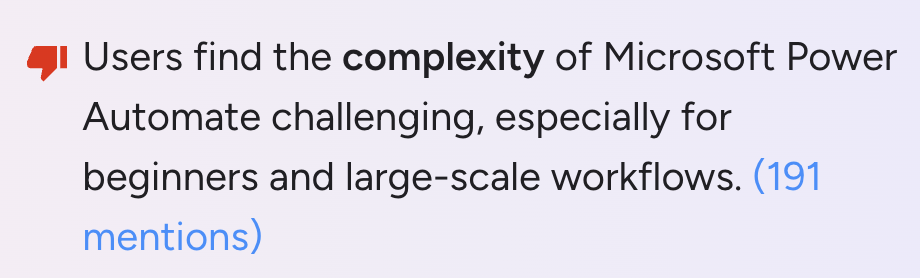
Harsh S. said: “As workflows increase in size and complexity, they can become difficult to manage and troubleshoot.”
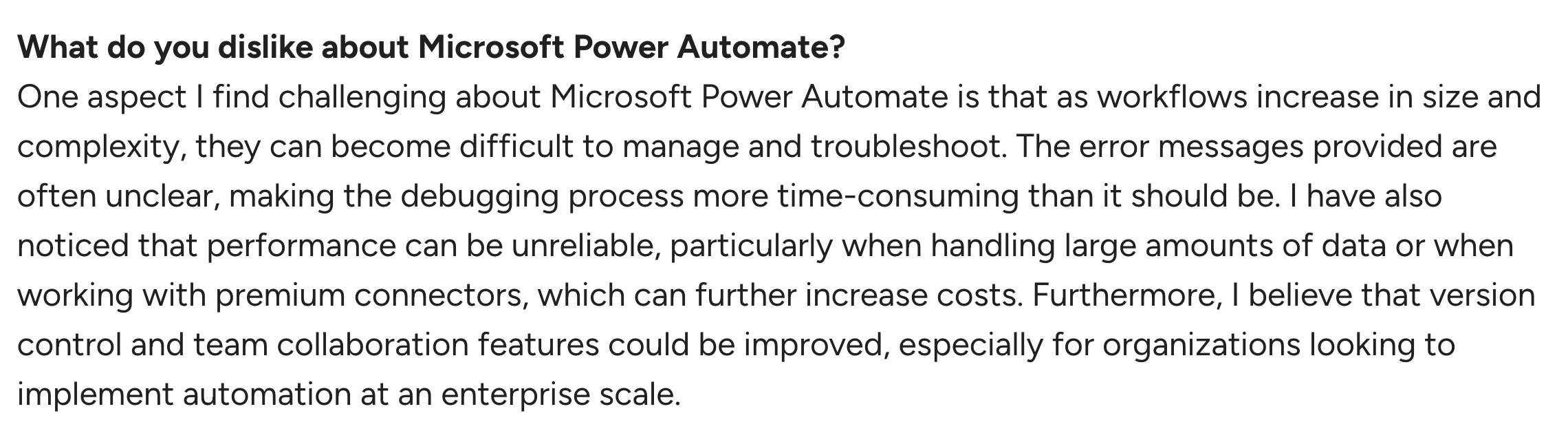
Another part of complexity is that many users say the error messages aren’t clear enough.
For example, one IT manager, Paulina E., said: “Sometimes, when a flow fails, the error message isn’t clear. I often have to figure out exactly what went wrong manually.”

2. Complicated pricing system
High licence fees are another common complaint about Power Automate, mentioned in 90+ reviews on G2.
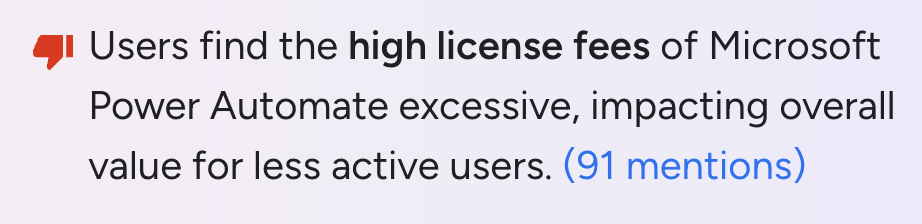
Microsoft Power Automate customers complain that because additional fees are charged for extra features, the tool’s costs quickly add up and can become prohibitively expensive.
For example, this is what Alex R. said on G2:

3. Slow performance and bugs
Slow performance and software bugs were also mentioned in 150+ reviews for Power Automate on G2.
For example, Prasanth K., from an enterprise team, said:
- “Power Automate can become slow or complex when orchestrating flows across hundreds of AWS accounts, especially when API calls stack up or connectors require custom handling.”

Another user, D L., commented on the bugs, saying, “When working in the new designer, there’s a few bugs/issues that keep cropping up that I’m surprised haven’t been fixed in months.”
What are Power Automate’s strengths?
Limitations aside, Microsoft Power Automate has a few notable strengths. Those include its automation capabilities and the ability to integrate with Microsoft products. This is what users said specifically:
1. Automation capabilities
Power Automate can automate various processes on different systems, websites, and desktop apps.
One Capterra user, Chinthaka J., commented on this benefit and said, “very handy for creating enterprise-level automations for eliminating repetitive work on daily routines”
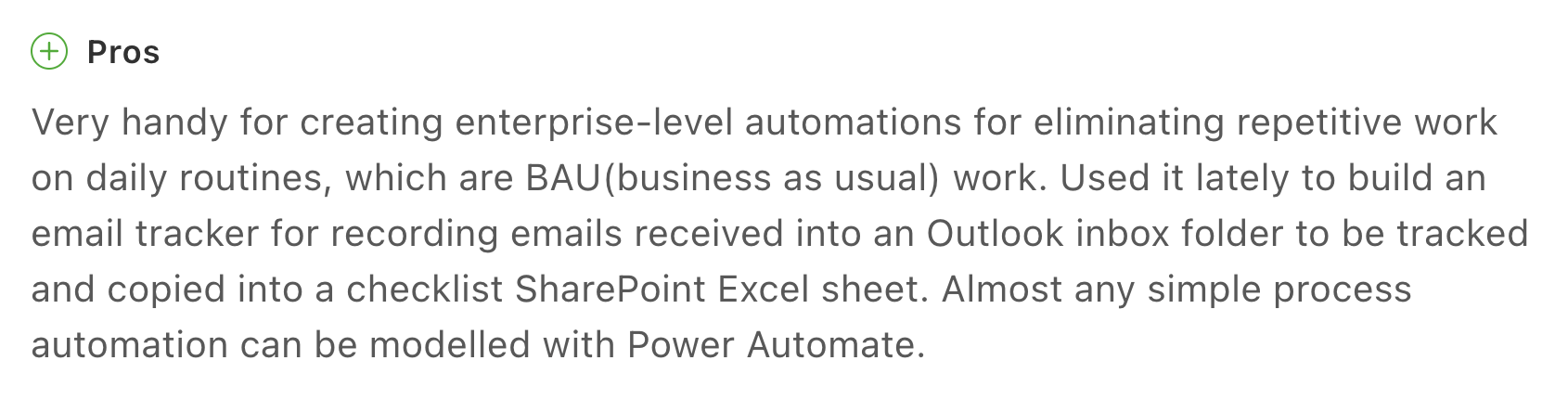
A Capterra user mentions that the automation capabilities are easy to use, and include pre-built templates for faster implementation.
2. Integrations with other Microsoft products
Power Automate integrates well with other Microsoft products—a notable advantage for IT teams that rely heavily on the Microsoft ecosystem. This is how one Capterra user, Daniel R., commented on this:
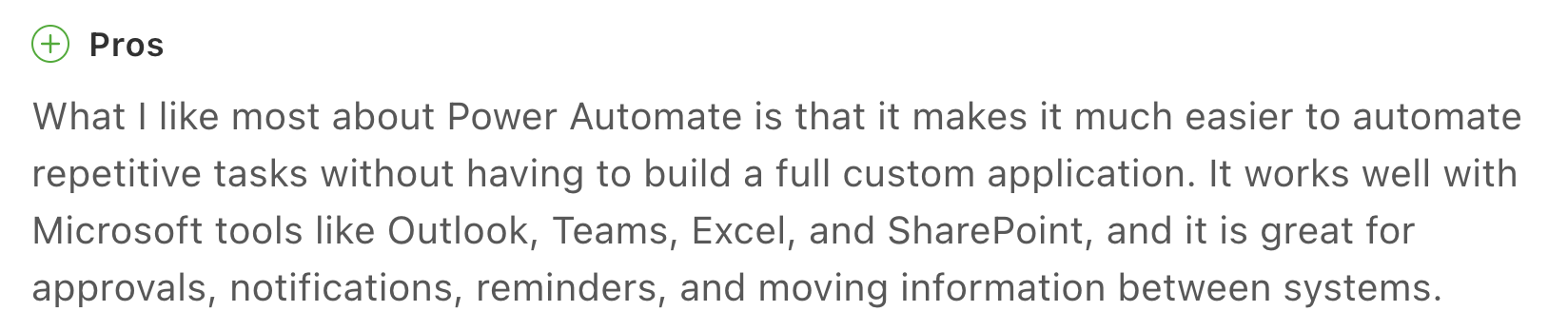
However, IT organizations that rely on Windows or other non-Microsoft platforms may find the lack of third-party integrations a deal breaker.
Power Automate pros and cons: Takeaways
In sum, here are Power Automate’s pros and cons:
The pros:
- Good basic automation capabilities
- Integrates well with other Microsoft products
The cons:
- Complex to use and lacks troubleshooting information
- The pricing system is complicated and charges extra for additional features
- The functionality is limited, and some features contain bugs
Frequently Asked Questions
Related Articles

7 best LogicMonitor alternatives for IT teams in 2026
Comparing LogicMonitor against its alternatives? We break down 7 alternative options on features, pricing, and reviews.
Read now
Atera alternatives in 2026
Compare Atera to NinjaOne, ConnectWise, SuperOps, Pulseway, and ServiceNow on pricing, features, and ratings.
Read now
7 best Gorelo alternatives for IT teams in 2026
Comparing Gorelo against its alternatives? We break down 7 alternative options on features, pricing, and reviews.
Read now
The 7 Best RemotePC Alternatives in 2026
The 7 best RemotePC alternatives in 2026, reviewed. Find tools with stronger remote access, Agentic AI, and broader IT management features.
Read nowEndless IT possibilities
Boost your productivity with Atera’s intuitive, centralized all-in-one platform








