Generate summary with AI

Alert fatigue is a real issue for IT teams. When your technicians are flooded with hundreds of incidents, the critical ones can easily slip through.
And the data clearly backs this up. In Splunk’s State of Observability 2025, three in four UK IT teams said they’d had outages caused by missed alerts that year. And per NeuBird’s 2026 report, 77% of on-call teams get at least ten alerts a day, while 57% say fewer than 30% of those alerts are actionable.
That’s why strong incident management software is a must in enterprise environments.
Below is all you need to know about the best incident management tools.
The 6 best IT incident management tools in 2026
The best incident management tools for 2026 are:
- Atera: Best overall incident management platform
- ServiceNow IT Service Management: Suitable for workflow automation
- SolarWinds Service Desk: Fitting for incident and asset management
- Freshservice: Ideal for low-cost incident management
- ManageEngine Service Desk: Suitable for customizable incident workflows
- NinjaOne : Standard endpoint management tool with ticketing
Here’s a more thorough overview of each tool:
1. Atera: Best overall incident management tool
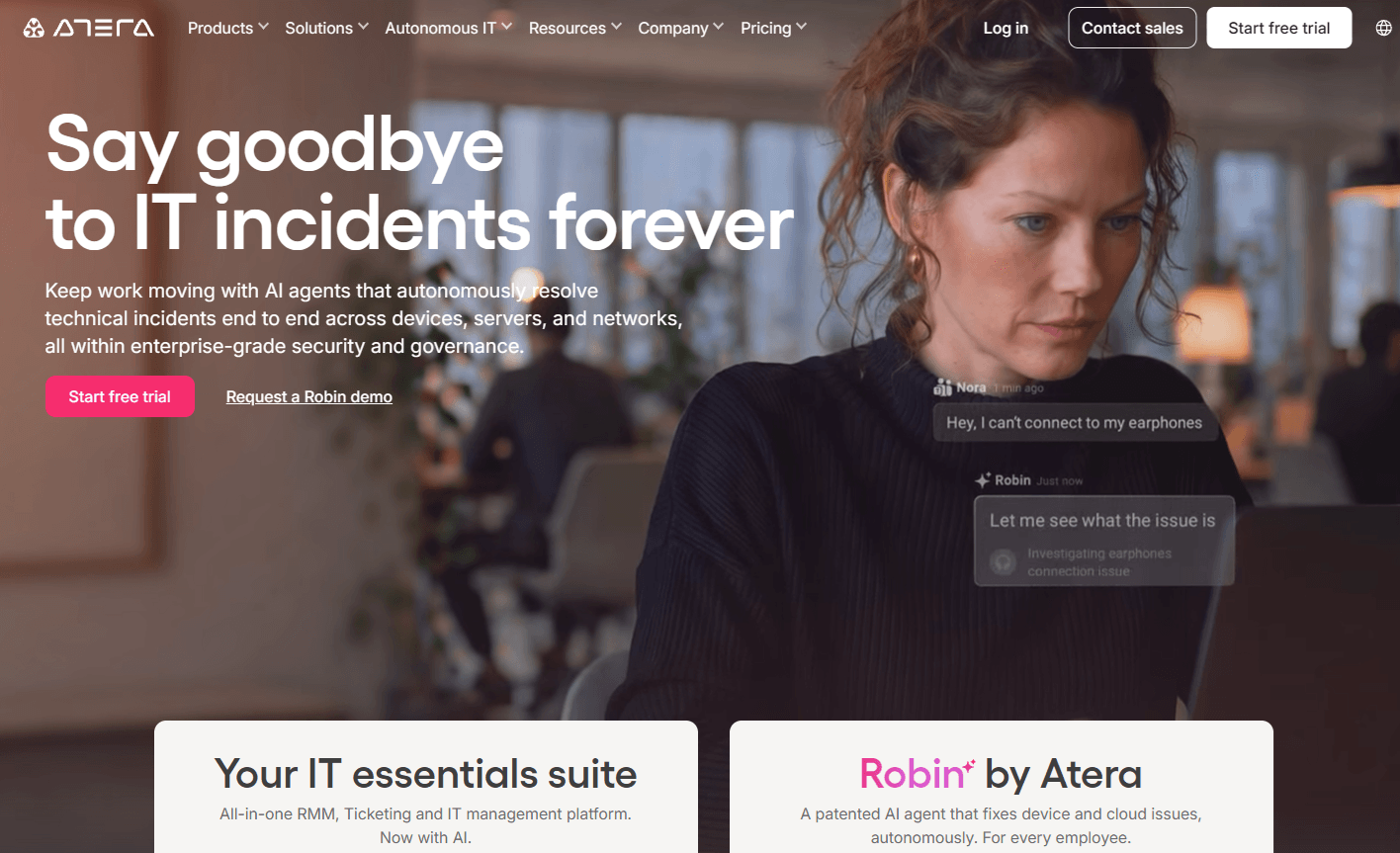
Atera is an AI incident management platform that uses IT agents to resolve up to 92% of Tier-1 and complex Tier-2 technical incidents, without a technician in the loop. Most incident management tools are still reactive: technicians resolve each incident manually. Robin by Atera changes this.
Here’s how Atera’s AI incident management works:
Incidents reach Robin from Atera’s RMM alerts, such as high CPU usage or low disk space, or from end users via Slack, Teams, the Customer Portal, and third-party ITSM tools. Robin asks follow-up questions to get the full context for resolution. From there, it works in four steps:
- Diagnose: Robin traces the problem to its root cause on the device, across networks, and in the cloud, whether it sits with the network adapter, DNS, an app, or a user account.
- Remediate: Robin executes the approved fix autonomously on the device, network, or cloud, such as reclaiming disk space, reinstalling an app, or resetting a password. This resolves Tier-1 and complex Tier-2 incidents with no technician in the loop. You can see all Robin use cases here.
- Verify: Robin confirms the fix worked and the incident is fully resolved.
- Close: Robin closes the incident autonomously and updates the ticket with the outcome. This is ticket elimination, not deflection.
If an incident falls outside what Robin can resolve on its own, it escalates to a technician with full context and a summary of the actions taken. Every action Robin takes is logged for audit and governance.
For incidents that still need human intervention, AI Copilot is available. AI Copilot learns about your IT environment in real time, and you can ask it account-specific questions to get actionable insights.
Pick scripts from our shared scripts library or use AI Copilot to generate scripts automatically.
What else is in the Atera platform
Robin and AI Copilot run on a unified IT management platform, so incident management does not depend on a separate monitoring, ticketing, or remote access product. The platform covers:
- Real-time monitoring and alerts: Atera’s RMM tracks device health, system updates, and potential security threats. Alerts fire on issues such as high CPU usage or unusual network activity, and an exceeded threshold can create a ticket.
- Alerts and thresholds: Alerts fire on issues such as high CPU usage or unusual network activity, and an exceeded threshold can create a ticket.
- Integrated ticketing: Assign tickets to the right technicians, categorize them as “Incident,” and track their status.
- Remote access: Connect to a device directly from the ticket.
- Scripts, Scripts, patch management, and backups: Run scripts to fix device issues, set up automated patch schedules, and schedule system backups.
- Reporting: Keep detailed logs of incidents and report on incident trends, resolution times, and technician performance.
Because these capabilities share one platform, the alert, the ticket, and the fix stay in the same place.
Best for: IT departments and MSPs that want monitoring, ticketing, remediation, and AI agents on one platform.
User interface and usability
Compared with ServiceNow ITSM and SolarWinds Service Desk, this is how G2 rates Atera’s ease of use, setup, and admin:
G2’s Ease Of Use Category | 1. Atera | 2. ServiceNow ITSM | 3. SolarWinds Service Desk |
1. Ease of Use | 9.2 stars (1,100+ reviews) | 8.5 stars (1,400+ reviews) | 9.0 stars (700+ reviews) |
2. Ease of Setup | 9.2 stars (970+ reviews) | 8.2 stars (700+ reviews) | 8.6 stars (570+ reviews) |
3. Ease of Admin | 9.0 stars (620+ reviews) | 8.6 stars (300+ reviews) | 8.9 stars (550+ reviews) |
From the ground up, Atera was designed to be intuitive and easy to use for users.
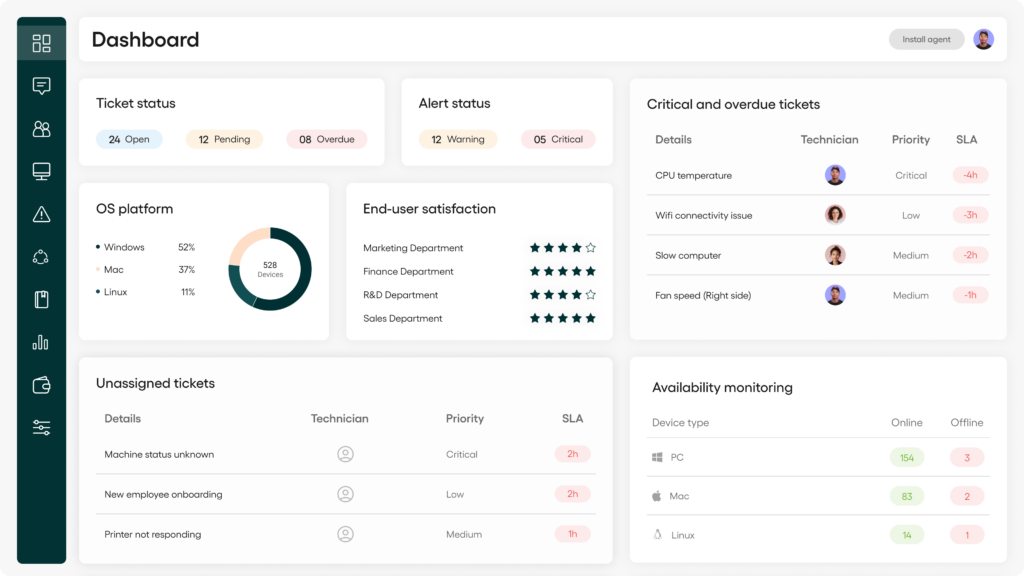
Atera’s admin dashboard
Like with any tool, you may still need help navigating through. That’s why all Atera users can access a 24/7 live chat for technical support. We also offer self-help materials, such as an extensive knowledge base and an active IT community.
Our dynamic online forum allows IT professionals to discuss problems and share best practices.
Pricing and value for money
Atera uses a transparent pay-per-technician pricing model with tailored pricing plans for both IT departments and MSPs.
Atera’s pricing plans for IT departments:
- Professional: $149 per month, per technician
- Expert: $189 per month, per technician
- Master: $219 per month, per technician
- Enterprise: Custom quotation. Contact sales for pricing.
Atera’s pricing plans for MSPs:
- Pro: $129 per month, per technician
- Growth: $159 per month, per technician
- Power: $209 per month, per technician
- Superpower (Enterprise): Custom quotation. Contact sales for pricing.
You can get started with Atera with a 30-day free trial, no credit card required!
Customer reviews and ratings
Atera G2 rating: 4.6 out of 5.0 stars (830+ reviews)
What Atera users are saying on G2:
- “The AI agent, Robin, has been a game changer for reducing repetitive help desk work,” a G2 user says.
- “AI is built-in on the entire ecosystem and responds based on knowledge base articles that we created ourselves (either internal only or externally visible for the customer),” Dieter S. says.
Atera Capterra rating: 4.6 out of 5.0 stars (400+ reviews)
What Atera users are saying on Capterra:
- “Atera has been a reliable tool for handling day-to-day IT operations. It reduces repetitive work and gives good visibility into system health,” Dymasius S. says.
- “Atera gives me the opportunity to maintain low overhead costs; I did find the automation function worked as expected and didn’t crash the entire dashboard,” Alison K. says.
2. ServiceNow IT Service Management (ITSM) – Suitable for workflow automation
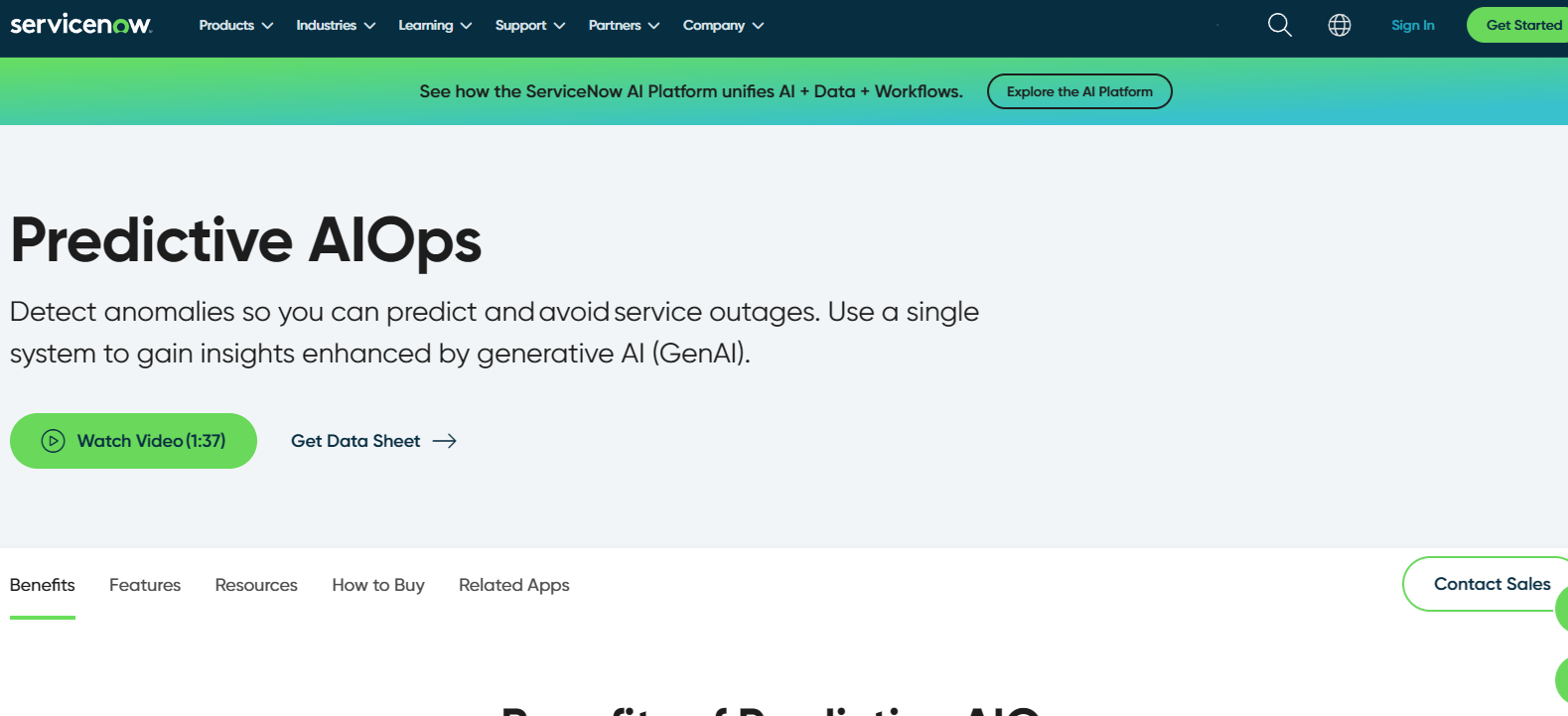
ServiceNow ITSM is a leading ITSM tool that technicians can use to identify, track, and resolve incidents. From a single interface, you can triage and route incidents, provide self-service portals for end-users, and create automated workflows for resolving high-impact incidents.
ServiceNow’s main focus is now improving its AI agent offering, including ServiceNow Otto. Otto aims to solve a similar problem to Atera’s Robin: most AI systems can answer questions, but can’t execute actual fixes. ServiceNow’s AI is governed by the ‘AI Control Tower’, which gives IT teams a clear record of what Otto did, helpful for audits.
Key features:
- Incident triage and routing from a single interface
- Self-service portals for end users
- Workflow templates, or custom workflows built from scratch
- AI Control Tower, which records what ServiceNow’s AI agents did
Best for: IT teams that want to build and govern their own incident workflows.
G2 rating: 4.4 out of 5.0 (1,000+ reviews)
Capterra rating: 4.5 out of 5.0 (300+ reviews)
ServiceNow ITSM pricing:
- Based on a custom quotation. Contact the ServiceNow team to find out more.
3. SolarWinds Service Desk – Fitting for incident and asset management
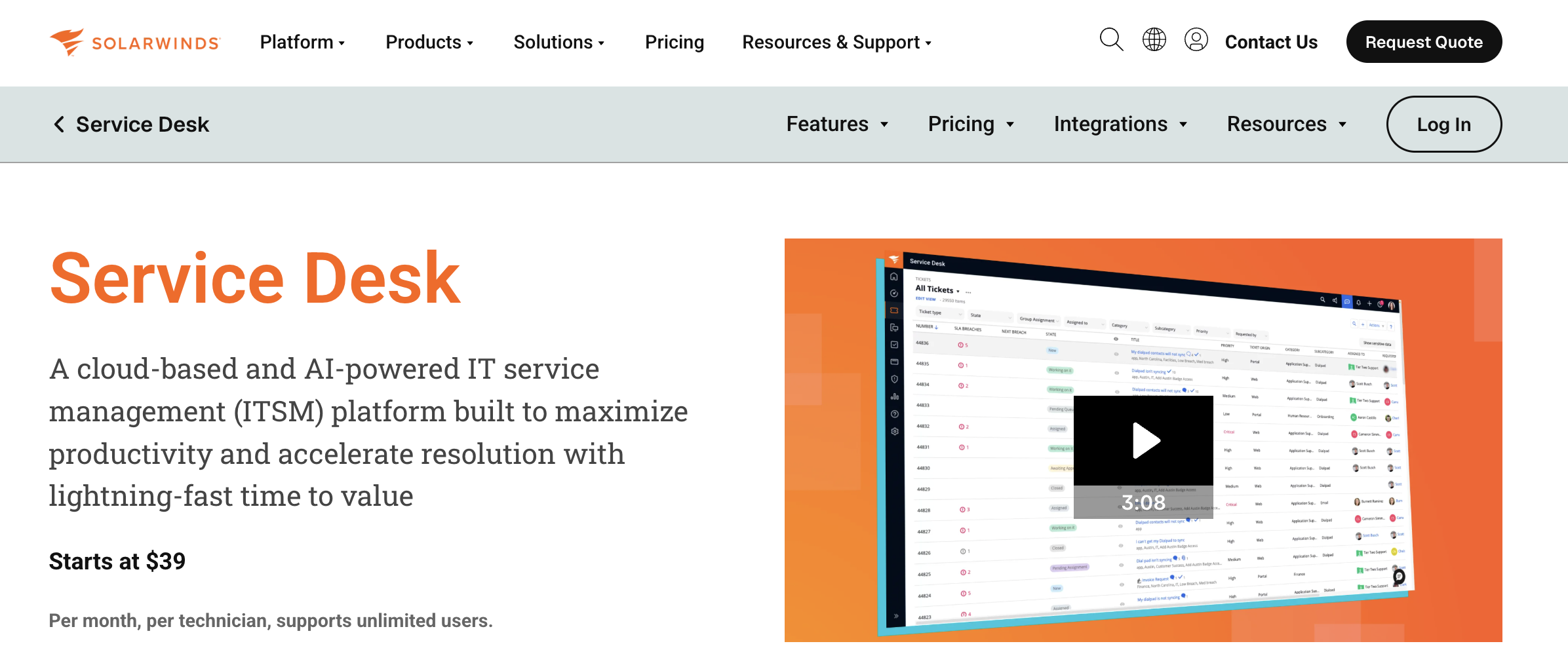
SolarWinds Service Desk’s main purpose is to automate incident management using tickets and track their entire lifecycle. This is accompanied by asset management, which allows you to link assets directly to tickets and incidents to improve troubleshooting.
On the AI side, SolarWinds features are mostly assistive: its virtual agents answer end-user questions and help them with troubleshooting, while the smart suggestions help technicians. In October 2026, SolarWinds also launched Avior, a standalone agentic AI system.
Key features:
- Ticket tracking across the full incident lifecycle
- Asset management, with assets linked directly to tickets and incidents
- Virtual agents that answer end-user questions and help with troubleshooting
- Knowledge base article suggestions when an end user starts a ticket
Best for: Teams that want incident tickets and asset records in one place.
G2 rating: 4.3 out of 5.0 stars (780+ reviews)
Capterra rating: 4.6 out of 5.0 stars (570+ reviews)
SolarWinds Service Desk pricing:
- Essentials: $39 per month, per technician
- Advanced: $79 per month, per technician
- Premier: $99 per month, per technician
4. Freshservice – Ideal for low-cost incident management
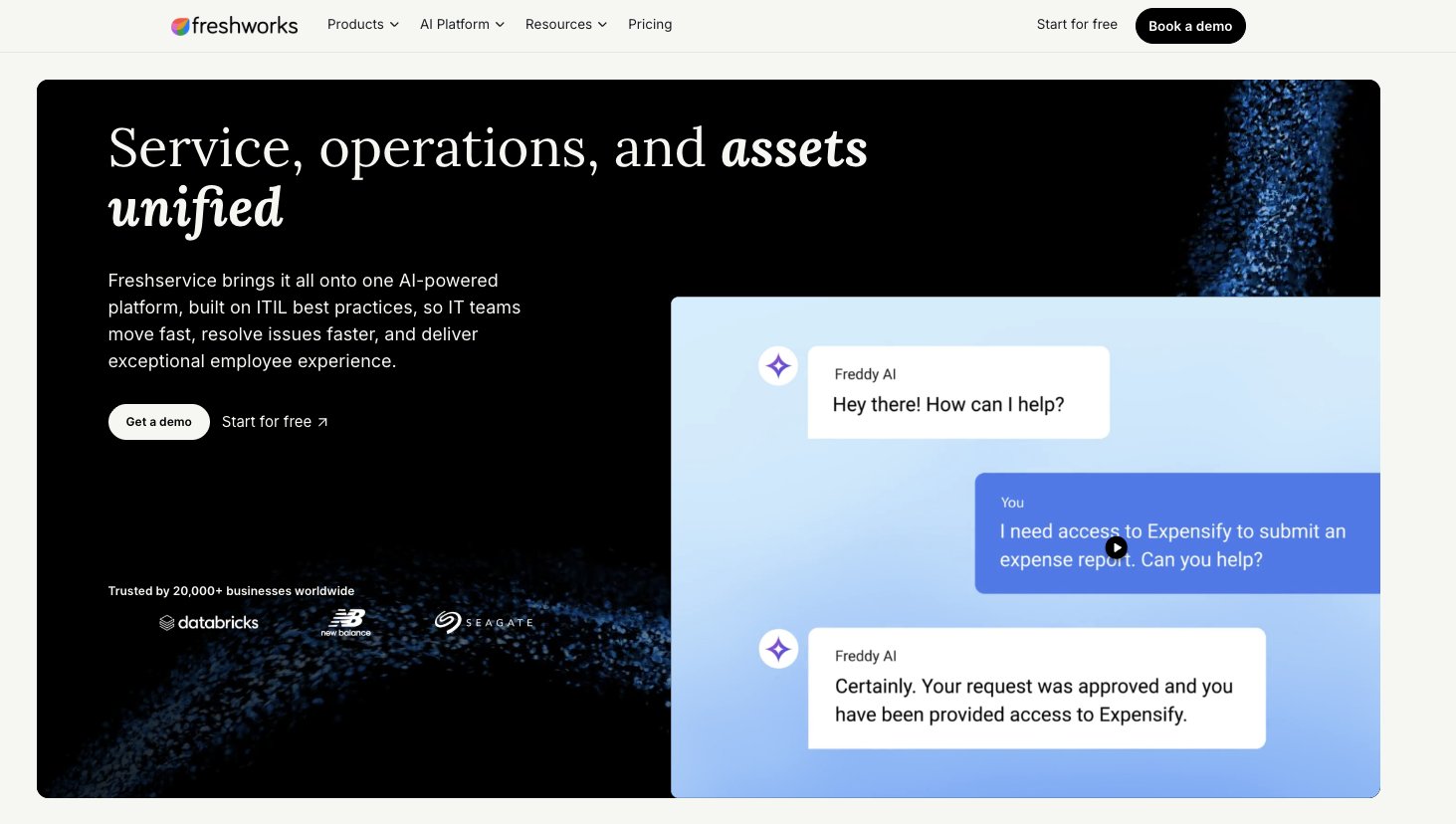
Freshservice is a low-cost ITSM solution that IT teams can use to track, prioritize, and assign tickets and automate ticket resolution. Freshservice uses AI and historical data to categorize tickets and assign them to the right agents. Like most incident management system software, Freshservice has a central dashboard that displays ticket status.
Freshservice offers reporting capabilities, though G2 users say the reporting should be more flexible. Freshservice’s main 2026 innovation has been the Freddy AI agent studio, which is a no-code platform for deploying autonomous IT and HR agents.
Key features:
- Ticket tracking, prioritization, and assignment
- AI ticket categorization and routing to the right agents, based on historical data
- Central dashboard that displays ticket status
- Reports on incidents, changes, and assets
- Freddy AI agent studio for building no-code IT and HR agents
Best for: Teams that want low-cost ITSM, with plans starting at $19 per agent per month.
G2 Rating: 4.6 out of 5.0 stars (1,350+ reviews)
Capterra Rating: 4.5 out of 5.0 stars (790+ reviews)
Freshservice Pricing:
- Starter: $19/month/agent
- Growth: $49/month/agent
- Pro: $95/month/agent
- Enterprise: Based on a custom quotation
5. ManageEngine ServiceDesk Plus – Suitable for customizable incident workflows
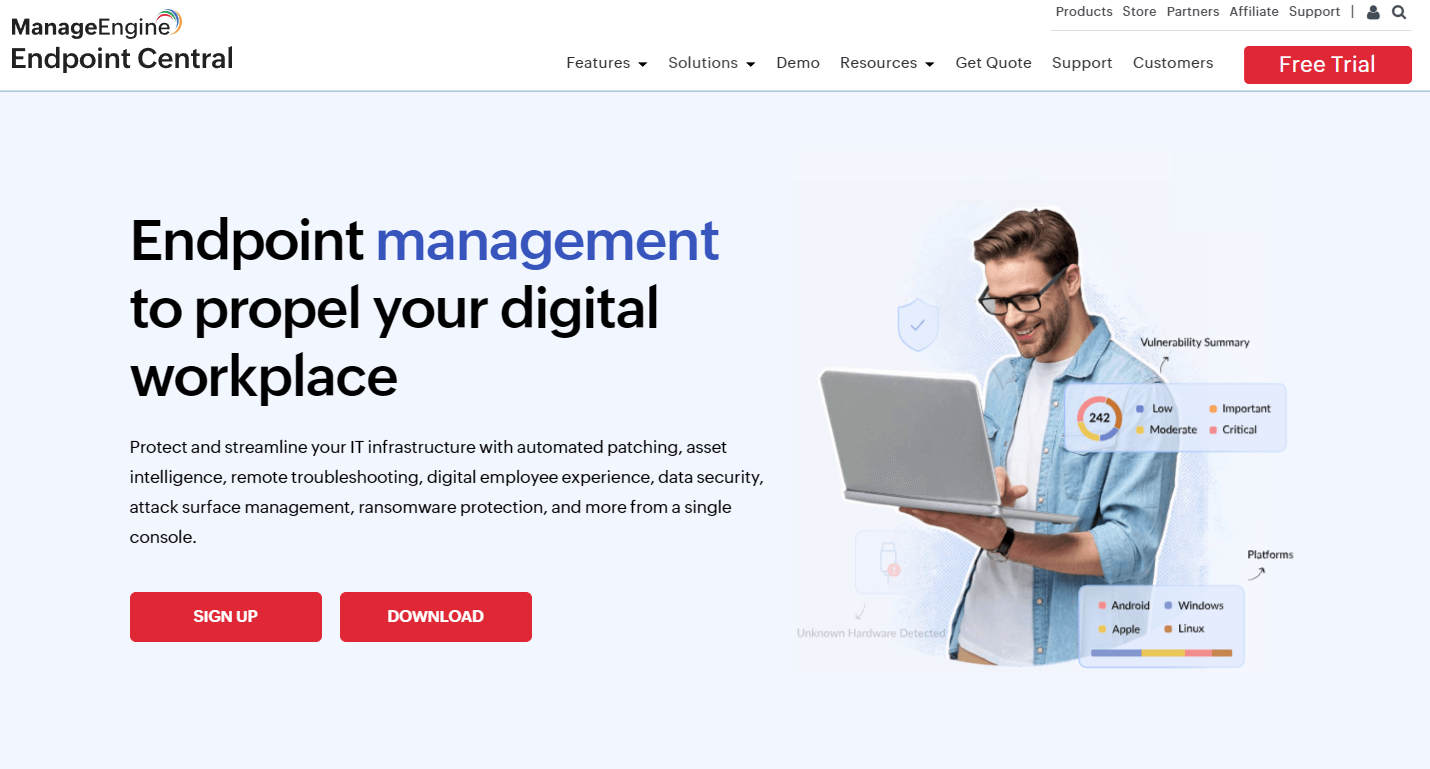
One of the most widely used ManageEngine products, Service Desk Plus, is a highly customizable service desk tool for IT teams. With it, you can manage the entire lifecycle of incidents, automatically assign tickets based on technician expertise, and create knowledge base articles.
ManageEngine places a lot of emphasis on automation workflows, and more recently, it added Zia Agents, AI agents that act autonomously within ITSM workflows. You can use its prebuilt agents or build your own in Zia Agent Studio.
Key features:
- Incident lifecycle management from logging to resolution
- Ticket assignment based on technician expertise
- Several ways for end users to open tickets: email, phone calls, and a web-based self-service portal
- Knowledge base articles
- Zia Agents, prebuilt or custom-built in Zia Agent Studio
Best for: Teams that want to customize incident workflows, with plans starting at $13 per technician per month.
G2 rating: 4.2 out of 5.0 (250+ reviews)
Capterra rating: 4.4 out of 5.0 (230+ reviews)
ManageEngine ServiceDesk Plus Pricing:
- Standard: Starts from $13 per month, per technician
- Professional: Starts from $27 per month, per technician
- Enterprise: Starts from $67 per month, per technician
6. NinjaOne – Standard endpoint management tool with ticketing
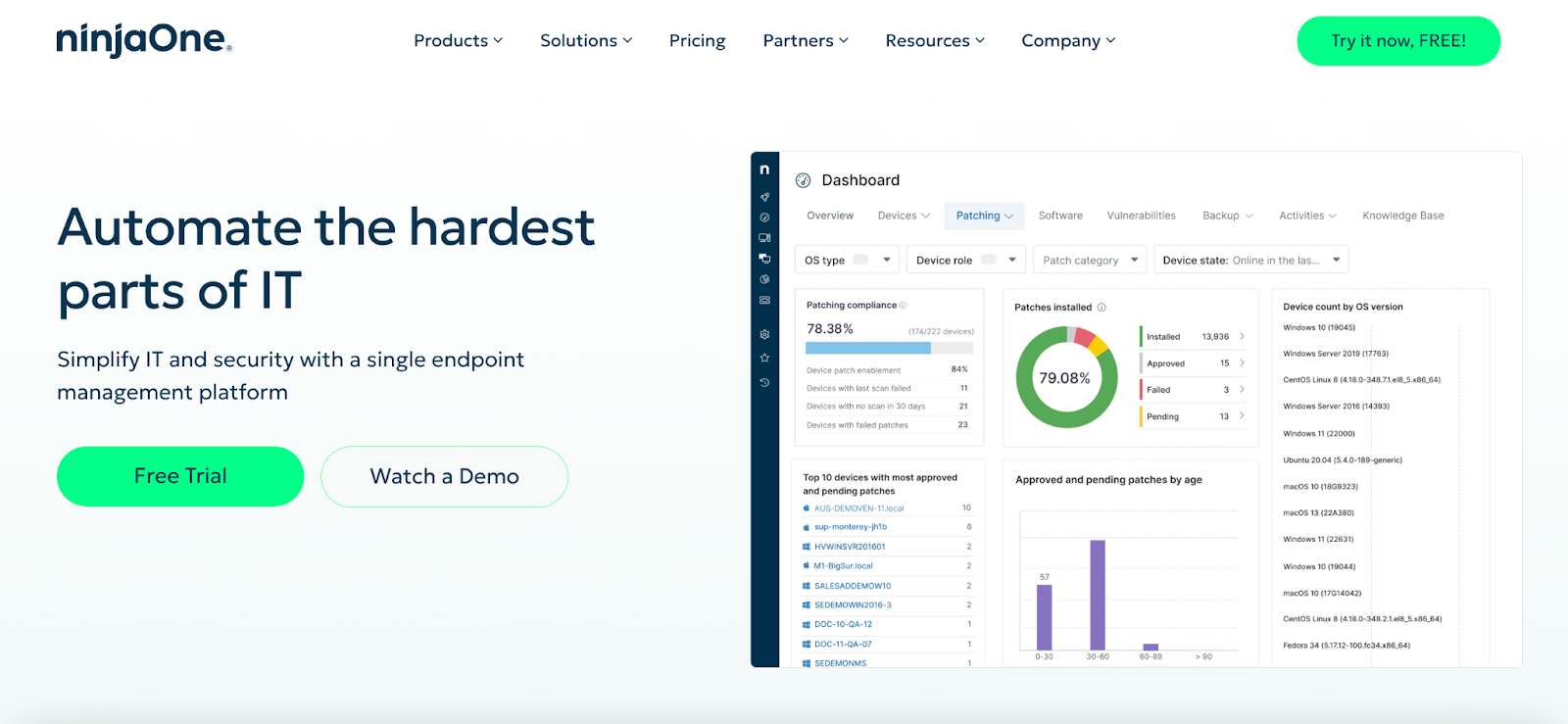
NinjaOne’s ticketing system is suitable for incident management, and it works in conjunction with the endpoint management tool. It alerts users of potential issues and creates tickets when a threshold is exceeded. Within the ticket, you can take remediation actions, such as installing software, rebooting it, or accessing the device remotely.
In October 2026, NinjaOne announced its new Katana AI, a new agentic AI technician built into the platform. While useful, Katana AI recommends fixes for a technician to carry out, whereas Atera’s Robin executes the fix itself, with no technician in the loop.
Key features:
- Alerts that create tickets when a threshold is exceeded
- Remediation from inside the ticket: install software, reboot the device, or connect to it remotely
- Knowledge base articles, built from available templates
- Katana AI, which analyzes device telemetry and alerts to recommend root causes and next steps
Best for: Teams that want ticketing built into their endpoint management tool.
G2 Rating: 4.7 out of 5.0 (5,000+ reviews)
Capterra Rating: 4.7 out of 5.0 (290+ reviews)
NinjaOne Pricing:
- NinjaOne requires you to contact their sales team to get pricing. To do this, you can fill out a form on their website.
Why should you trust our reviews?
We don’t just list any tools in our reviews; we do our own research and look at verified reviews on platforms like G2, Capterra, and Reddit to see what other IT professionals use and recommend. To be as unbiased as possible, we explain what each tool is best at, its key features, customer reviews, and pricing so you can make the best decision for your IT team.
IT incident management with autonomous IT agents
For enterprises looking to move from reactive to proactive IT support, Atera is an Agentic AI platform that helps resolve issues autonomously with AI agents.
Unlike most AI solutions for incident management, Atera’s Robin acts directly on the device, network, or the cloud. It resolves up to 92% of Tier-1 and complex Tier-2 technical incidents, without a technician in the loop. For the incidents that do need a human, AI Copilot works alongside your technicians, reducing manual and repetitive work.
Want to learn more? Listen to how companies like Connect Service Solutions have already implemented Robin.
If you are interested in how our AI agents can help your organization specifically, you can get in touch with our sales team.
What is IT incident management software?
IT incident management software helps IT teams detect, track, and resolve incidents, meaning any unplanned disruption to IT service.
One key component of these systems is incident tracking software (also known as an IT ticketing system), which serves as a central hub to store incident details and assign responsibilities. Autonomous help desk systems take this a step further: they resolve incidents without technicians having to get involved.
Types of IT incident management software
IT incident management software falls into four main types:
1. Standalone incident management tools
Standalone incident management tools are made for basic-level incident tracking and resolution. These tools often include centralized incident status pages, basic-level IT automation, team collaboration, reporting, and third-party integrations.
Standalone solutions are best for users solely interested in incident management capabilities. The downside of these tools is that they may lack root cause analysis capabilities that address the underlying causes of recurring problems.
2. IT service management (ITSM) tools
ITSM software combines incident management with other ITSM processes, such as change management, problem management, and IT asset management.
The benefit of ITSM tools is that you can link tickets with related assets and get a more unified view of what’s happening and potential issues.
3. Open-source incident management tools
Open-source solutions are often free and offer a wide range of customization options, making them an attractive choice for organizations with specific needs or limited budgets.
These tools often have active communities that contribute to the development of the tool.
While open-source solutions are cost-effective and customizable, they often require in-house technical expertise to set up and maintain, and leave security patching to your team. Most IT organizations will find these to be a dealbreaker.
4. Unified IT management platforms
Unified IT management tools offer a holistic approach to IT and incident management by combining various capabilities into a single solution. These capabilities often include RMM, IT ticketing, remote access, automated patch management, asset management, reporting, etc.
Some platforms that include AI agents, like Atera, take this even further. AI agents for incident management can resolve incidents autonomously, with no technician involved.
Why do you need IT incident management software?
IT incident management software comes with many benefits to organizations. Let’s look at each of these gains through an IT-specific lens.
1. Downtime costs $33,333 per minute
Downtime is expensive, and it’s getting even more expensive. New Relic’s 2025 report puts the median cost of a high-impact outage at $2 million per hour, or about $33,333 per minute.
And smaller incidents also add up. In the Uptime Institute’s 2025 outage analysis, 54% of respondents said their most recent significant outage cost over $100,000.
Incident management tools are designed for this very reason. They detect, address, and resolve IT issues before they escalate.
2. Routine tasks are automated
Incident management takes time from other work. The same NeuBird report found that most engineering teams spend 40% or more of their time on incident management instead of product work.
Incident management tools automate the manual work: ticket routing, status updates, and device troubleshooting. And with Agentic AI, those tasks run fully autonomously, with no technician involved.
3. Tool sprawl is a real stressor for IT teams
Disconnected IT and AI agent stack slow everything down. In Splunk’s research, 61% of teams named tool sprawl as their primary stressor. That puts it even ahead of false alerts (54%).
Incident management tools prevent this by bringing incident tracking, communication, and resolution onto a single platform.
4. Extensive AI and automation use saves $1.93 million per data breach
Speed has become the deciding factor in data breach cost. According to IBM’s 2026 report, the average time to identify and contain a breach rose to 247 days. That reverses five straight years of improvement.
But AI changes that math. According to the same IBM report, organizations making extensive use of AI and automation in their security operations paid $1.93 million less per breach. They also identified and contained breaches 65 days faster than organizations using none of these tools.
IBM’s data covers security operations, but the principle carries over to IT incidents: the sooner an incident is resolved, the less it costs. Atera’s Robin resolves up to 92% of Tier-1 and complex Tier-2 technical incidents without a technician in the loop.
5. Vulnerability exploitation is the main cause of data breaches
For the first time in Verizon’s data breach report’s 19-year history, vulnerability exploitation has passed stolen credentials as the main cause for data breaches. In fact, it was the initial access vector in 31% of breaches.
The top incident management tools offer automated, or even autonomous patch management, which helps to close that gap.
Frequently Asked Questions
Related Articles

The 5 Best Remote Support Software for 2026
Compare the 5 best remote support software for 2026. See how Atera, AnyDesk, Splashtop, TeamViewer, and ScreenConnect compare on features, AI, pricing, and ratings.
Read now
The 7 best autonomous IT support tools in 2026
A side-by-side look at the 7 best autonomous IT support tools for 2026. See the pros and cons, features, pricing, and what users really think.
Read now
Best cloud-based help desk for large-scale operations
Modern cloud-based help desk platforms can move fast, scale massively, and save IT teams hours of time with smart automation. But they aren’t all created equal. See which features to explore to make sure the cloud help desk tool you choose can truly automate IT support with AI, streamline both employees’ and IT teams’ work, and stay under budget even as operations scale.
Read now
6 Best Firewall Appliances in 2026
Discover the best firewall appliances, backed up by other IT managers. Find out the pros and cons, features, pricing, and performance of each firewall.
Read nowEndless IT possibilities
Boost your productivity with Atera’s intuitive, centralized all-in-one platform